App Screenshots
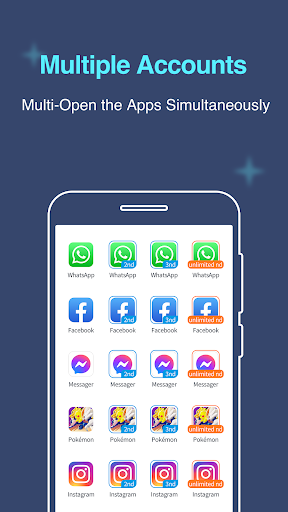
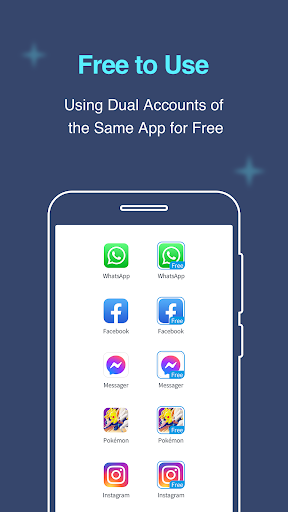
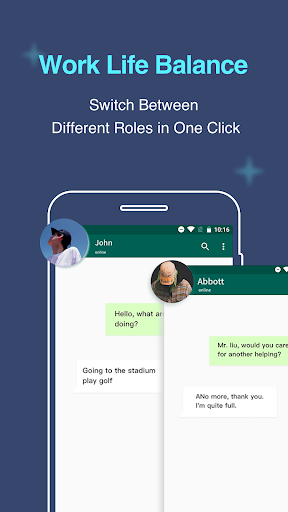

Clone social and gaming accounts for simultaneous use
1.Discontinued support for app cloning for apps that declare the REQUIRE_SECURE_ENV flag.
2.Fixed some known bugs.
3.Fully compatible with Android 16.
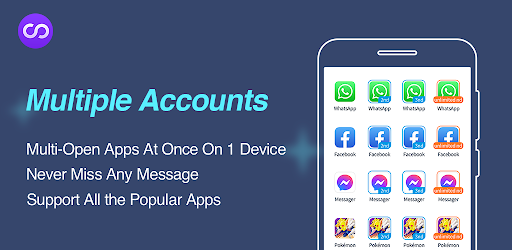
Managing separate digital identities often requires logging in and out of services repeatedly, but Multiple Accounts: Dual Space solves this by letting you clone installed applications and run two or more instances of them simultaneously on a single device. The app isolates the data of each cloned instance so that personal and work accounts—or multiple gaming profiles—do not interfere with one another. Unlike basic switching tools, it allows cloned messaging services and platforms to stay online at the same time, making it possible to handle distinct personal and professional workflows on one phone.
The core functionality relies on creating self-contained environments for cloned social, messaging, and gaming apps. When you duplicate an app like WhatsApp, Facebook, or Instagram, the secondary instance operates independently of the original. Accounts logged into cloned apps maintain their own separate database, login credentials, and local media. This complete separation prevents work contacts and corporate messages from blending into personal accounts, allowing you to maintain distinct digital profiles without carrying two physical devices.
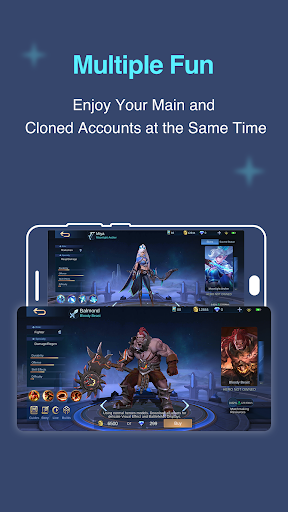
For mobile gaming, the app allows players to run multiple instances of titles such as FreeFire, Mobile Legends, LOL, or Rise of Kingdoms at the same time. This feature enables users to operate secondary or alt accounts simultaneously to support their primary profiles, manage different guilds, or double their gameplay activities on a single hardware setup. Because the instances run concurrently, you can switch between active game accounts without logging off.
To function properly, the app requests the same baseline system permissions as the original applications you choose to clone. It does not use additional internal system memory, battery, or mobile data on its own beyond what the cloned applications actively consume during operation. However, because each cloned app runs as a full instance, total resource consumption scales based on how many apps you duplicate and keep active. To ensure you receive incoming messages and alerts from secondary accounts, device-level notification permissions must remain enabled for the primary engine.
Upgrading to a VIP membership removes the standard two-account limit, enabling you to generate unlimited clones of the same app that operate online simultaneously. The VIP tier also includes targeted privacy utilities, such as a Security Lock to password-protect sensitive cloned applications. Additionally, a Secret Zone feature allows you to hide specific apps entirely, moving them out of the standard device view to keep private profiles hidden from casual inspection.
Your comment was submitted and is awaiting moderation.
Your comment was published.