App Screenshots

Internet connection speed testing tool
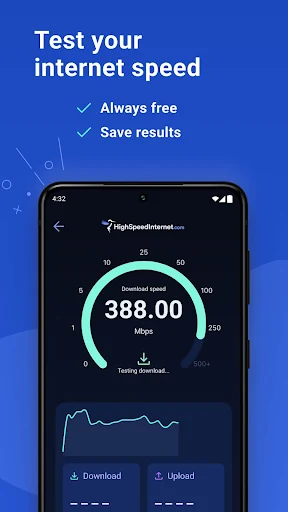
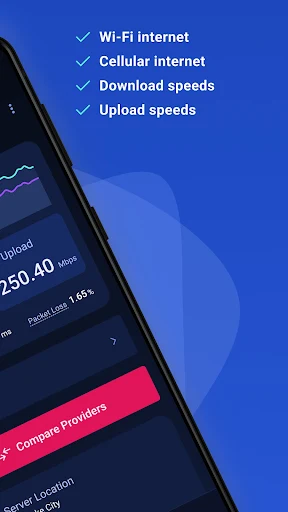
Troubleshooting home network performance or verifying if an internet provider is delivering advertised bandwidth requires reliable diagnostic data. Speed Test | HighSpeedInternet measures connection metrics across Wi-Fi networks—including DSL, fiber, cable, and satellite—as well as 5G, 4G, and LTE cellular connections. Beyond standard download and upload speed checks, the app features an adaptive bitrate video streaming test that evaluates network performance during video playback by downloading media chunks.
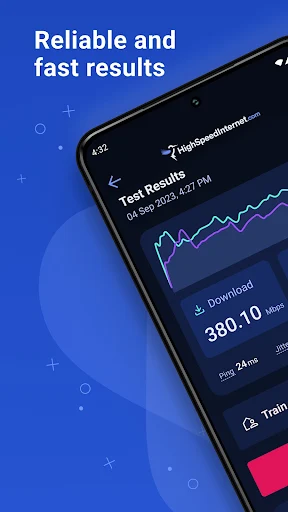
When a test begins, the app automatically selects a nearby server based on location to ensure accurate readings. It measures download speed by fetching a temporary file over the connection and calculating the time elapsed, reversing the process to assess upload speeds. Alongside bandwidth speeds, the diagnostic tool evaluates ping, jitter, and packet loss in real time to provide a complete picture of connection stability.
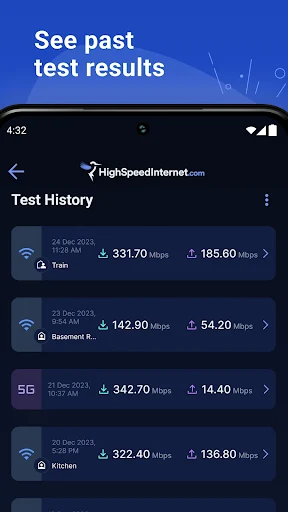
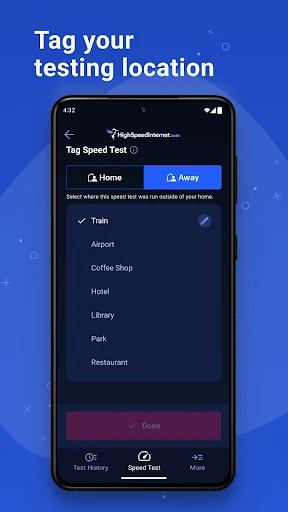
Every test result can be stored locally within the app to help identify performance trends over time. Users can tag individual entries using preset or customized location labels to distinguish between tests conducted at home, work, or other environments. For external analysis, the complete speed test history can be downloaded as a file or shared directly through email.
The app serves as a resource for evaluating internet service providers by allowing users to submit ratings and read reviews from other consumers. An integrated search tool helps locate alternative service providers operating within a specific area. Additional built-in resources include tips, troubleshooting guides, and FAQs designed to help resolve connectivity issues, alongside an option to invite contacts to test and compare their own network speeds.
Your comment was submitted and is awaiting moderation.
Your comment was published.