App Screenshots


Virtual private network proxy tool
Thanks for using Touch VPN! We appreciate all of your feedback and ratings. To provide better service, we update the app regularly.
In this release, we've fixed minor bugs and improved app stability.
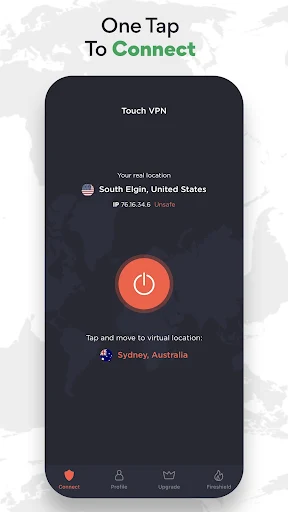
Public Wi-Fi networks in cafes, airports, and hotels often leave unencrypted internet traffic exposed to snoopers. Touch VPN – Fast Hotspot Proxy provides a straightforward solution by routing mobile data and Wi-Fi traffic through a secure, encrypted tunnel to mask your IP address and guard personal details like sign-ins and messages. Featuring a single-tap connection model, the app eliminates complex configuration while providing unlimited bandwidth for streaming, browsing, and managing large downloads without data caps.
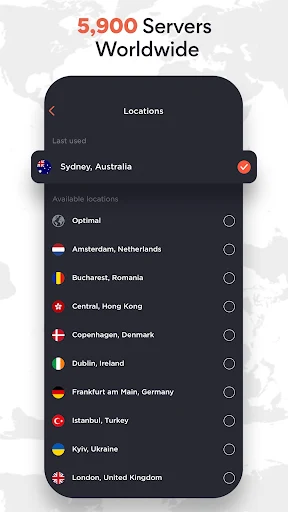
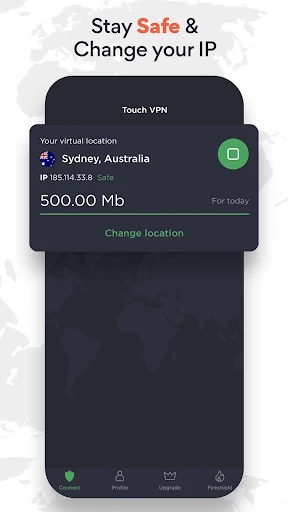
The app relies on banking-grade encryption to prevent third parties from inspecting your online activity across open or shared connections. Beyond securing data in transit, it masks your origin by assigning an alternative IP address based on the selected server region. This location-switching capability allows you to bypass geographic content restrictions. To confirm your active privacy status on public Wi-Fi, the app includes a status panel that displays whether your connection is protected, alongside your visible IP address, ISP, and geographic location.
Designed for continuous background use, the app does not restrict data consumption during long streaming sessions, app updates, or heavy file transfers. An integrated traffic counter shows real-time incoming and outgoing data, making it easy to monitor throughput during a session and decide whether to leave the tunnel active. Because routing traffic through remote locations can introduce latency, server distance and local network conditions directly affect performance. If speeds drop or buffering occurs during video playback, switching to a closer country server or executing a quick disconnect and reconnect refreshes the route to restore connection stability.
Your comment was submitted and is awaiting moderation.
Your comment was published.