App Screenshots
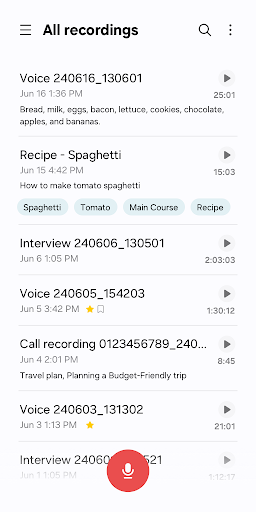
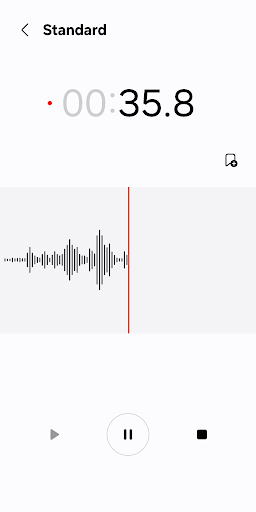
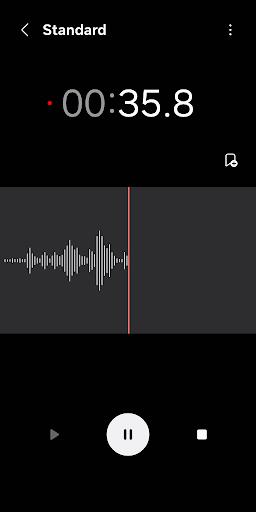
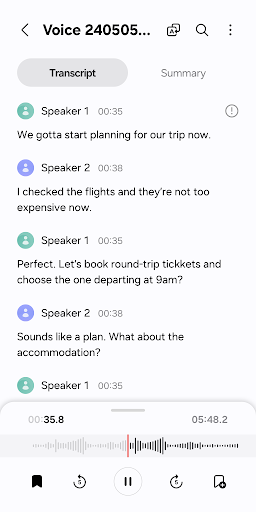

Tool for capturing and managing audio recordings
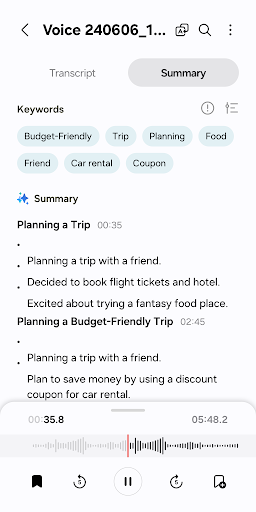
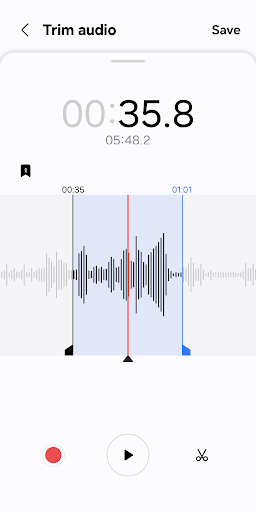
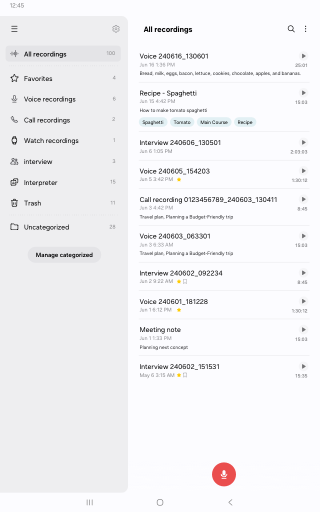
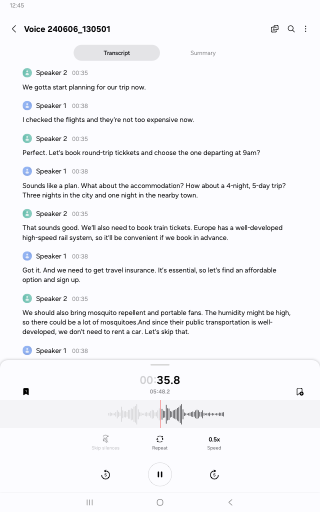
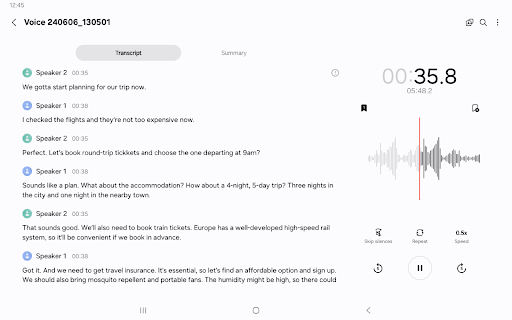
Capturing high-quality audio across different environments is seamless with Voice Recorder, a tool designed to capture sound directly from a device’s built-in microphone, a connected Bluetooth headset, or a compatible external mic. Beyond basic audio recording, the app manages and edits finished files, allows text edits for transcribed audio, and shares specific clips or transcriptions with other applications. Distinctive recording modes tailor the hardware setup to the environment, while integrated bookmarking lets you tag key moments in real time for instant playback or isolated collection.
The app adapts its input handling based on the context of the recording. In General mode, it captures standard audio while displaying a real-time waveform of the input. Switching to Interview mode activates the microphones located at both the top and bottom of the device, capturing the distinct voices of two participants simultaneously. This dual-microphone setup generates separate audio waveforms for each person, allowing individual playback control over each side of the conversation.
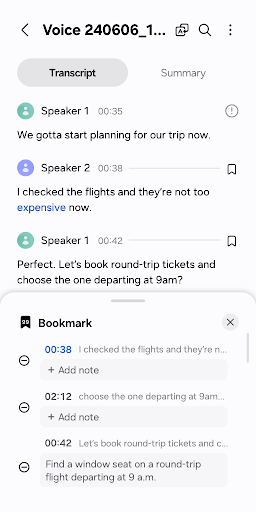
Long recording sessions remain easy to navigate thanks to built-in bookmarking capabilities. Users can place markers at critical moments while audio is actively being recorded, making it simple to locate important segments later. The app allows for immediate playback of these tagged markers or the ability to gather bookmarked snippets into a single collection. When exporting or sending files to other software, you can select and share only the specific audio clips or transcribed text needed, rather than transferring the entire file.
To prevent interrupted takes, the app includes a feature to block incoming calls during active sessions, enabling continuous recording without answering the phone. It also accommodates diverse recording gear, allowing users to switch between the default microphone, paired Bluetooth headsets, and external mics depending on the hardware available. Hardware capabilities, specific features, and optional permissions—such as access to nearby devices for Bluetooth headset detection or call logs for importing past recordings—depend on the specific device in use.
Your comment was submitted and is awaiting moderation.
Your comment was published.