App Screenshots
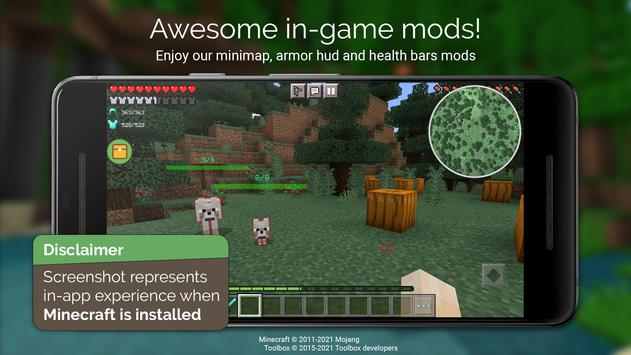
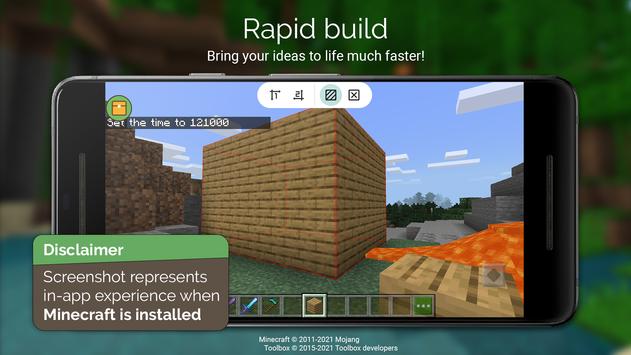
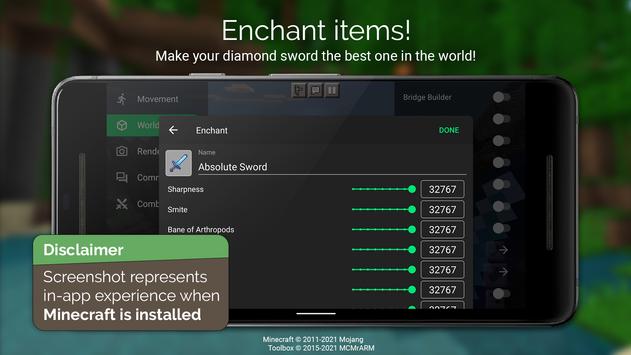
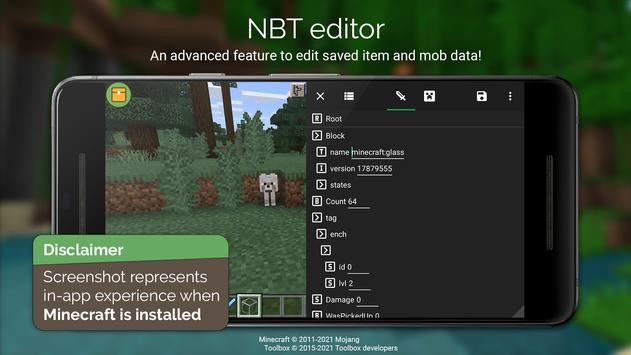

In-game utility menu for quick world management.
5.4.57
* 1.20.81 support!
Modifying a world usually requires leaving the session or typing out repetitive chat commands. Toolbox for Minecraft: PE addresses this by inserting an interactive overlay button directly into active gameplay. By tapping this floating control, players can alter environmental conditions, manage their inventory, and toggle visual overlays on the fly. It streamlines testing for builders, simplifies navigation for explorers, and provides immediate access to item generation and enchantments without interrupting the game loop.
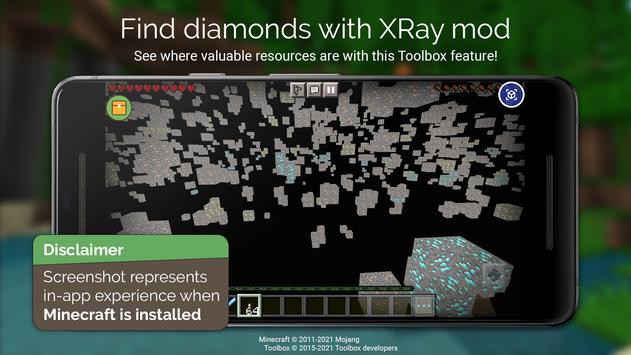
The main entry point for the utility is a customizable floating icon displayed over the game interface. Selecting this icon opens a menu that provides instant access to common adjustments. Players can toggle visual features like X-Ray to locate subsurface ore deposits or activate Fullbright to illuminate dark cave systems. The menu also includes navigation tools, such as an on-screen minimap, coordinate jumps, and instantaneous teleportation to streamline movement across large maps.
For large-scale construction and testing, the app provides tools designed to reduce physical placement time. The Rapid Build function accelerates block placement over expansive areas, aiding in the construction of long walls, floors, or structural frames. Coupled with extended Reach capabilities, players can interact with and place blocks at a greater distance than default controls allow. This minimizes the need to build temporary scaffolding when constructing tall structures or routing complex redstone layouts.
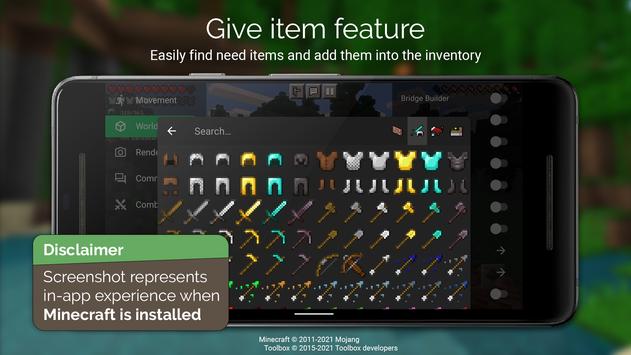
Beyond visual and movement aids, the overlay includes direct controls for world state and player parameters. A searchable menu allows users to grant themselves specific items, apply active status effects, or add enchantments directly to equipment. World settings can also be modified in real time, allowing players to toggle weather patterns, adjust the time of day, switch game modes, or enable flight to inspect builds from any angle.
Your comment was submitted and is awaiting moderation.
Your comment was published.