App Screenshots


Virtual space for Google services
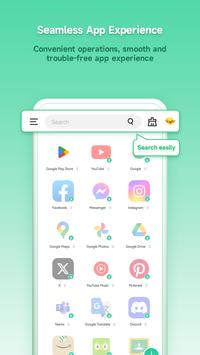
Accessing Google services and downloading popular software can be difficult on devices without Google Play services pre-installed. GBox solves this by creating a virtual environment on your device with built-in GMS (Google Mobile Services). It lets you open Google Play, search for applications like YouTube, Google Maps, Gmail, WhatsApp, and Instagram, and run them directly within a secure virtual space. You can also log into multiple accounts for the same application simultaneously without needing to root your device.
Because the app comes pre-installed with GMS kernel services, it functions as an isolated Google space on your phone. You can access the Google Play Store from inside this environment to download tools and social media services, or directly import existing APK and XAPK files for one-click installation. The virtual environment ensures that applications relying on Google services run properly without requiring system-level modifications.
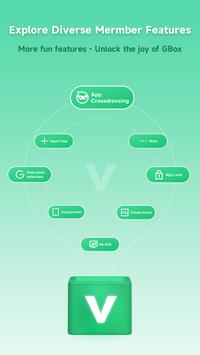
To ensure compatibility across different software requirements, the app provides a virtual machine simulation feature that can imitate popular device models from manufacturers like Samsung, Xiaomi, Oppo, and Vivo. Users can also switch between MicroG and standard GMS kernel services depending on what a specific tool needs to run correctly.
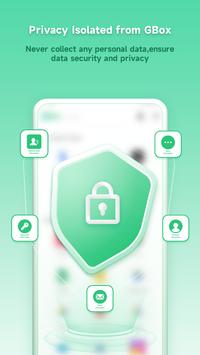
The virtual space doubles as a privacy manager. You can import sensitive content, such as private photos and videos, into an isolated area protected from unauthorized access. An integrated App Lock feature lets you secure specific applications with passwords or fingerprint authentication. For additional privacy, an application disguise function allows you to change the names and icons of apps running inside the environment. Installed software receives automatic updates sourced directly from the Google Store to maintain current builds.
Your comment was submitted and is awaiting moderation.
Your comment was published.