App Screenshots
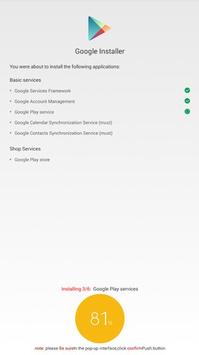
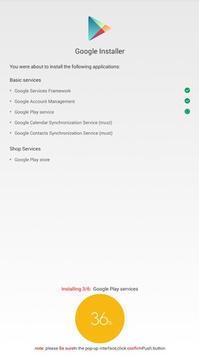
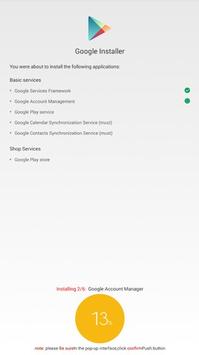
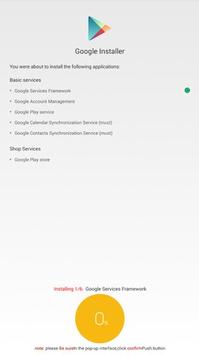
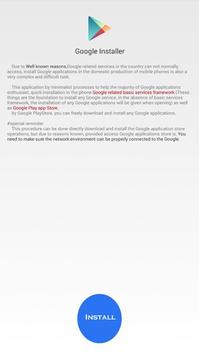

Guided setup tool for core system components
Devices that ship without Google services often struggle to handle basic account management and background synchronization. Google Installer solves this setup challenge by automating the installation sequence of core Google components on phones missing them out of the box. Designed by Eric Xiang, the app arranges the necessary software in the correct order to minimize system conflicts and duplicate files. With a small footprint that operates without requiring root access for standard installations, it provides a guided workflow with clear progress indicators and retry options if a step fails.
Installing core system frameworks manually can lead to duplicate packages and sign-in errors if done out of order. Google Installer structures the entire setup into a single sequence, deploying Google Services Framework, Google Account Manager, Google Play services, and Google Calendar Sync in their proper order. The app presents simple on-screen prompts so you can track what is being added at each stage and know exactly when it is safe to proceed to the next component.
While the app works across many ROMs lacking Google Mobile Services, it is specifically optimized for Xiaomi and MIUI hardware. These devices frequently arrive with regional software builds that omit essential background services, causing sync errors or crashes when users attempt to add Google apps later. By removing existing duplicates and managing the installation chain directly on these systems, the tool restores normal sign-in and data synchronization. If any component encounters an issue during setup, the clear step-by-step indicator highlights where the process stalled, allowing you to retry the specific step before performing a reboot to finalize the configuration.
Your comment was submitted and is awaiting moderation.
Your comment was published.