App Screenshots





Motion and charger security alarm
🎁 Your free app
Watch a short video to get time without ad interruptions. Watch up to 3 videos a day.
🔥 Daily streak
Watch on consecutive days to earn bonus time.
🛡️ Intruder Selfie
A short video in the pop-up now shows how Intruder Selfie catches the person touching your phone.
🐛 Easier to tap
Buttons in pop-ups stay visible, also on small screens.
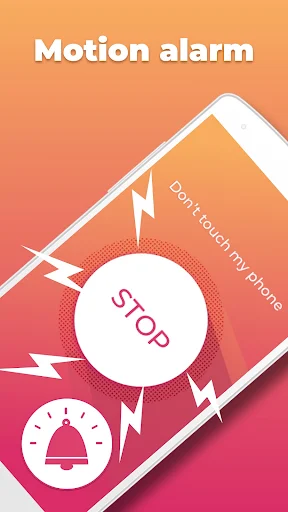
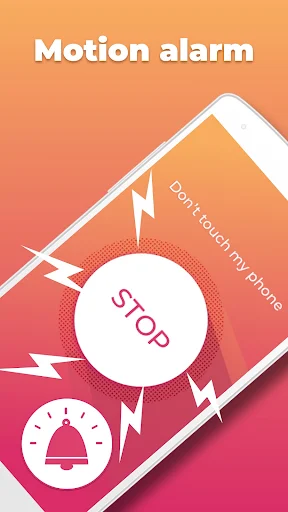
Protecting a mobile device from unauthorized physical access or theft relies on immediate feedback when someone tampers with the hardware. Don’t Touch My Phone: Alarm serves as a specialized security system that triggers an immediate acoustic alert if a device is moved, unplugged, or removed from a pocket. Beyond simply sounding a loud horn, the app captures an intruder photo to document who attempted to access the device without permission, providing concrete visual evidence of unauthorized handling.
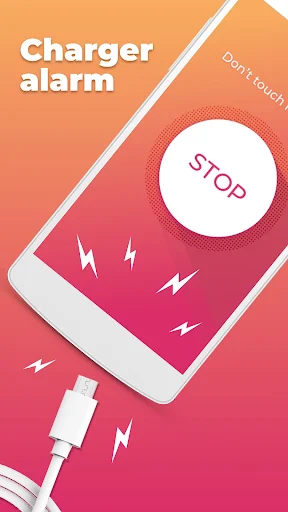
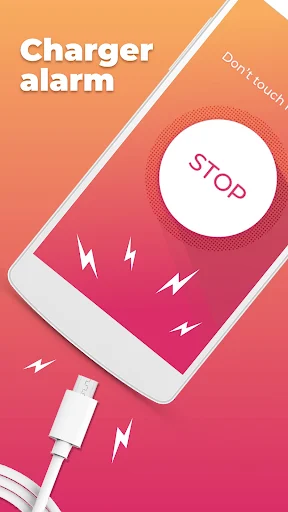
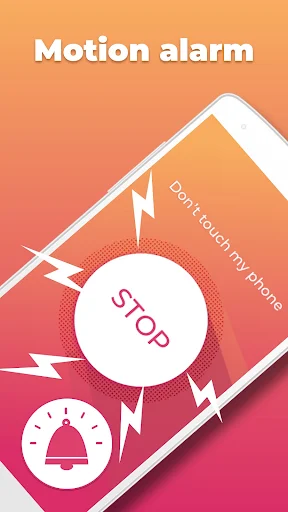
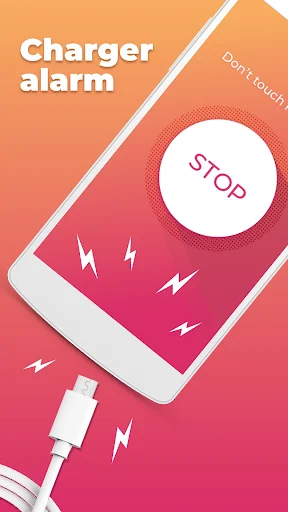
The software monitors physical telemetry to catch unauthorized movement. When configured, an anti-touch motion sensor detects when the device is lifted off a flat surface such as an office desk or nightstand. Additional dedicated sensors activate an alert if a thief pulls the device out of a pocket or disconnects the charging cable. To prevent an intruder from silencing the device immediately, the system overrides quiet profiles, maintaining the alert at maximum output even when silent mode is turned on. It also prevents the volume from being turned down while the alarm is active.
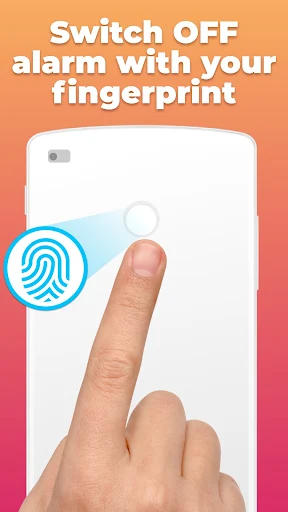
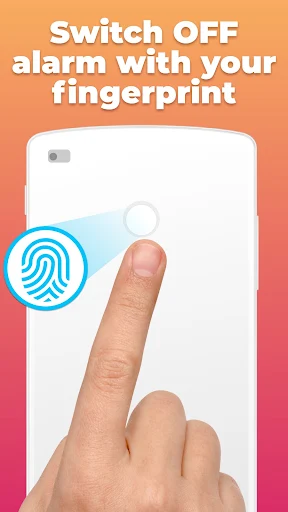
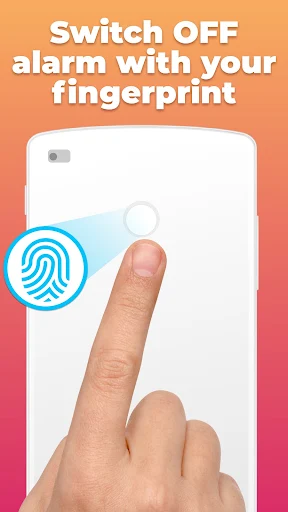
Deactivating the alert requires proper credentials, preventing casual users or thieves from quickly disarming the system. Security can be tied to a standard PIN code or authenticated using fingerprint recognition. Users can also configure a delay between the moment motion is detected and the time the alert sounds, allowing legitimate owners a buffer to unlock their own devices safely.
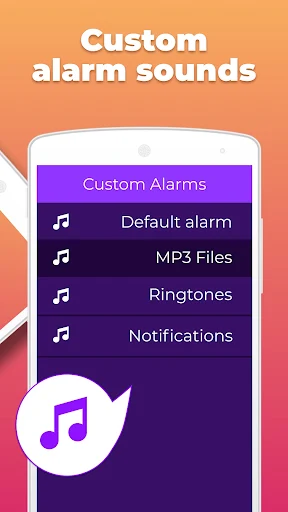
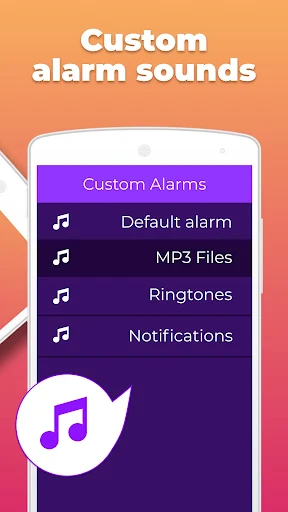
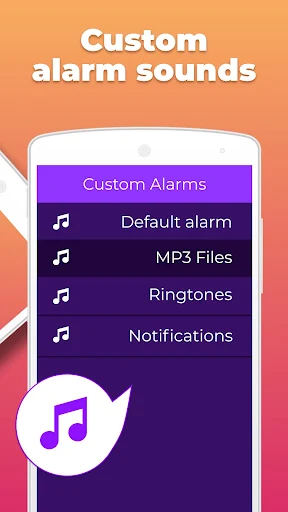
Audio options extend to personal sound profiles, allowing users to record custom voice clips to replace default alarm sounds. For visual feedback in dark environments, the system can flash the device’s light when the motion detector is tripped.
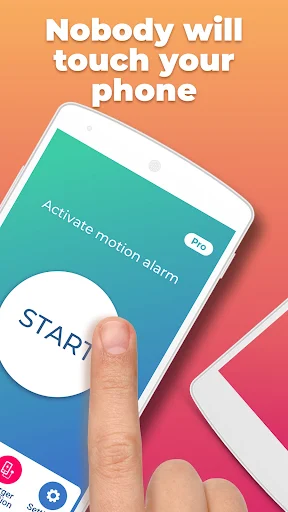
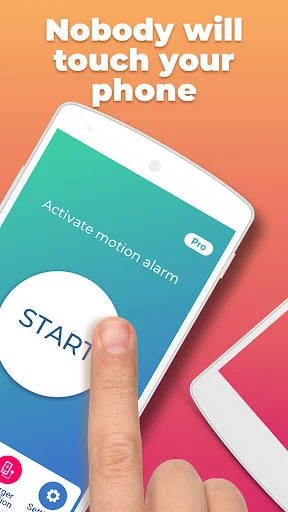
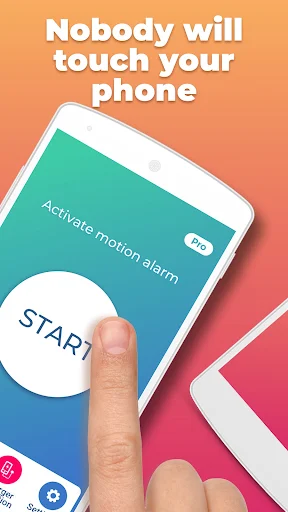
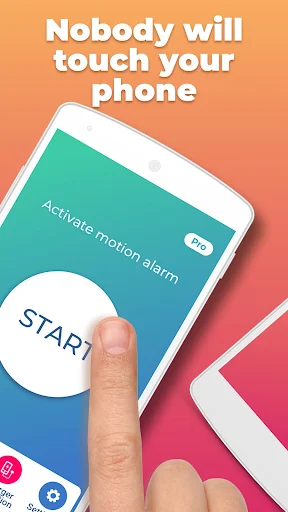
Arming the protection system requires minimal setup. The user taps the start button inside the interface, sets the device on a stable, fixed surface, and locks the screen. Once placed, the sensors calibrate to the device’s stationary position. Any subsequent tilt, movement, power cable disconnection, or pocket removal immediately trips the configured response, keeping the app running in the background to ensure continuous coverage.
Your comment was submitted and is awaiting moderation.
Your comment was published.