App Screenshots
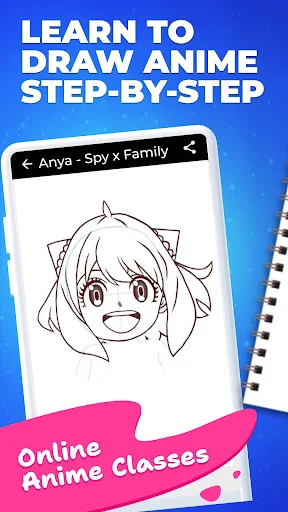
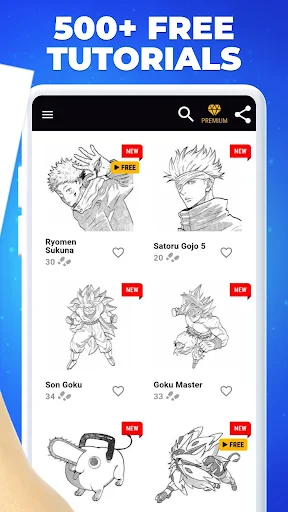
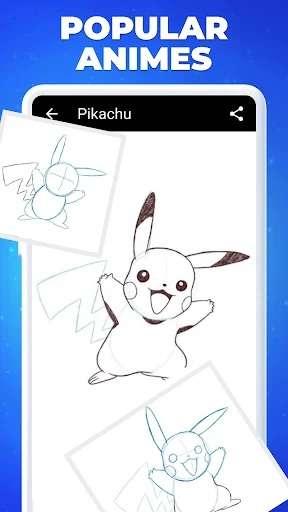
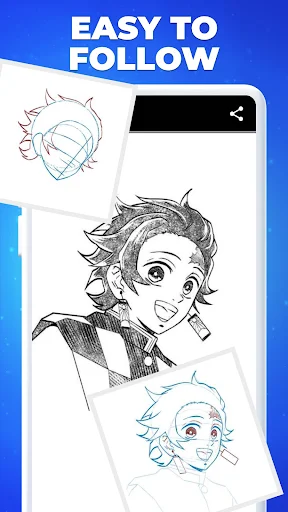
Step-by-step anime drawing tutorials
🎨 Community Gallery – share your drawings and rate other users’ art
📺 Now available on Android TV – learn how to draw anime on your TV screen
📥 Offline version – tutorials download only when needed to save phone memory
🥽 Upload your illustrations
✨ and trace your image step by step
❤️ Thank you for your support and comments
How to Draw Anime provides structured drawing and coloring tutorials designed to teach users how to sketch anime-style characters and other subjects. The app breaks down the artistic process into step-by-step visual guides, allowing users to move from basic outlines to detailed figures. Alongside standard drawing instructions, it features an Augmented Reality (AR) drawing mode to assist with tracing and proportioning, as well as offline access for select downloaded content.
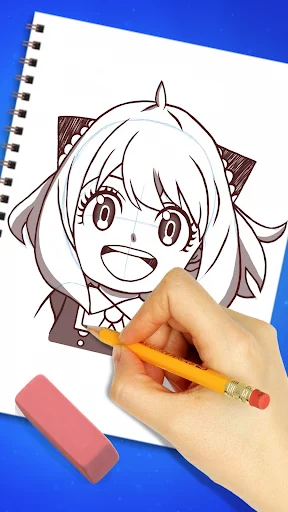
The core functionality centers on guided lessons that divide complex character art into manageable phases. Users select a lesson and follow consecutive stages to build a complete drawing, making it possible to practice lines, proportions, and character details systematically. To assist with physical practice, the app includes an AR Drawing mode. This tool projects the selected visual guide onto a real-world surface through the device camera, allowing artists to trace lines directly onto physical paper to improve hand-eye coordination and muscle memory.
While the app focuses heavily on popular anime character designs, its library extends into additional subject matter, including tutorials for drawing animals and vehicles. The lessons cater to varying skill levels, ranging from foundational beginner exercises to intricate designs aimed at practicing more advanced techniques. Once the line work is complete, dedicated coloring tutorials provide clear references for adding shading and color palettes to the artwork, taking the project from a rough sketch to a finished illustration.
To support practice without an active internet connection, the app allows users to download specific tutorials for offline access, a feature tied to its premium options. Artists can also bookmark their preferred lessons into a personal favorites list, making it easy to return to specific characters or subjects for repeated practice without searching through the full catalog.
Your comment was submitted and is awaiting moderation.
Your comment was published.