App Screenshots

Network path selector for mobile games
• Added support for foldable phones
• Improved layout on tablets and in landscape
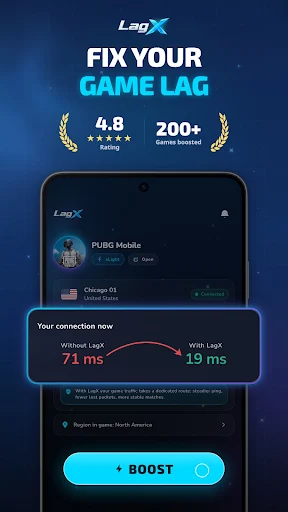
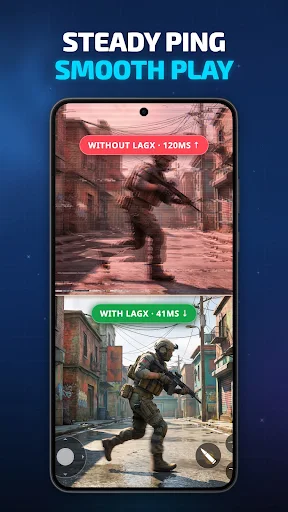
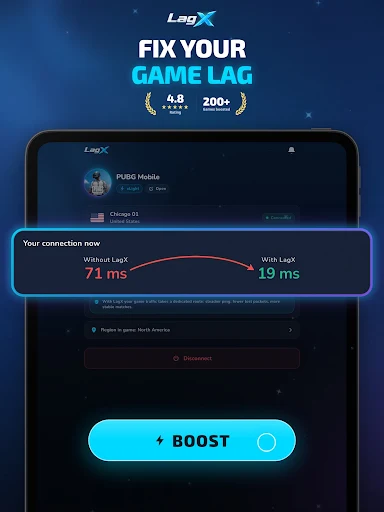
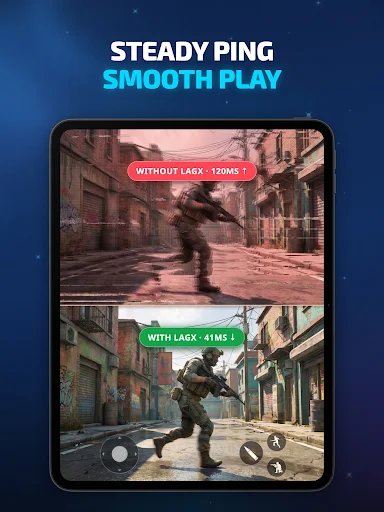
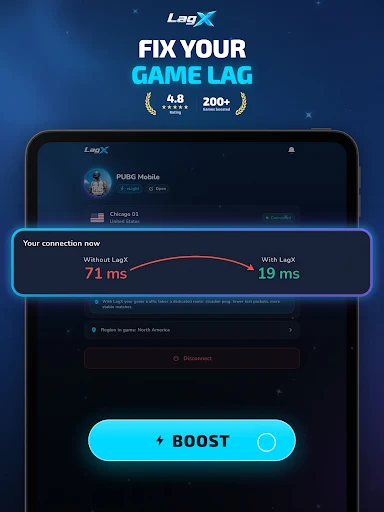
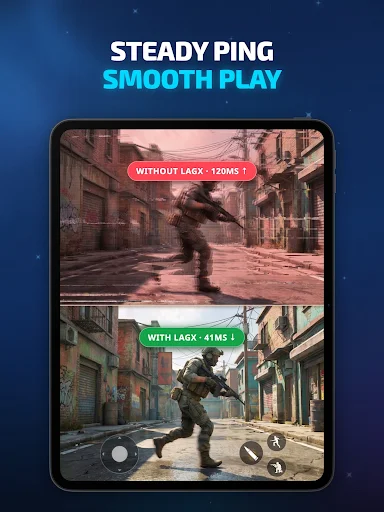
• Added a comparison of your ping without LagX and with LagX
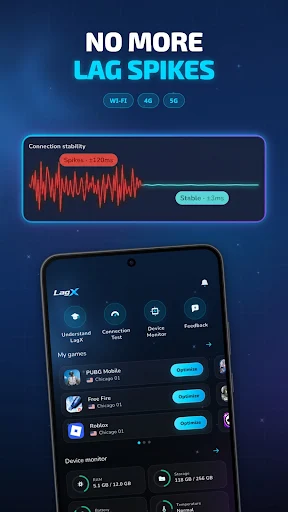
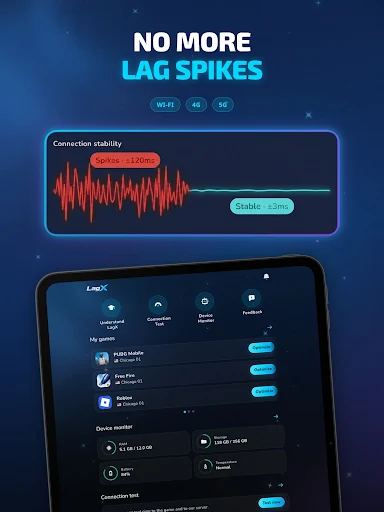
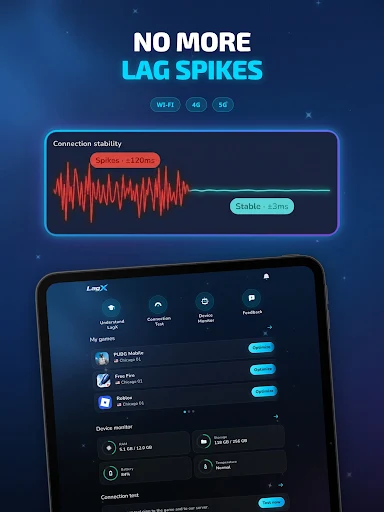
• Improved connection stability
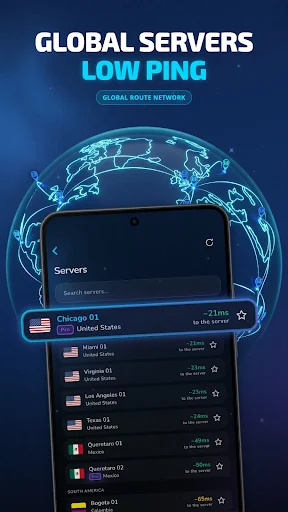
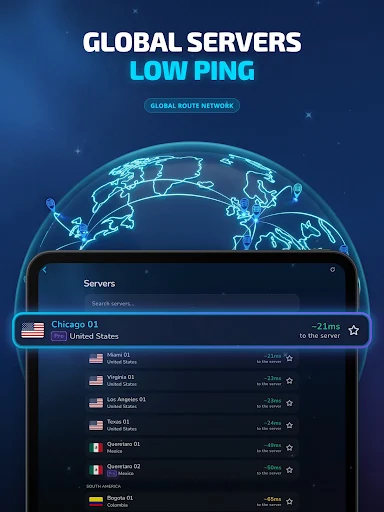
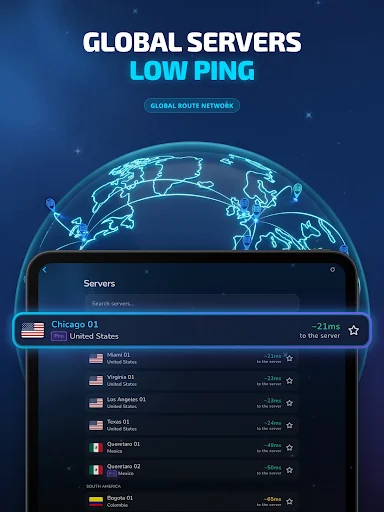
Mobile network routing often sends data through inefficient default paths, leading to unexpected ping spikes and unstable latency during competitive online matches. LagX: Game Ping Optimizer is an app designed to bypass these standard routes by tunneling only your game traffic through dedicated servers across the Americas, Europe, Middle East, and Asia. Players can select a supported title, choose a specific server region, and monitor connection metrics in real time before entering a match, helping them find a lower-latency path without affecting the rest of their device’s internet traffic.
Standard internet service provider routes are built for general data delivery, which does not always align with the location of specific game servers. The app lets users manually select alternative network paths and observe the resulting changes via an integrated live connection monitor. This real-time tracker displays current ping and connection quality metrics prior to joining a match, allowing users to compare the default route against alternative options to reduce packet loss and latency spikes.
To avoid unnecessarily rerouting standard web activity, the app uses Android’s VpnService to create a targeted network tunnel. Its Smart Split Tunnel feature isolates mobile game traffic so that only data from the selected title flows through the encrypted LagX server path. All other background apps, web browsers, and system services continue to use the phone’s standard internet connection, preserving normal network behavior for non-gaming tasks.
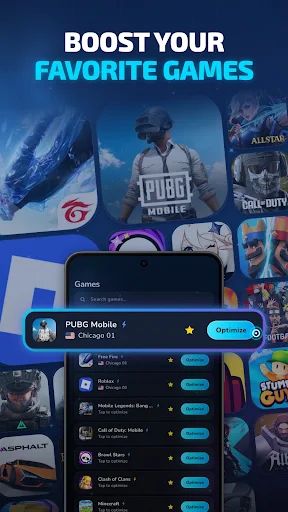
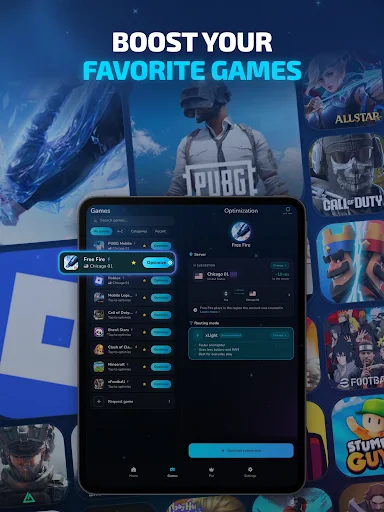
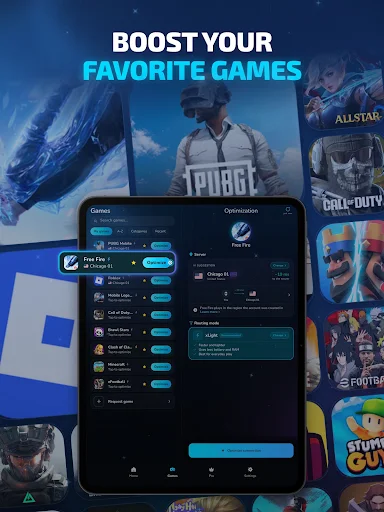
The app supports over 200 titles, including Free Fire, PUBG Mobile, Mobile Legends, Call of Duty Mobile, Brawl Stars, eFootball, EA FC, Genshin Impact, and all Roblox experiences. Once a user selects a title, picks a server region, and taps to connect, the application operates quietly in the background during long play sessions. Game data sent through the custom path is encrypted between the device and the destination server without collecting, storing, or sharing browsing data.
The app includes daily free play time without requiring a subscription. For extended or continuous use, users can access flexible subscription plans or a free trial. If a free trial is active, the associated subscription charge applies on the final day of the trial period, after which plans renew automatically at the end of each billing cycle unless canceled at least 24 hours prior to the renewal date. Actual ping improvements vary depending on the specific game, local network conditions, and physical distance from the chosen server.
Your comment was submitted and is awaiting moderation.
Your comment was published.