App Screenshots

Router configuration and Wi-Fi management tool
Highlights:
✨ Router model DN8245X6 support
✨ Router model Green Packet IL-410TD-A support
✨ Performance enhancements
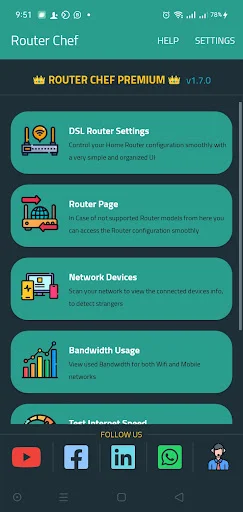
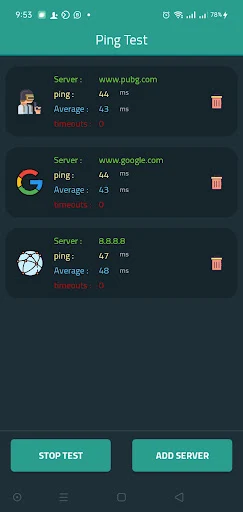
Managing home internet hardware typically requires navigating complex router administration menus, but Router Chef simplifies access to core network settings from a single mobile interface. The app provides a direct way to view and change Wi-Fi details, manage connected devices, check DSL line statistics, and reconfigure settings after a factory reset. Its ability to quickly toggle anti-porn DNS configurations and monitor internet data usage makes it a practical utility for basic network administration across a wide range of router models.
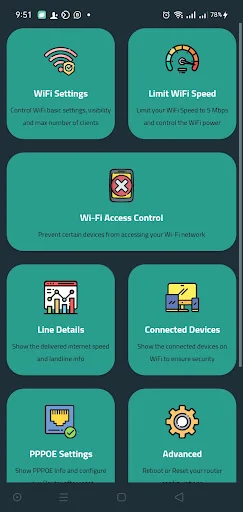
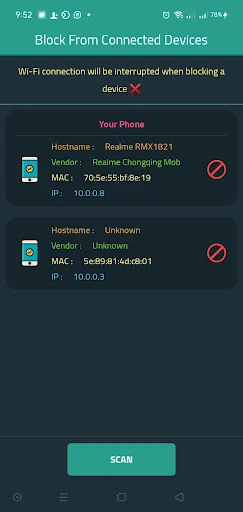
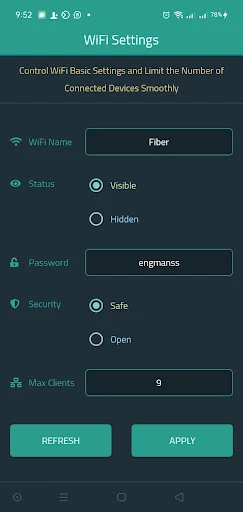
Users can inspect current wireless settings, change the Wi-Fi network name (SSID) or password, and adjust signal strength. To prevent network congestion or unauthorized access, the app allows setting a hard limit on the maximum number of simultaneously connected devices. It also provides options to view all currently active devices on the network and cap overall Wi-Fi speeds at 6 Mbps.
The software streamlines hardware maintenance by offering one-touch commands to reboot the device or restore it to factory defaults. Following a reset, users can enter their ISP credentials directly through the app to restore internet connectivity without opening a traditional desktop browser. It also grants direct access to the standard router configuration page when deeper setting adjustments are required.
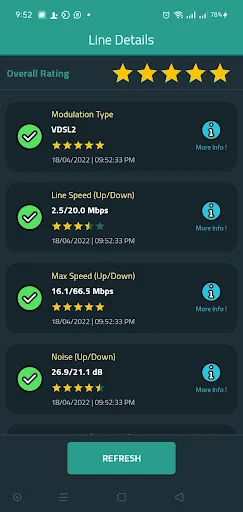
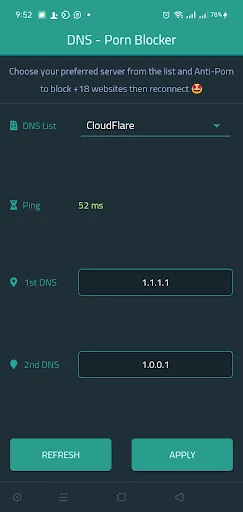
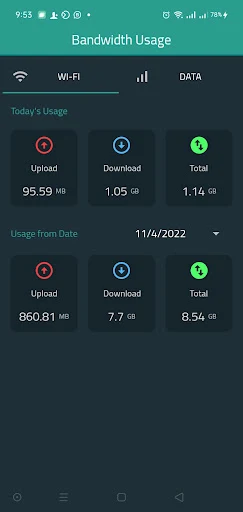
For troubleshooting connection issues, the app displays real-time DSL line info to help assess line quality. On the security side, users can swap DNS servers, including built-in anti-porn DNS options designed to filter unwanted web content. Additionally, built-in tracking features display daily internet usage metrics or log data consumption starting from a specific date.
The utility works with a specific selection of popular router hardware. Compatible models include Huawei DN8245V, DG8045, HG630V2, HG633, and HG531V1; ZTE H188A, H168N, and H108N; TP-Link TD-W9960, TD-W8968, VR600, VR400, and VR900; as well as the VN020F3, VMG3625, and TotoLink ND300.
Your comment was submitted and is awaiting moderation.
Your comment was published.