App Screenshots

Shift work calendar and schedule manager
• In-App Search: Looking for a specific shift? Our new search finds it instantly, even with phrases like “Morning September”.
• Recent Events: Adding the same appointment again? Pick a past event and title, time and calendar are filled in.
• Recent Locations: Always heading to the same places? Supershift now remembers your locations, just a tap away.
Shift workers often face unpredictable schedules, split duties, and complex rotations that generic calendar tools fail to handle efficiently. Supershift Shift Work Calendar is a specialized schedule management app that allows users to map out intricate work patterns, track shift-related metrics, and view their commitments without creating an account. Built to operate completely offline with local device storage, it provides a direct, privacy-conscious solution for organizing complex work lives across medical, emergency, manufacturing, and transport fields.
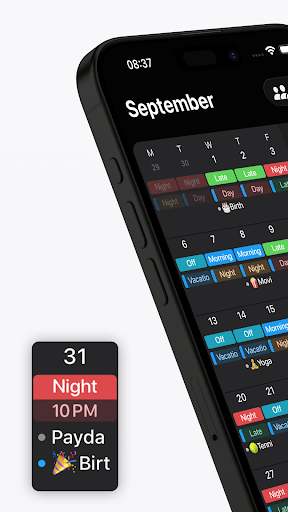
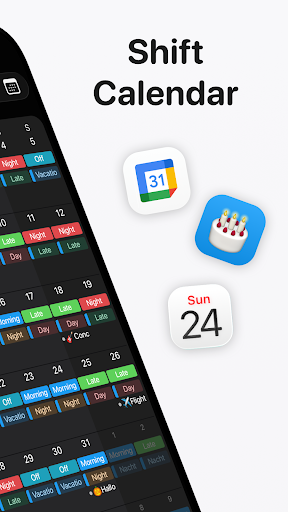
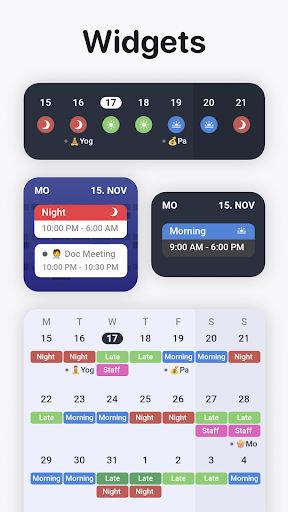
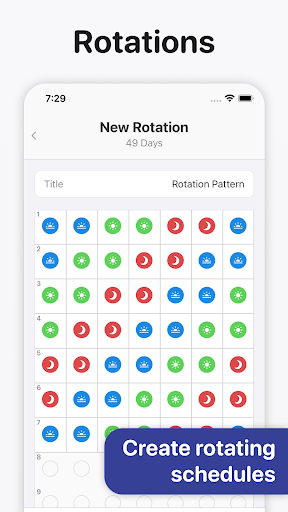
Instead of manually entering every working day, users can define a recurring shift rotation once and project it up to two years into the future. The system natively supports standard industry rotations such as 4-on-4-off, DuPont, Pitman, Panama, Continental, and 2-2-3 patterns, while also accepting custom multi-week arrangements. For days requiring split shifts, second jobs, or main duties paired with on-call shifts, the calendar allows multiple entry types on a single date. Custom colors and icons can be assigned to each shift type, making a full month recognizable at a single glance, alongside an eye-friendly dark mode tailored for night-shift environments.
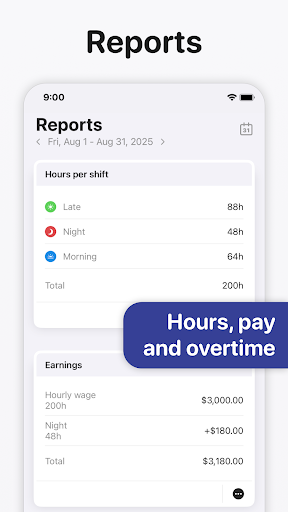
Beyond basic scheduling, the app functions as a log for calculating work-related data over time. Users can monitor accumulated hours per shift type, track total shift counts for categories like vacation, sick leave, or training days, and tally extra metrics such as overtime and shift differential pay. Having these calculated metrics available makes it straightforward to verify payroll checks and simplify tax preparation at the end of a financial period.
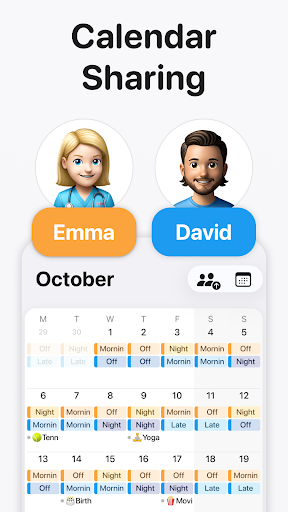
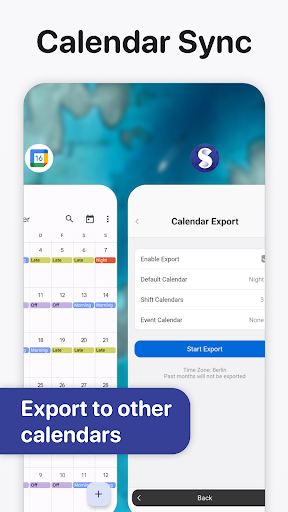
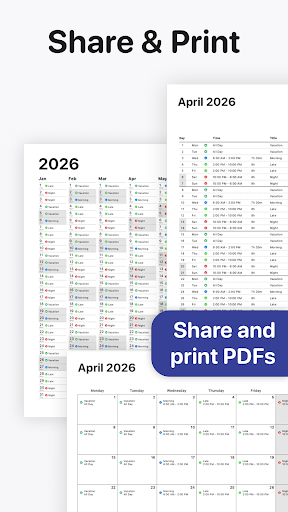
To keep family, friends, or coworkers updated, schedules can be shared directly to coordinate swaps or check mutual availability. While the base app functions entirely offline, an optional cloud sync feature is available to keep data aligned across multiple personal devices and facilitate data restoration during hardware upgrades. Upgrading to the Pro tier unlocks additional integration and reporting features: users can export their shift pattern directly to Google Calendar, overlay personal events and appointments from external calendars onto their shift grid, or generate formatted PDF monthly calendars complete with break times, notes, locations, and total hours worked.
Your comment was submitted and is awaiting moderation.
Your comment was published.