App Screenshots
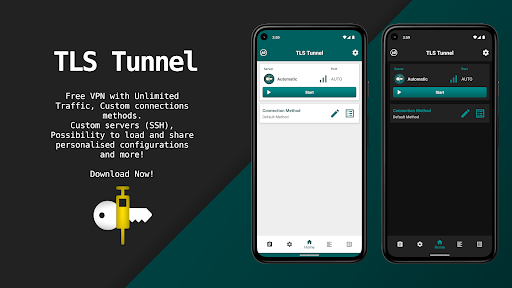
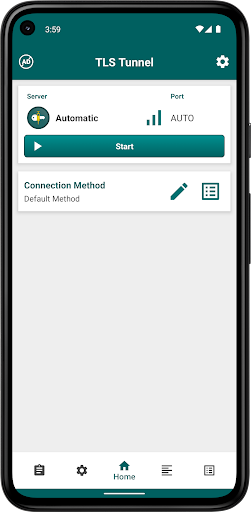
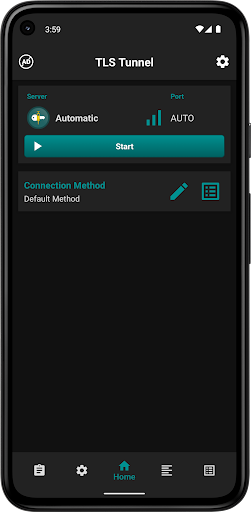
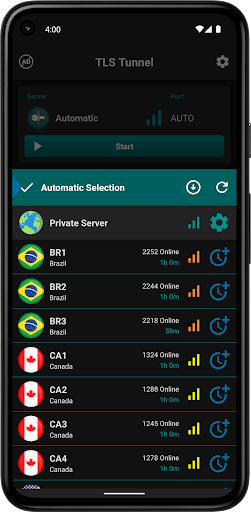

Secure TLS networking tunnel tool
Lib updates
Routing internet traffic through custom or pre-configured proxies is straightforward with TLS Tunnel: Fast Secure VPN, a privacy-focused networking app. Built using a self-developed protocol running on TLS 1.3 with a TLS 1.2 fallback, it encrypts connections and validates certificates to protect against interception on untrusted or filtered networks. Users can connect instantly using official servers without registering an account, or configure private SSH servers for granular control over network traffic.
The underlying TLSVPN protocol protects traffic by relying on TLS 1.3 by default. If a restrictive network blocks or interferes with strict TLS 1.3 handshakes, the app can fall back to TLS 1.2 to restore connectivity without dropping encryption. To counter man-in-the-middle threats from rogue captive portals or injected proxies, the app performs certificate validation even on self-signed certificates, maintaining end-to-end security while routing data.
Official servers require no signup process or payment before establishing a connection. Once connected, a key icon appears in the status bar to signal that the tunnel is active. Official servers forward all IPv4 protocols automatically, ensuring standard web browsers, social apps, and online services function without manual adjustments. If the OS aggressive battery-saving features trigger reconnection loops when the window is minimized, granting background activity permissions helps maintain continuous server links.
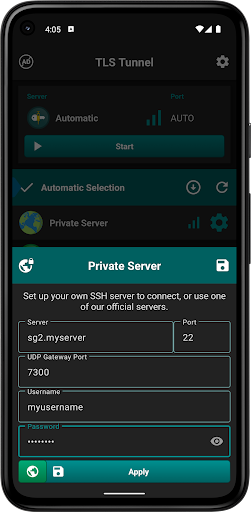
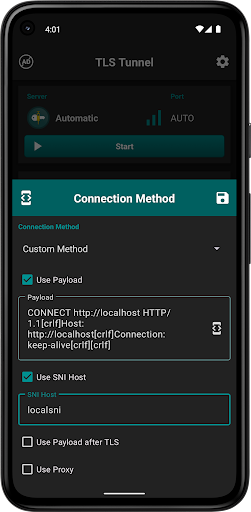
Power users can direct their traffic through personal SSH servers over standard port 22. This mode allows custom Server Name Indication (SNI) settings and custom connection text to bypass network restrictions that shape traffic based on hostnames or protocols. By default, SSH connections only route TCP traffic, which means UDP-dependent services will not function unless a server-side gateway like badvpn-udpgw is deployed. Inter-user IP communication over official servers remains disabled by default for safety, but can be generated in-server when explicitly needed.
Your comment was submitted and is awaiting moderation.
Your comment was published.