App Screenshots
Trace photos to sketch and paint artwork
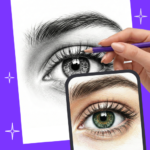
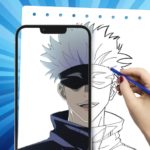
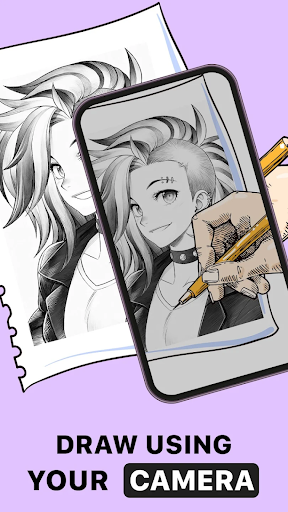
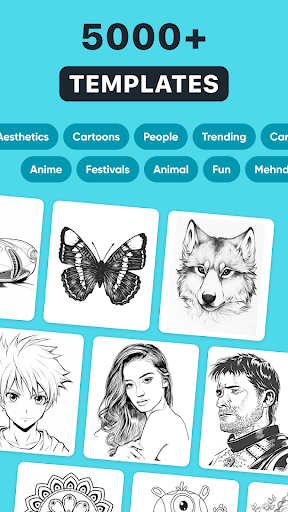
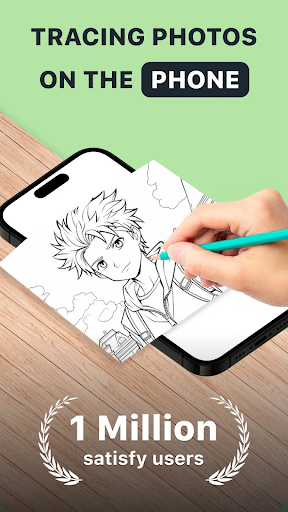
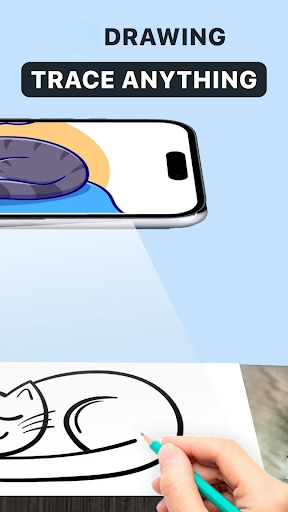
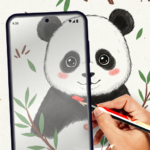
Trace Drawing: How To Draw is an art and design app that turns digital images into traceable outlines for physical drawing practice. Designed to help users hone their sketch work without needing bulky supplies, the tool projects transparent line overlays from pictures selected in your device gallery or the provided library onto your screen. You can align a blank sheet of paper with the projected image to guide your manual lines, customizing the image transparency to suit your drawing workflow.
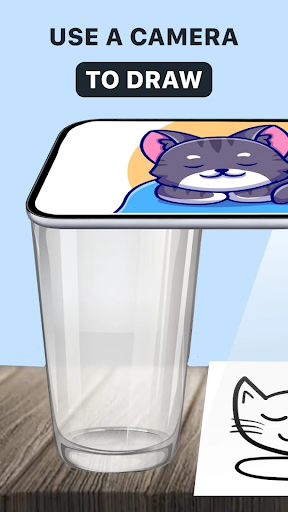
The primary workflow relies on an augmented reality tracing feature that converts imported photos into line sketches. Once an image is loaded, you can adjust its transparency and line effects to create a visible blueprint on your screen. Laying paper over your display or positioning your phone above your sketchbook lets you trace the generated outline line by line, providing a practical framework for practicing proportions, intricate designs, or character art.
Beyond simple sketch guidance, the app includes a dedicated capture feature for recording your creative process. As you trace and color an image, you can record a time-lapse video of your drawing session. This enables you to document your progress over time, build step-by-step drawing demonstrations, or generate short videos to share your creative process with others.
Your comment was submitted and is awaiting moderation.
Your comment was published.