App Screenshots
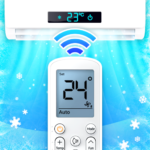
Air conditioner remote controller
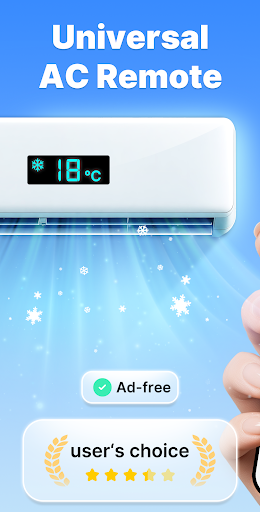
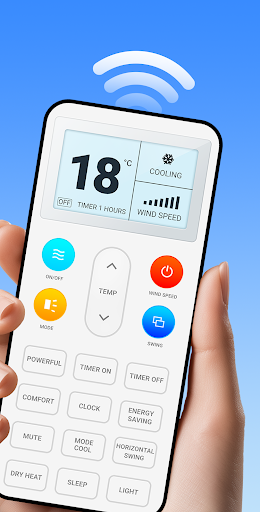
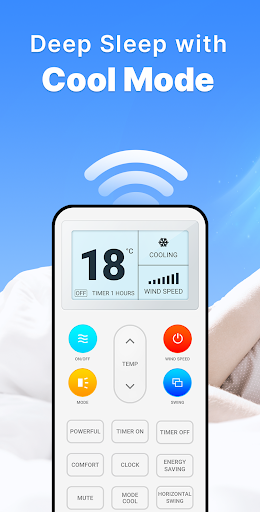
Universal AC Remote Control turns a mobile device into an air conditioner remote by taking advantage of an infrared emitter. It acts as a direct replacement when a original physical controller is lost or out of reach, letting users operate essential cooling functions right from their phone without connecting over Wi-Fi or setting up a home network. The control interface consolidates routine actions—including power, temperature adjustments, mode switching, fan speed, swing direction, and timer settings—into a single layout for everyday convenience.
The app relies strictly on an integrated IR Blaster to send commands to an air conditioner. Because signal transmission depends entirely on hardware, the phone must contain a built-in infrared emitter to function; software alone cannot transmit the required remote signals. Operating the app mirrors the use of a traditional remote, requiring a clear line of sight between the top of the phone and the receiver on the AC unit. If a device lacks an infrared emitter, the app can open, but it will not control any air conditioning equipment.
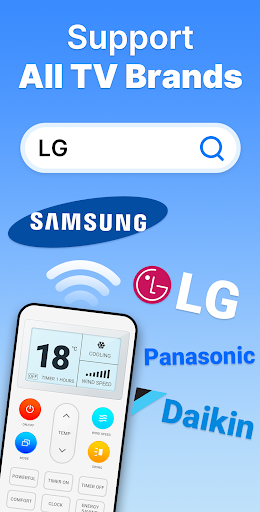
Users set up control profiles by selecting their specific air conditioner manufacturer from a broad list of supported brands, which includes Samsung, LG, Daikin, Haier, Panasonic, Voltas, Hitachi, Whirlpool, Toshiba, Mi, and Sharp. To ensure compatibility before daily reliance, the setup flow includes interactive test buttons to verify if the AC unit responds to the signals of the selected profile. If an exact model profile is not immediately obvious, the configuration system allows scanning through available code sets until the matching commands are identified.
Once a compatible profile is identified and saved, the main screen provides access to primary climate settings. Users can adjust room temperatures, toggle between cooling or heating modes, set off timers, modify fan intensity, and adjust airflow swing angles. While this covers most daily adjustments, access to specific advanced features depends on the exact model of the air conditioner and the depth of the chosen profile.
Your comment was submitted and is awaiting moderation.
Your comment was published.