App Screenshots
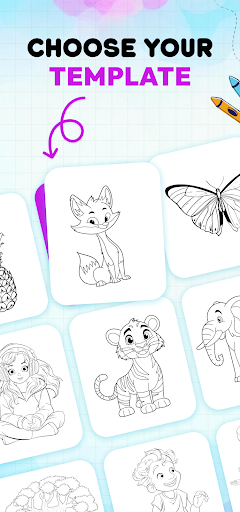
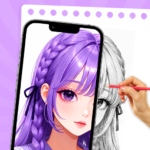
Camera tracing and sketching assistant
🌟 More Anime and Drawing Templates – Discover exciting new sketches and tracing designs.
💎 Improved Design & Performance – Faster, smoother, and easier to use than ever.
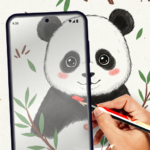
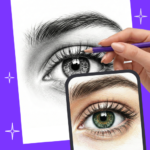
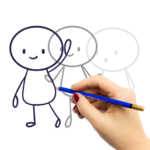
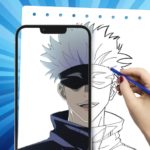
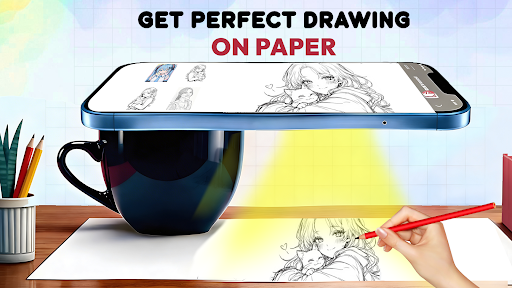
Learning to draw or improving sketch accuracy often comes down to mastering proportions and line control, which is where ArtHub: Trace & Draw Sketch helps by projecting images onto real paper. By placing a phone above a physical drawing surface, opening the camera, and overlaying a template on the screen, users can follow the displayed lines directly with a pencil. Beyond its core function as a practical tracing tool, the app provides a library of templates alongside controls to adjust image alignment, making it useful for practicing anime characters, portraits, and general sketches.
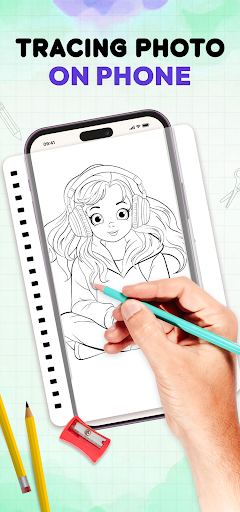
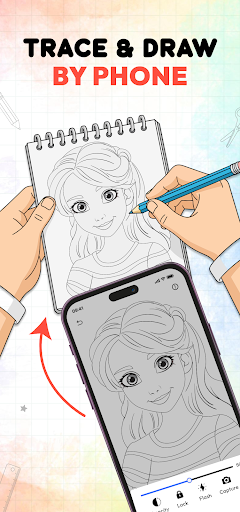
The main process involves positioning the mobile device above a sheet of paper and aligning an image template on screen. Rather than drawing directly on the device display, users look through the screen to guide their hand on the physical paper below. This approach helps users develop line control, practice accurate spatial proportions, and build confidence through visual guidance. The app lets users save their favorite templates so they can continue working on their sketches later, even when working offline.
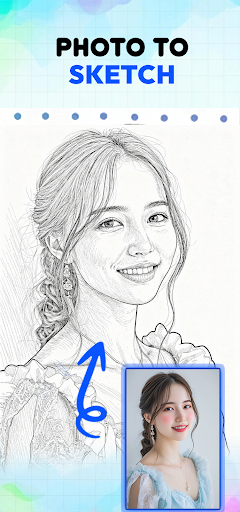
The app includes a built-in library featuring thousands of templates across categories like anime, manga, animals, portraits, nature, vehicles, and cute characters. Specific anime tracing guides cover details like facial expressions, chibi art, eyes, hairstyles, and action poses. For those who want to work from their own reference material, the app allows importing personal images directly from the device gallery. Photos of pets, landscapes, custom logos, or portraits can easily be converted into tracing templates.
To ensure clean tracing on paper, the app provides a set of dedicated image manipulation tools. Users can scale, zoom, rotate, and flip templates to fit their paper orientation. Key adjustments include modifying image transparency so the paper and pencil tip remain visible beneath the template, as well as a position lock function that prevents the overlay from shifting accidentally while sketching.
Your comment was submitted and is awaiting moderation.
Your comment was published.