App Screenshots
Multilingual Arabic typing and translation keyboard
إصلاح بعض الأخطاء وتحسين استقرار التطبيق.
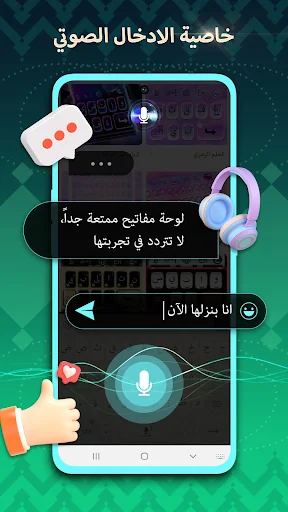
Managing text input across multiple languages and text styles requires specialized mobile tools, and تمام لوحة المفاتيح – العراق provides an Arabic-focused solution packed with extensive typing, translation, and custom visual features. The app serves primarily as a smart keyboard replacement that simplifies switching between Arabic and other heavily used languages like English, French, Turkish, Korean, and Spanish. It also streamlines daily communication by building a personal dictionary based on frequently used words, offering direct text translation, converting Franco-Arabic into standard script, and allowing users to fully customize the keyboard layout with dynamic themes and distinct typography.
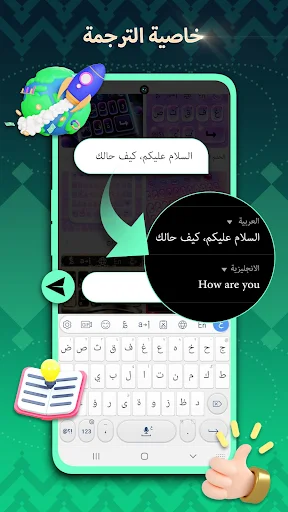
Beyond standard typing, the app integrates three distinct translation tools directly into the keyboard interface. Users can utilize a live translation feature to input text and translate it into another language in real time without leaving their current text field. Additionally, a copy-to-translate mechanism allows quick translation of external text. For users who speak Arabic but prefer using Latin letters, the keyboard features a Franco-Arabic converter. Typing in English letters automatically converts the text into standard Arabic characters, bridging the gap for those accustomed to Franco-Arabic communication.
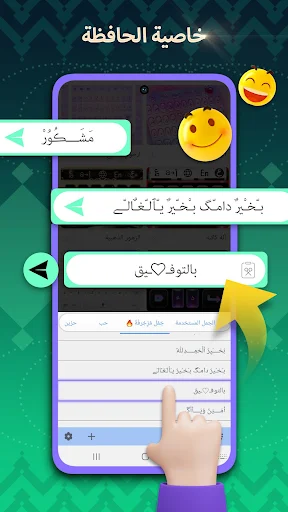
To speed up typing workflows, the app incorporates an auto-spelling system alongside a personalized dictionary. The software analyzes frequently typed words and prioritizes them at the beginning of the candidate suggestion bar. Users can also manually add specialized terms or phrases to their custom dictionary. Once added, typing just the first letter of a saved entry prompts the full word to appear on the suggestion bar for instant selection.
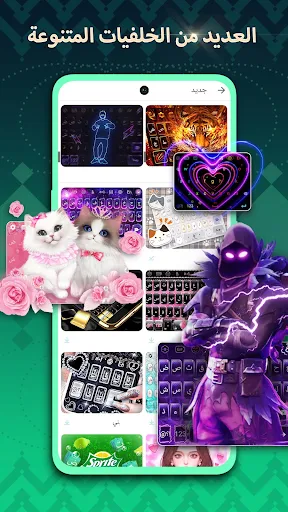
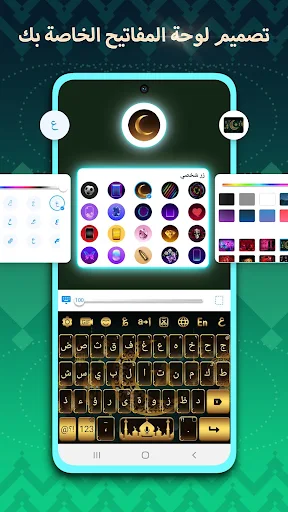
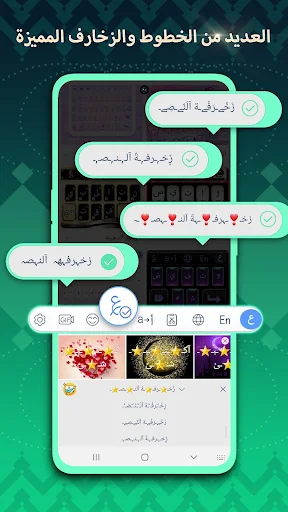
Users can alter the appearance of their input interface using hundreds of preset background themes, ranging from landscapes and fashion to anime and thematic designs. The app also features a personal design editor, enabling complete control over button shapes, key colors, and the ability to upload custom photos from the device’s image gallery as a background. Furthermore, the keyboard supports two distinct font categories: artistic fonts that serve as background elements on the keys, and decorative text fonts that format the actual typed output so that both the sender and recipient can view the styled text.
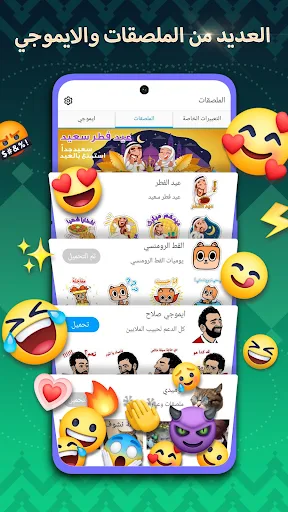
The keyboard operates as a media hub for expressive messaging, containing a broad catalog of built-in stickers, modern emojis, and animated comic images. Users can search online for animated stickers directly from the key panel and send them without switching apps. For practical productivity, the tool includes a integrated clipboard feature that saves copied items and frequently used sentences for fast retrieval during conversations.
Your comment was submitted and is awaiting moderation.
Your comment was published.