App Screenshots

Internet performance and network speed measurement tool
We've added a few updates to make the Speedtest app even better. Please give us a star rating or write us a review to let us know what you think.
We’ve made some updates to the test experience for better readability.
New Speedtest Articles
Bug Fixes
Thanks and happy testing!
Evaluating internet performance and diagnosing network issues often requires precise metrics rather than general assumptions. Speedtest by Ookla addresses this by offering a complete toolkit for analyzing your connection speed, tracking latency across three separate measures, and inspecting streaming capabilities. Alongside direct bandwidth testing, it incorporates real-world mobile coverage maps and integrated service monitoring to help you pinpoint whether a slowdown stems from your local network, your provider, or an outage on a specific platform.
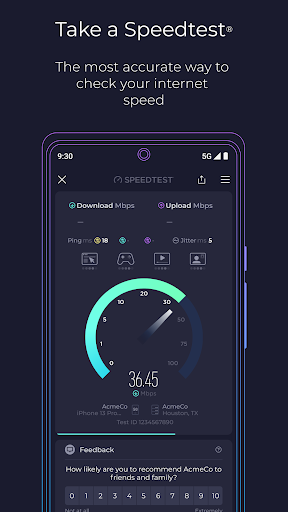
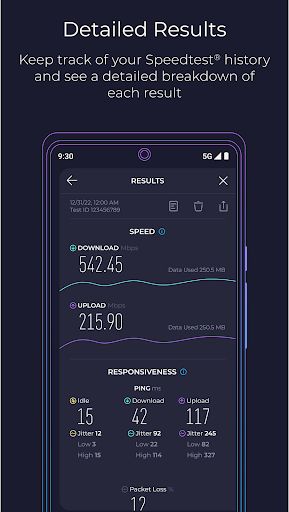
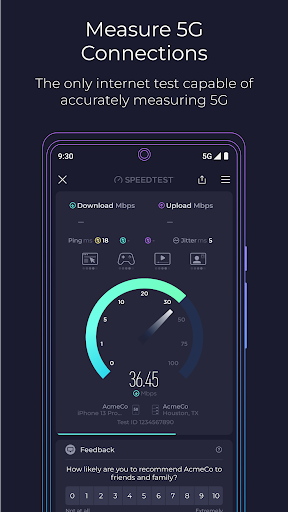
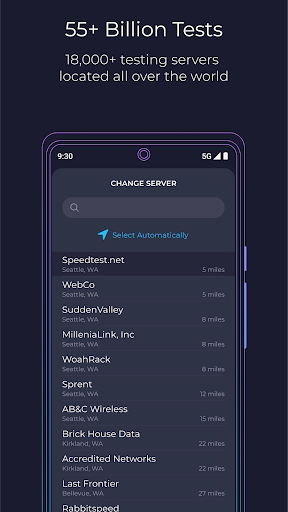
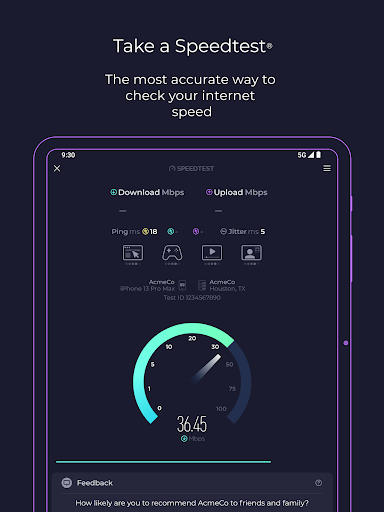
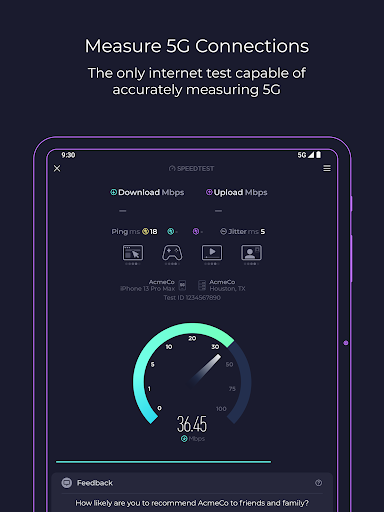
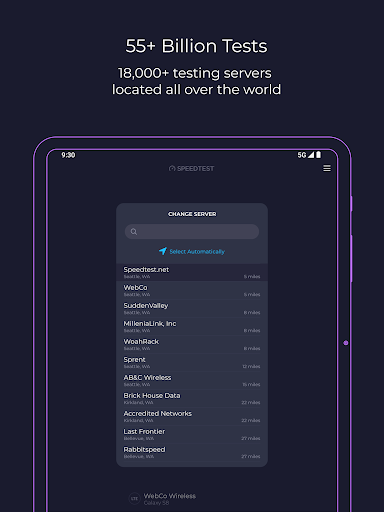
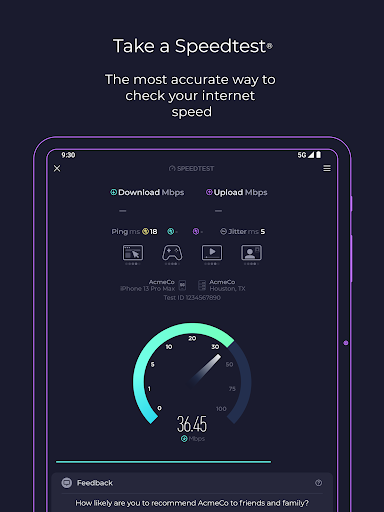
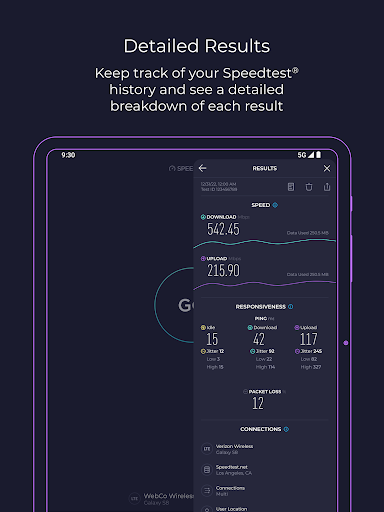
The core testing tab performs quick diagnostics on your download and upload speeds using a global network of servers. Beyond basic transfer rates, the tool measures three distinct types of latency to provide a complete picture of your network’s responsiveness. This granular data helps determine if your current connection offers the stability required for bandwidth-heavy activities or real-time online gaming.
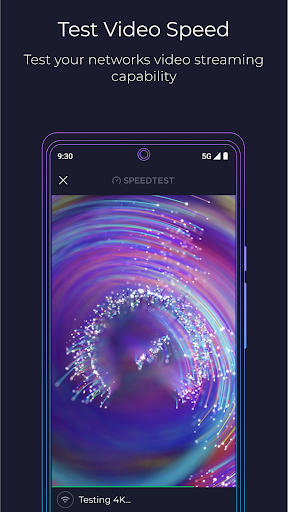
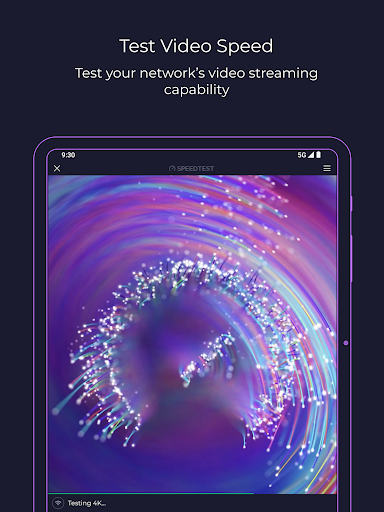
A dedicated video test evaluates how well your current connection handles media playback. Instead of relying solely on raw speed figures, the app assesses actual streaming performance to show the maximum video quality your network can support. It then provides practical insights to help optimize your online viewing experience and prevent buffering before you start watching.
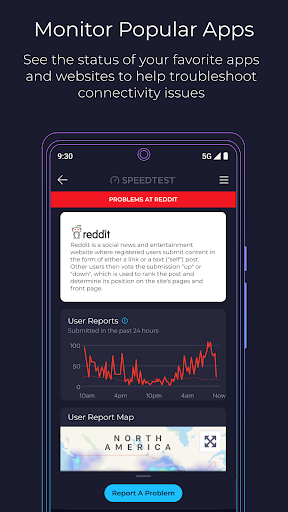
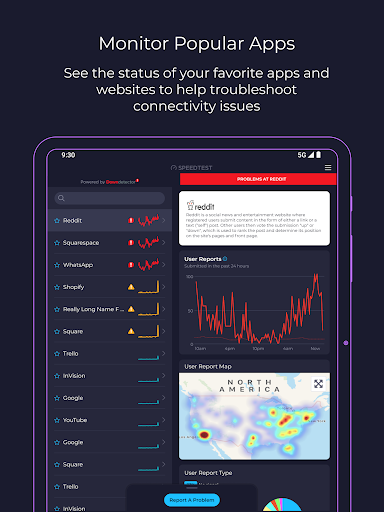
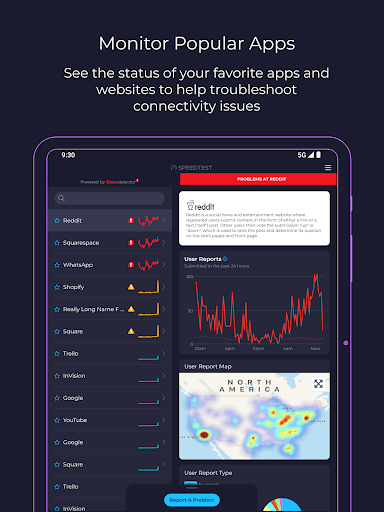
To help determine if connectivity problems are isolated to your device or part of a wider issue, the app integrates real-time status updates from Downdetector. You can monitor online services, track your frequently used apps for service disruptions, and report active problems directly within the interface to stay informed about ongoing outages.
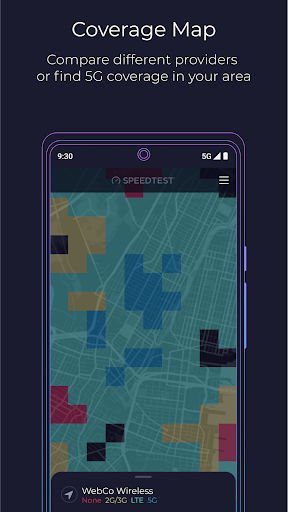
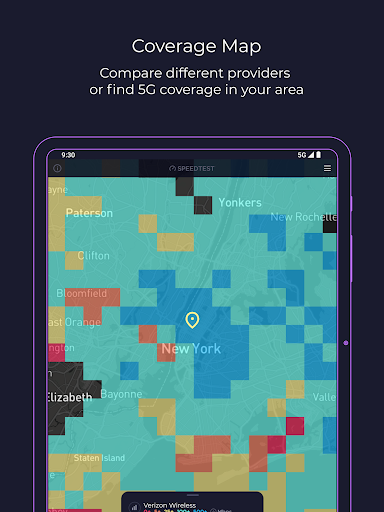
The Speedtest Maps tab uses real-world data to highlight mobile network signal strength across different providers in your area. You can view coverage maps to identify strong and weak zones, locate available 5G networks, and compare regional coverage based on the cellular technology most commonly deployed in your location.
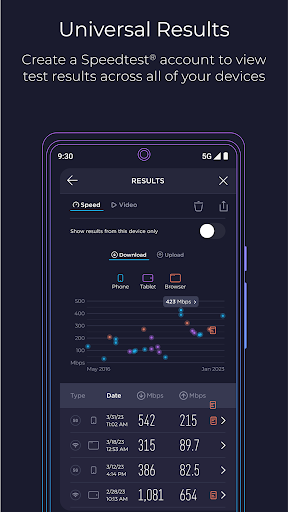
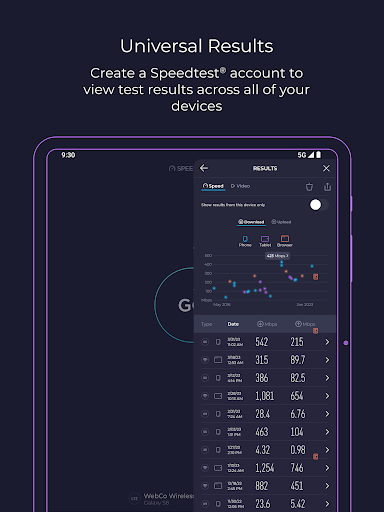
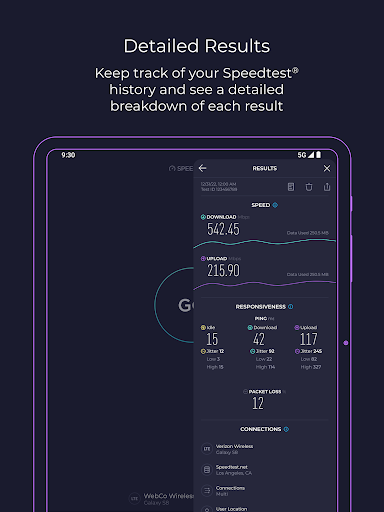
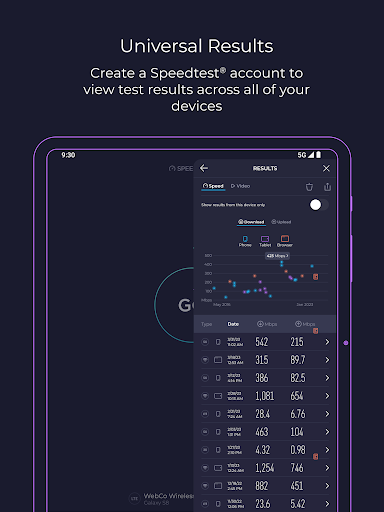
The app maintains a detailed history of all your past performance tests, allowing you to review performance over time or share diagnostic results when troubleshooting with your provider. While the standard version includes advertisements, an option is available within the settings to remove ads for an uninterrupted experience.
Your comment was submitted and is awaiting moderation.
Your comment was published.