App Screenshots

Cloner for messaging and social accounts
🎁 Add Android 17 Support
🎉 Fix game account login issue on some devices
🏆 Fix some clone loading issue
🎤 Fix audio recording issue
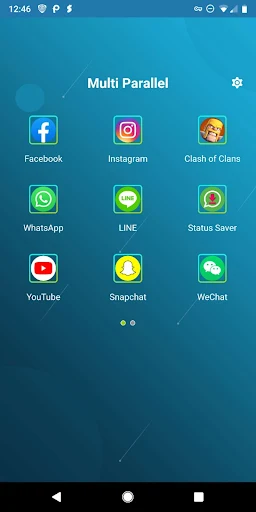
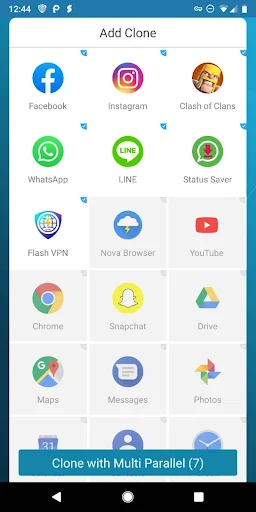
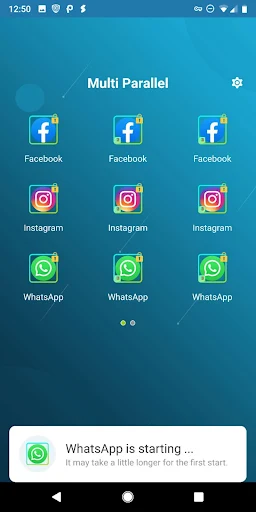
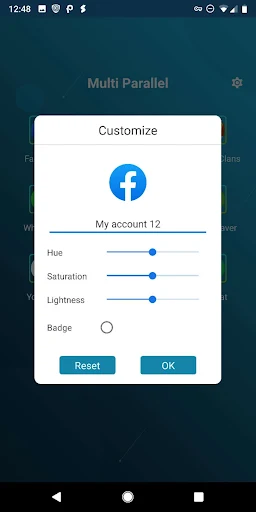
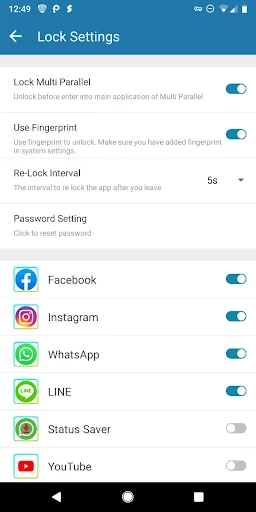
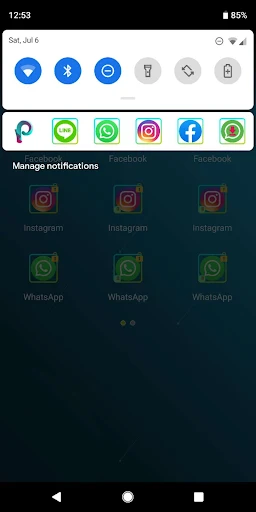
Managing separate work and personal profiles on a single device usually requires constant logging in and out, but Multi Parallel: Multi Accounts eliminates this friction by cloning applications to run simultaneously. The app allows you to duplicate popular social, messaging, and gaming tools—such as WhatsApp, Messenger, Facebook, Line, and Instagram—while keeping the data for each clone completely isolated from the original. To keep your setups organized and secure, you can assign custom names and icons to each duplicate and protect specific clones or the main master app behind an integrated privacy locker.
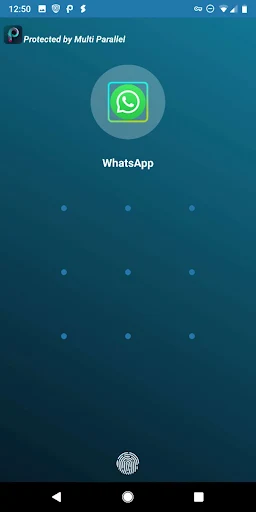
Creating duplicate instances goes beyond simply copying an application. Each clone functions independently, allowing you to run multiple profiles at the same time without cross-account data leaks. To distinguish between active profiles on your home screen or within the interface, you can customize individual instances with unique labels and custom icons. For sensitive conversations or private social profiles, the built-in Privacy Locker provides an extra layer of protection, allowing you to lock either individual cloned instances or restrict access to the primary Multi Parallel application entirely.
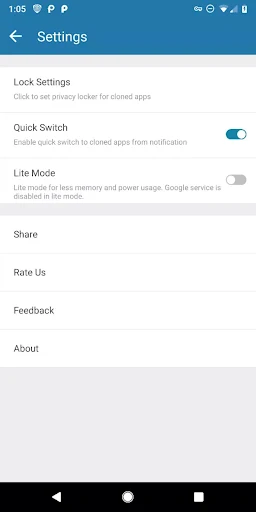
Running multiple instances of resource-heavy applications can strain system resources, so the app includes a dedicated Lite Mode designed to optimize memory usage and reduce battery drain. Cloned applications maintain compatibility with Google Play Services, which means you can sign into Google Play Games and sync account progress across your cloned instances. Because the app acts as a container for other software, the overall battery, storage, and data consumption displayed by the system is primarily driven by the active secondary applications running inside it rather than the main utility itself.
For cloned applications to operate correctly, Multi Parallel requires a broad set of system permissions granted during initial setup. These permissions are passed through to the cloned software so that features like camera access, file storage, and messaging function without crashing. Additionally, to receive real-time messages and updates from secondary social or messaging accounts, you must manually add the application to your device’s system notification whitelist, preventing background processes from being closed by power-management settings.
Your comment was submitted and is awaiting moderation.
Your comment was published.