App Screenshots
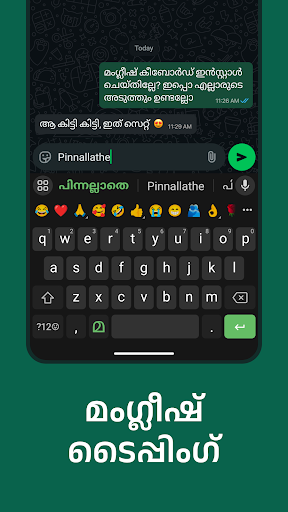
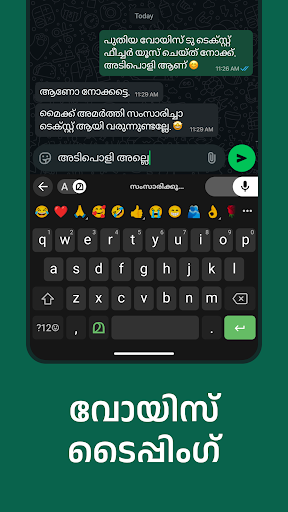
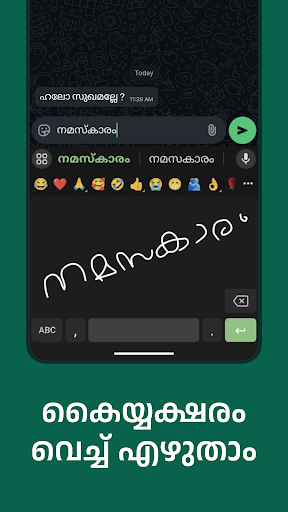



Malayalam phonetic keyboard and voice typing
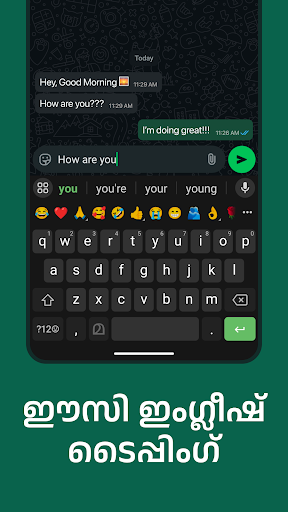
- Get Emoji suggestions while typing 🔥
- Save WhatsApp status by swiping up 💾
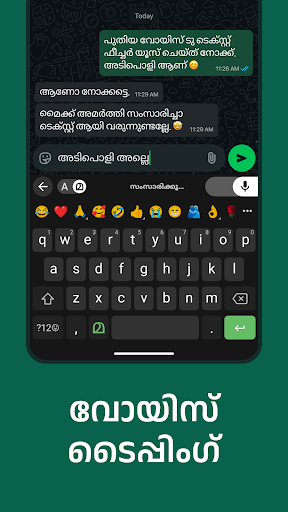
- Malayalam voice typing in English letters 🗣
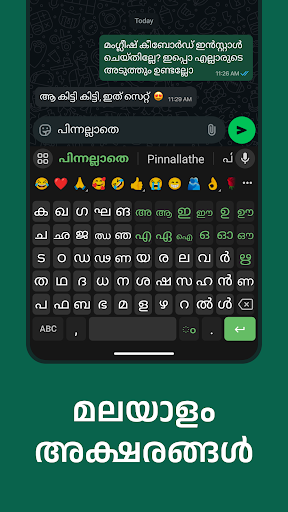
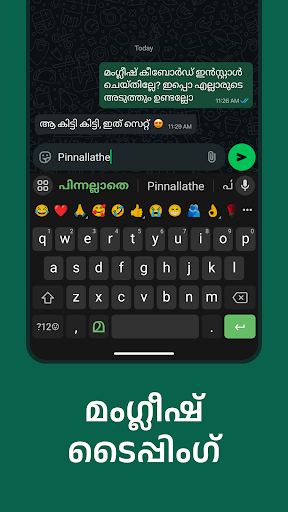
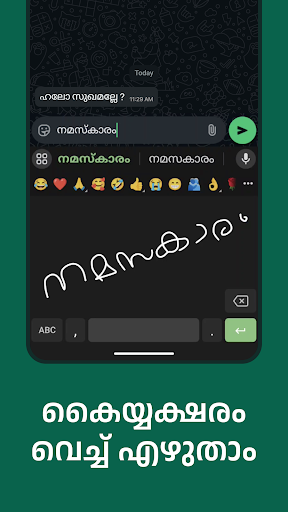
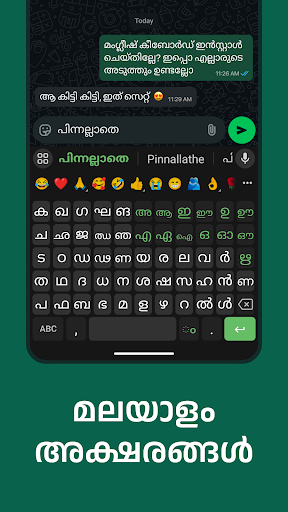
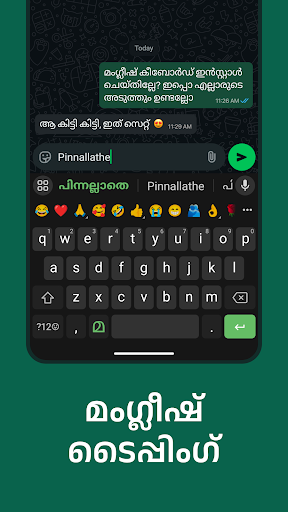
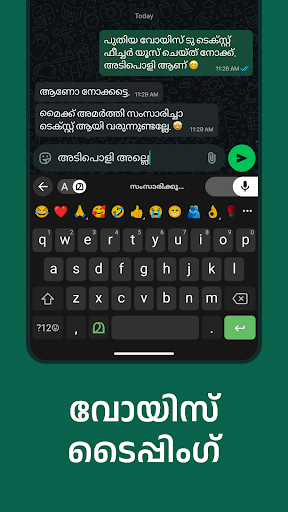
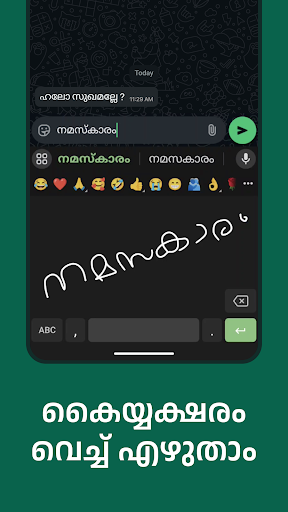
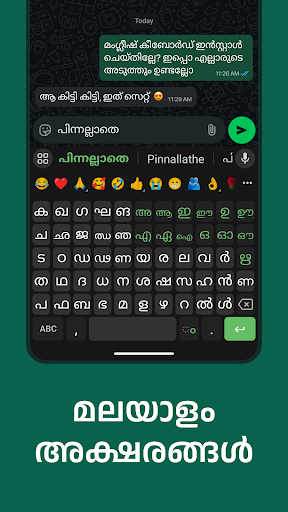
Typing in Malayalam on a mobile phone often presents a challenge, especially when switching between scripts or searching for specific characters. Manglish Keyboard addresses this by converting English text into Malayalam phonetically as you type, allowing you to write phrases like namaskaram to generate നമസ്കാരം directly inside any application. Beyond phonetic input, the app supports voice-to-text typing in both Malayalam and English, on-screen handwriting recognition, and integrated sticker searching for messaging.
The primary workflow relies on phonetic conversion, where entering Roman characters automatically generates Malayalam script suggestions. You can swipe across the suggestion bar to view alternate word variations or split complex terms using backspace to build specific word combinations. For alternative input methods, tapping the microphone icon activates speech-to-text conversion for spoken Malayalam or English, while selecting the pencil icon opens a canvas for writing characters directly by hand.
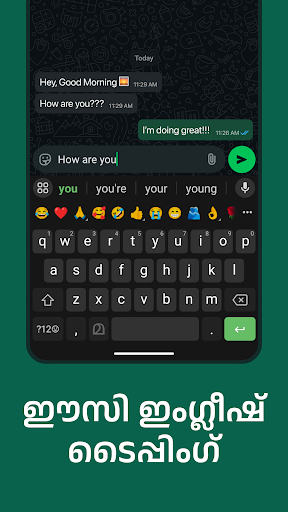
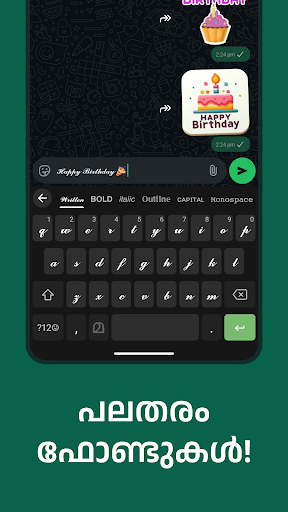
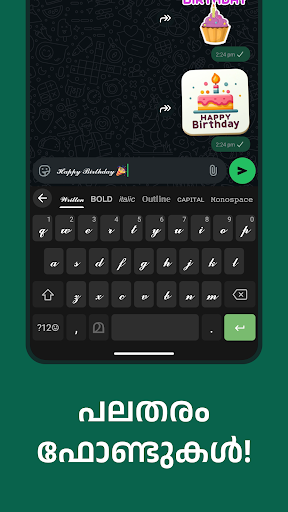
To streamline communication across social media and messaging platforms, the keyboard includes an integrated clipboard for storing and pasting frequent messages, alongside a searchable gallery of Malayalam stickers. When typing in English, a dedicated toggle button to the left of the spacebar switches the engine to present English suggestions instead of converting the text. System settings allow control over key press sounds, haptic vibration feedback, visual themes, keyboard height adjustments, and the visibility of dedicated emoji or number rows.
Your comment was submitted and is awaiting moderation.
Your comment was published.