App Screenshots
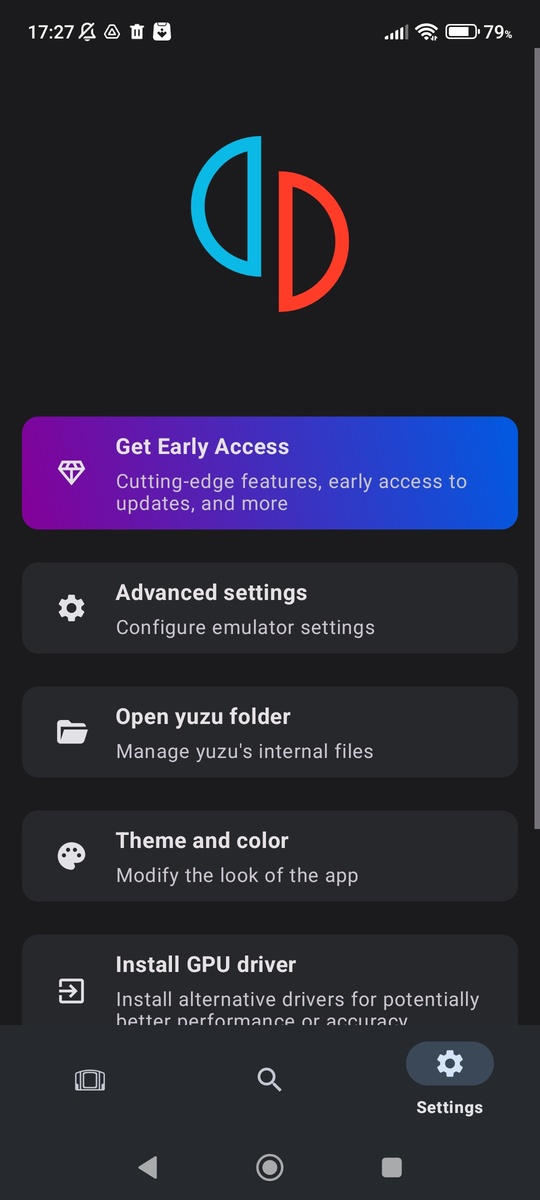


Nintendo Switch console game runner
- Implemented Native Code Execution (NCE)
- NCE improves load times, performance (in CPU limited games), lowers device temps & improves battery life
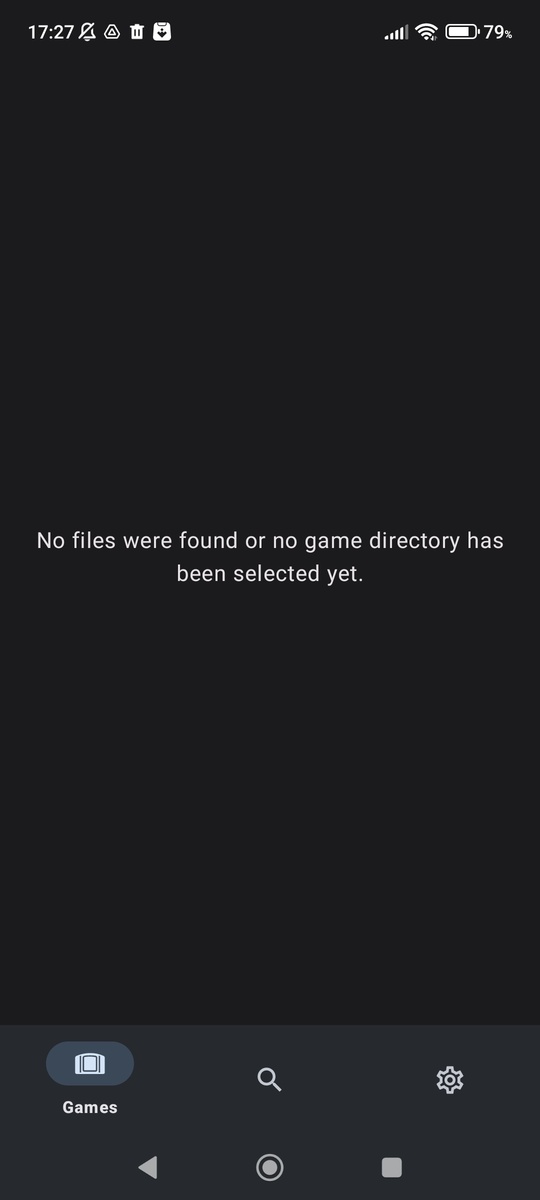
- Added game directory management
- Disabled write syncing on Android
- Fixes for FXAA rendering issues
- Introduce separate CMD buffer for uploads
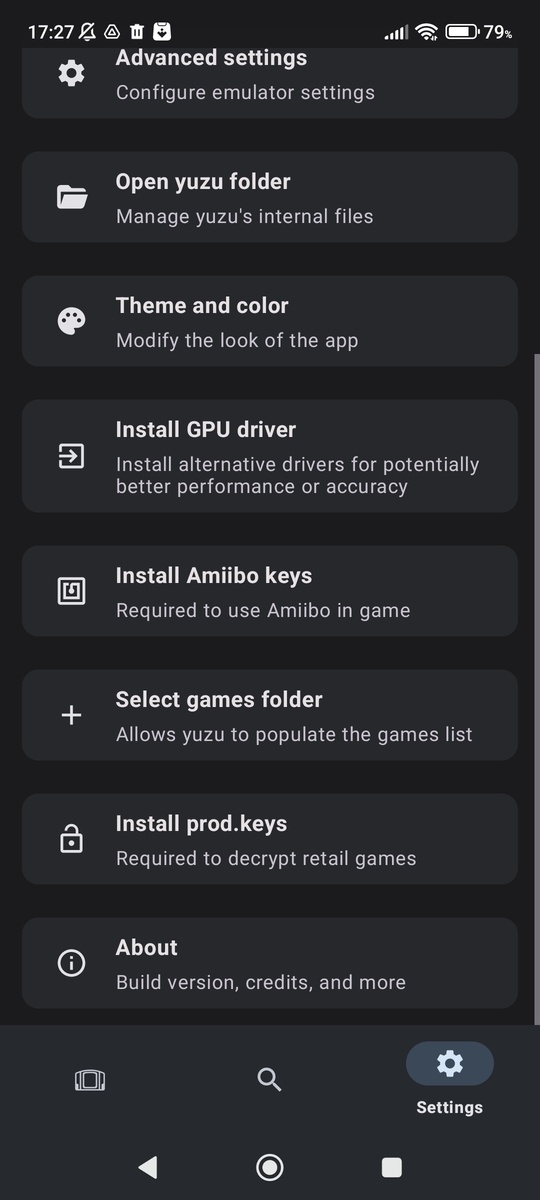
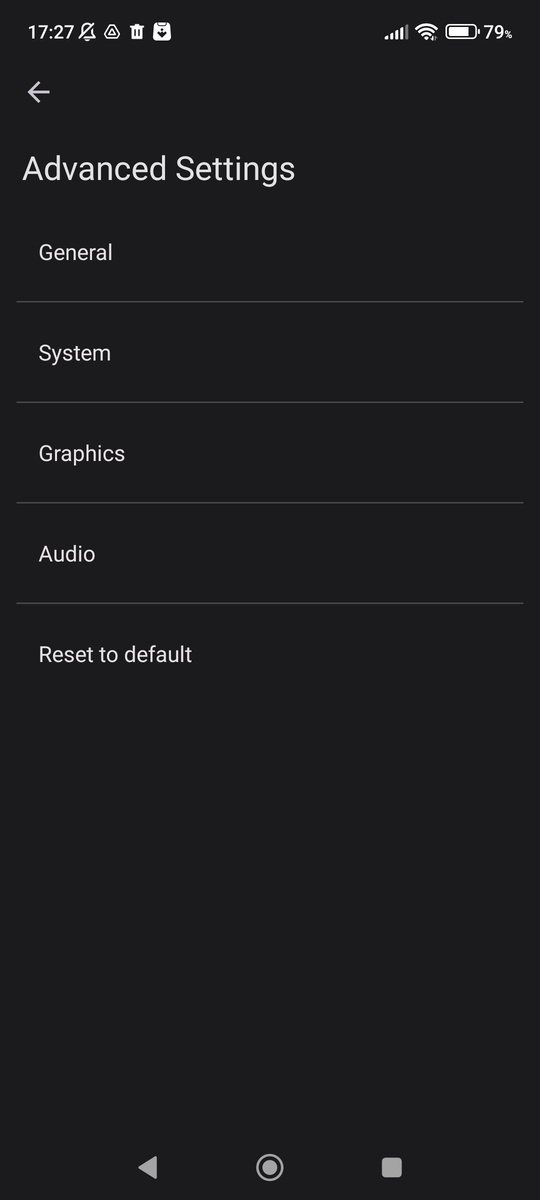
- General improvements to settings pages
- Added FPS counter drop shadow for improved visibility
- Includes the latest changes from upstream yuzu
yuzu Emulator allows you to run Nintendo Switch games directly on smartphones and tablets. Developed by the team behind the Citra Nintendo 3DS emulator, this open-source app converts your mobile hardware into a platform capable of handling retail Switch titles. Performance scales directly with your device’s processing power, making higher-end hardware ideal for demanding titles. Beyond basic emulation, it offers extensive control over visual fidelity, supporting custom game resolutions and texture configurations to suit your device’s capabilities.
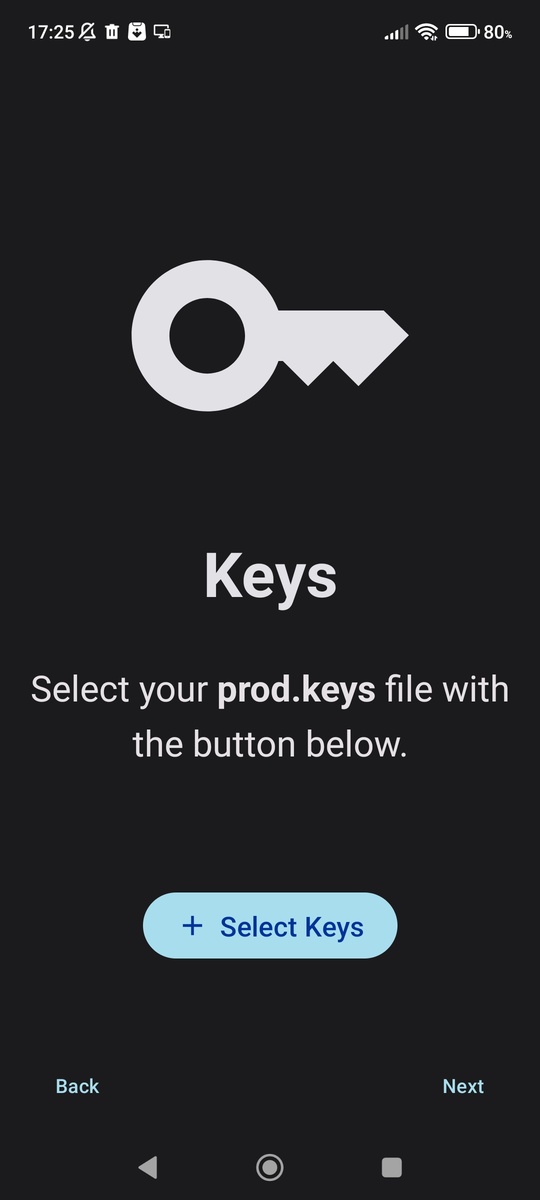
Getting started requires a mandatory configuration step before any games can be launched. Upon opening the app for the first time, you must provide your own valid prod.keys file. The app does not bundle any copyrighted files, keys, or software, meaning you must supply your legally owned game files and system keys extracted from your own console setup. Once the key file is detected, you can direct the app to your game directory and load your titles.
The software provides dedicated settings to tweak how individual games look and run. You can manually set internal rendering resolutions and choose specific texture parameters for each title, balancing visual quality against frame rate performance. Additionally, full mod support allows you to integrate custom add-ons. These mods can be used to alter gameplay mechanics, swap out character skins, or apply community-created patches designed to boost stability and resolution beyond default limits.
Playing games through the app supports both virtual and physical inputs. You can rely on customizable touch controls laid out directly on the screen, or pair an external physical gamepad for traditional console-style inputs. When playing titles that support multi-player features, the software accommodates local play, split-screen modes, and cooperative gameplay options depending on the specific capabilities of the game being emulated.
Your comment was submitted and is awaiting moderation.
Your comment was published.