App Screenshots

File manager and archive extractor
This update resolves bugs reported by our users. We continuously improve 7zipper based on your valuable feedback to provide a better experience.
If you encounter any issues, please contact us at [email protected].
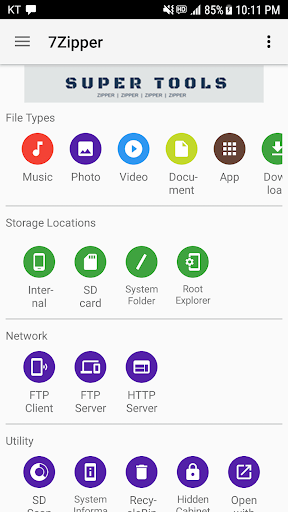
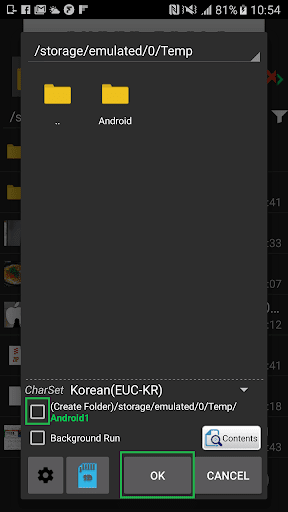
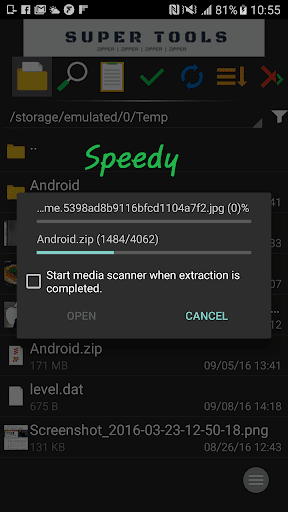
7Zipper – File Explorer (zip, functions as a combined archive manager and local file browser for organizing system storage. It allows users to extract content from compressed formats like zip, 7z, rar, alz, egg, tar, and lzh, as well as split zip archives spanning multiple parts. Beyond decompression, it creates new archives in 7z and jar formats. The app also expands standard storage management by providing local network integration via LAN and wireless file transfers through its built-in FTP Client, FTP Server, and HTTP Server features.
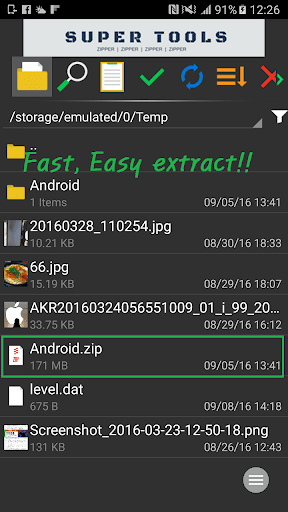
Handling compressed files forms a core part of the workflow. The app extracts single and multi-part split archives, such as z01 or zip.001 files, giving access to archived documents without needing a computer. On the local storage side, users can copy, move, paste, rename, and delete both individual files and entire folders. It includes shortcut creation for fast access to specific applications and supports reading external storage drives connected to the device.
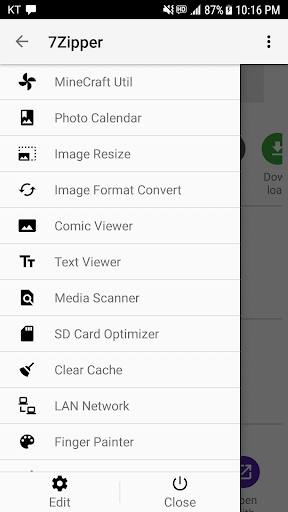
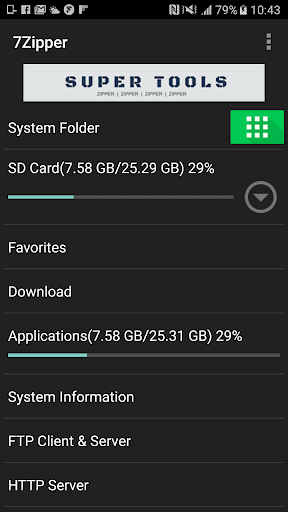
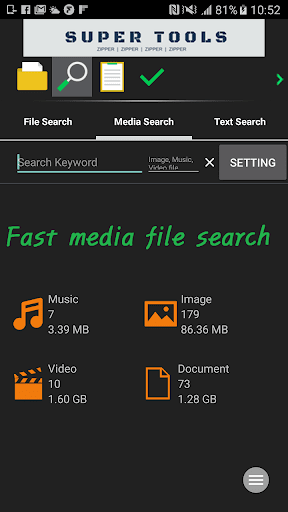
Built-in utilities allow users to inspect and modify content directly within the interface. It features an image viewer capable of playing animated GIFs and a text viewer designed to open large text files without crashing. For media management, the app provides tools to search for specific file names, locate exact text strings within document files, check overall SD card storage usage, and resize image files like JPG and PNG directly.
Connecting to secondary devices is handled through native network protocols. By enabling the FTP Server or HTTP Server capabilities, users can access, download, and manage the phone’s internal files from a web browser or desktop file manager over a shared Wi-Fi network. The included FTP Client and LAN network support also allow the app to connect outward to external servers and local network shares to copy or stream files remotely.
Your comment was submitted and is awaiting moderation.
Your comment was published.