App Screenshots
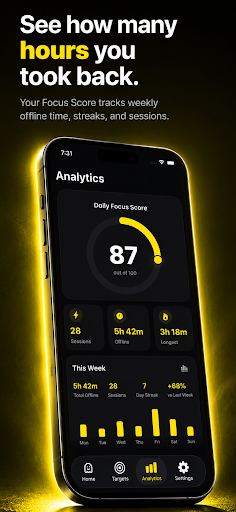

Internet blocker for specific programs
Ghost 2.0 is here, a smarter internet blocker that puts you back in control 👻
• All-new onboarding: pick your distracting apps and build your personal setup in under a minute
• A 3-day free trial for new members
• Crisp new icons and smooth, flicker-free animations
• Faster and lighter than ever
• Bug fixes and stability improvements
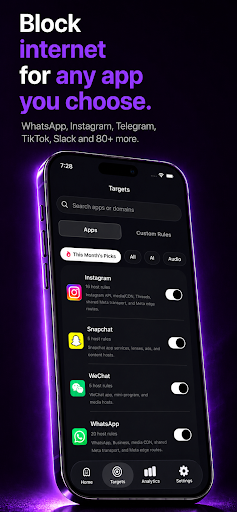
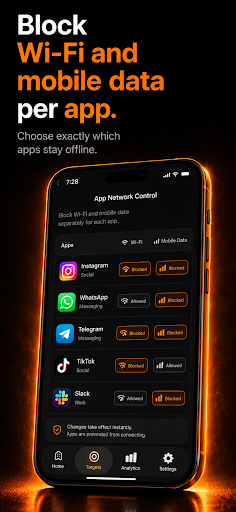
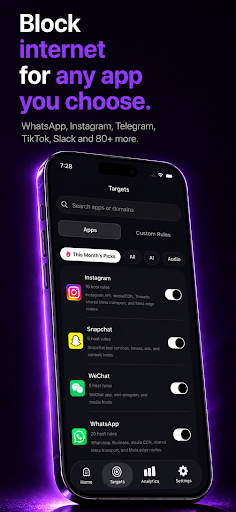
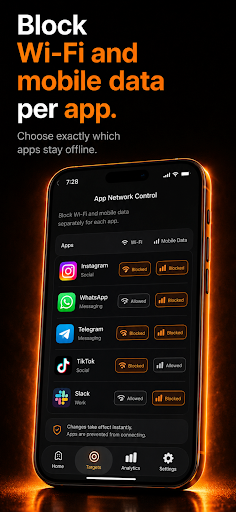
Block internet access for the apps you choose. Stay connected everywhere else.
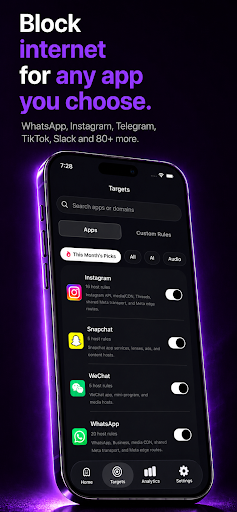
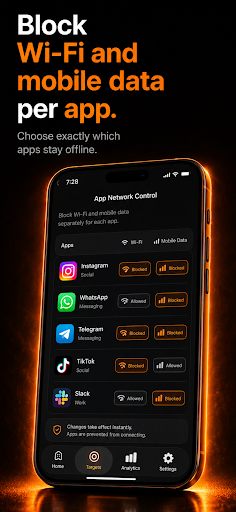
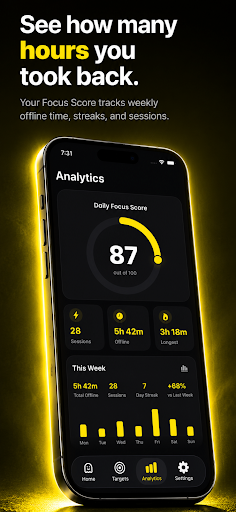
Managing digital distractions often requires selective network control rather than turning off mobile connectivity altogether. Ghost: App Internet Blocker functions as an app internet blocker and no-root firewall, enabling users to cut off network access for specific apps while keeping the rest of the device online. By utilizing a local network interface, it isolates selected social, messaging, or gaming apps to prevent notifications, sync requests, and background data transfers without affecting browser access, work tools, or media streaming.
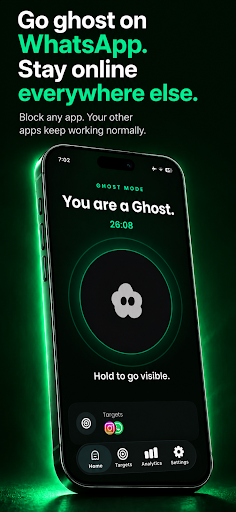
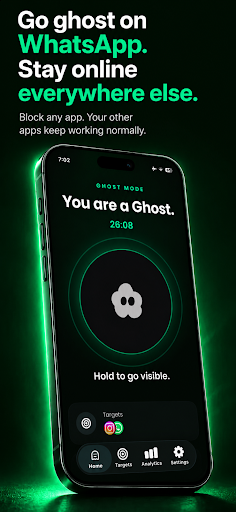
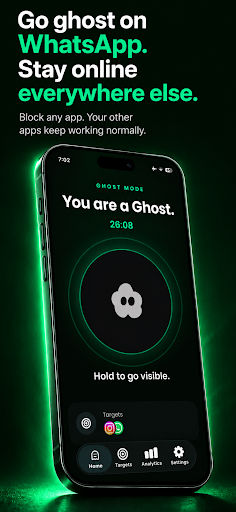
The core functionality centers on per-app network control, allowing users to select individual applications and toggle their internet access on demand. Beyond simple app-level toggles, the system supports custom rules to allow or block specific domains. A single main control, referred to as Ghost Mode, activates or deactivates all configured blocking rules simultaneously, making it straightforward to switch between full connectivity and a focused environment.
Preventing background data synchronization helps mitigate unnecessary mobile data usage and reduces battery drain caused by persistent app activity. When chat and social applications are blocked, they are unable to refresh or sync normally, effectively displaying an offline status to outside contacts until the blocking rules are lifted.
To help users build precise blocking rules, the app includes a network discovery tool that displays the domains contacted by installed applications in real time. Identified domains can be added directly to custom blocklists. Additionally, users can configure custom DNS servers to gain further control over domain name requests, tracking attempts, and unwanted network connections across the device.
Network traffic filtering is managed locally through Android’s built-in VpnService, which creates a local VPN interface directly on the device. Because routing and rule evaluation occur entirely on the hardware, traffic is not redirected through remote VPN servers. This local processing model ensures that private messages remain unread by external servers, secure HTTPS traffic is not decrypted, and browsing activity is not sent to external infrastructure.
Your comment was submitted and is awaiting moderation.
Your comment was published.