App Screenshots
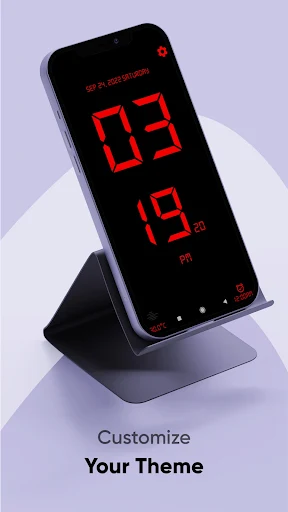
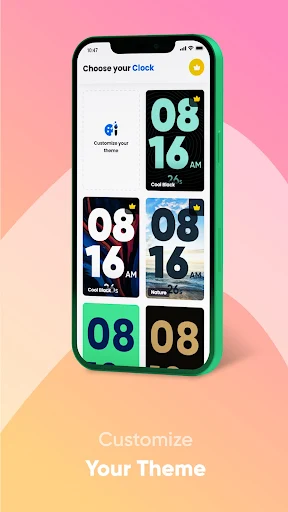
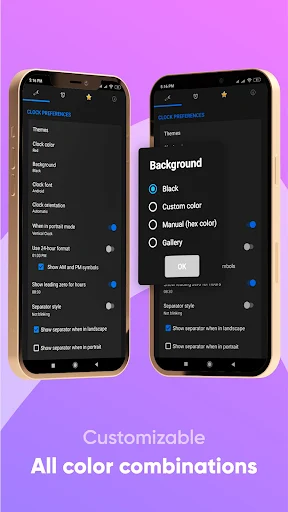
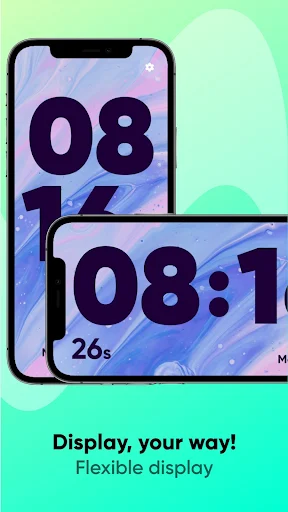
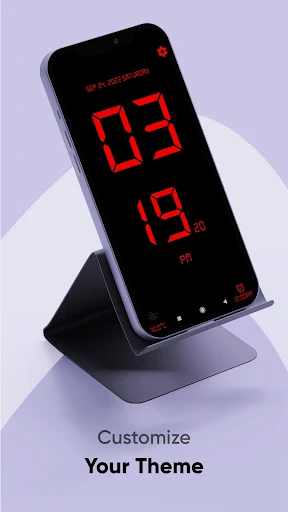
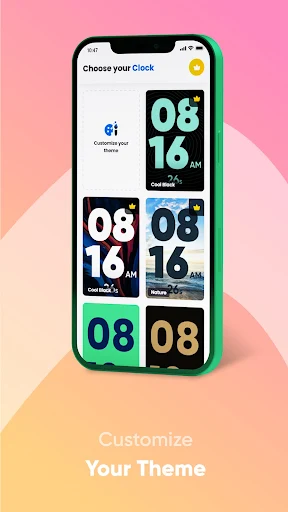
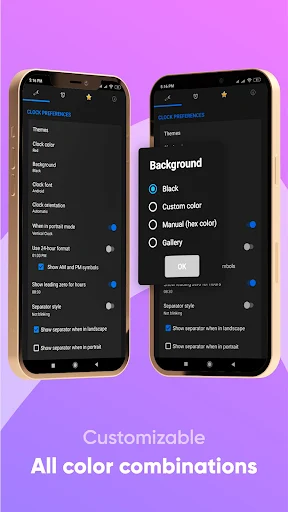
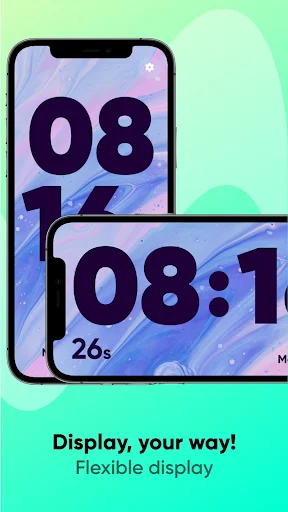
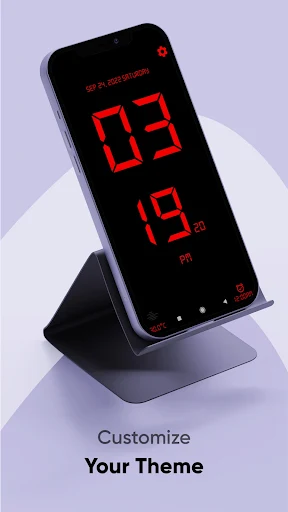
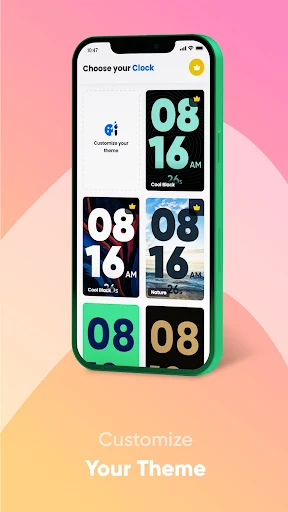
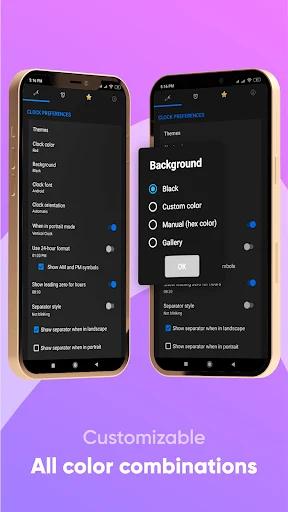
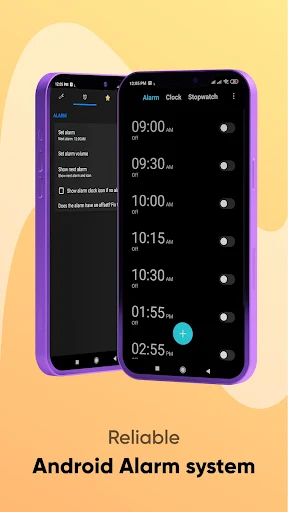
Large digital clock and time display widget
🛠️ Improved general app stability
🚫 Better error handling for edge cases
🧪 General enhancements for app optimization
📊 Optimized app behavior based on survey feedback
The Huge Digital Clock Widget app transforms mobile devices into prominent time displays, making time and date information easily readable across a room or from a nightstand. Users can customize the visual interface to fit their personal preferences or environment, switching between classic analog faces and digital layouts that feature seconds, full date details, and adjustable formatting. Designed to function both as an active desktop clock and an ambient bedside display, the app offers dedicated night options, battery monitoring, and alarm tools to manage daily routines.
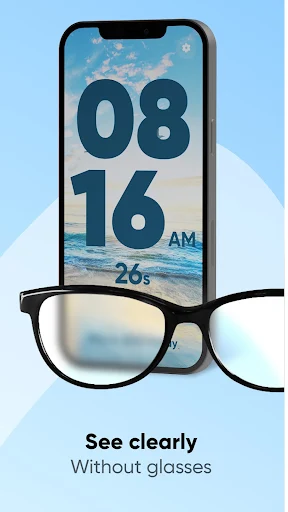
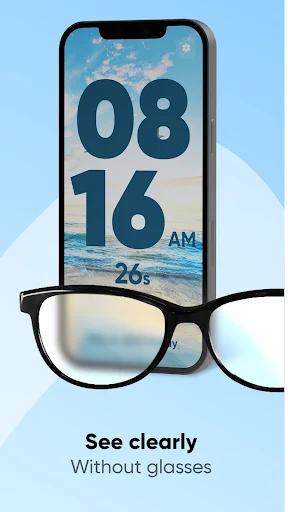
The app provides flexible visual options to adjust how time is presented on screen. Users can modify text colors, choose different fonts, and adjust the overall display size to ensure high visibility. The time layout supports both 12-hour and 24-hour formats, alongside a toggleable seconds counter for precise tracking. For broader aesthetic preference, the app combines digital readouts with an analog clock style, allowing users to select the look that best matches their setup.
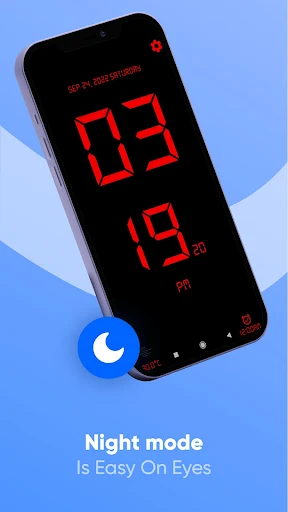
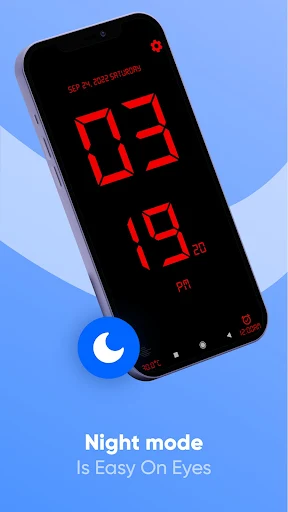
When used as a digital nightstand clock, the application adapts to low-light conditions through dimmable brightness settings designed to prevent eye strain at night. It includes built-in battery saver options and auto-close settings to manage power consumption while running. Additionally, an anti-burn motion design helps protect the screen during prolonged static use. The interface seamlessly supports both portrait and landscape orientations, adapting instantly to how the device is resting on a desk or dock.
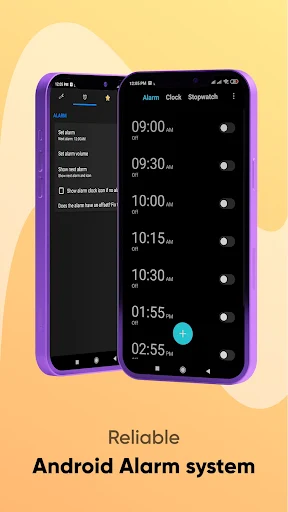
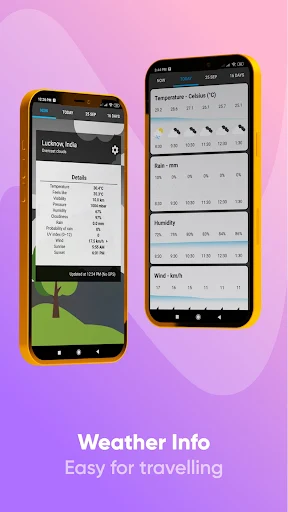
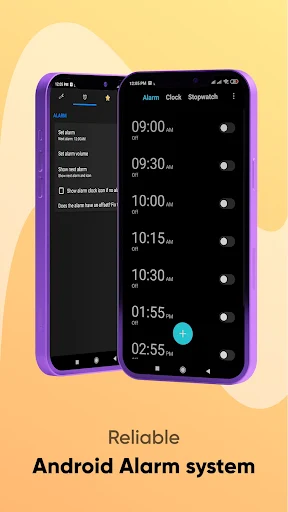
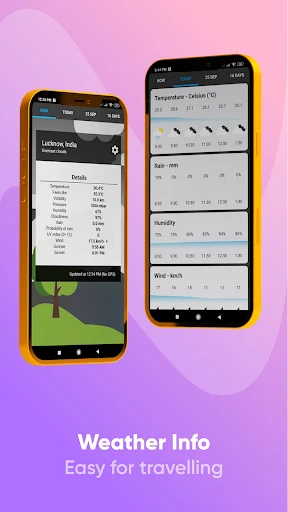
Beyond timekeeping, the app serves as a centralized desktop hub by displaying real-time weather information and the current battery charge level directly on the main screen. The alarm function allows users to set custom wake-up tones paired with their preferred layout. To streamline daily use, the app can be configured to start automatically whenever the device is plugged into a charger, ensuring the clock interface is immediately visible when docking the phone for the night.
Your comment was submitted and is awaiting moderation.
Your comment was published.