App Screenshots




Custom game launcher and organizer
What's new:
• Smarter, smoother home screen with a cleaner look
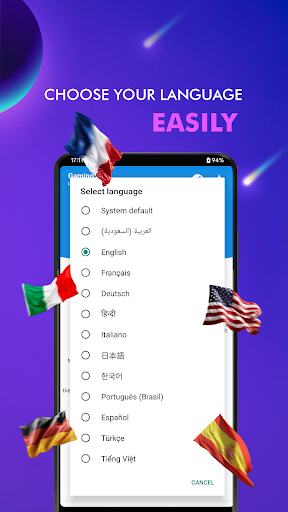
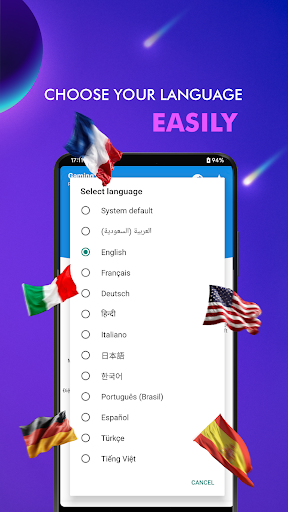
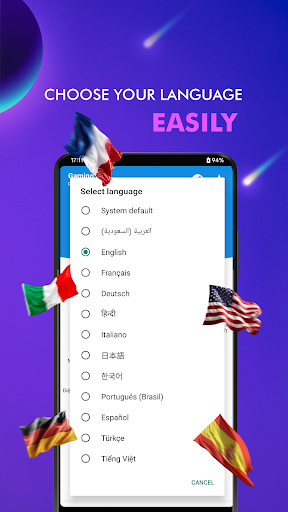
• Settings: change language and game order in one place
• Long-press a game to pin, rename, uninstall or remove it
• Bug fixes and performance improvements
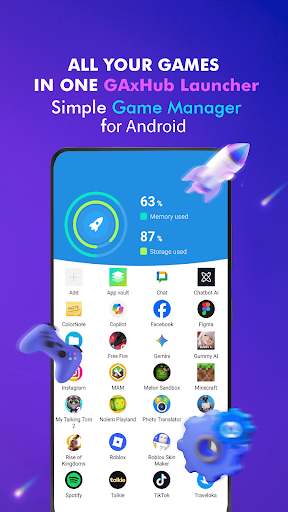
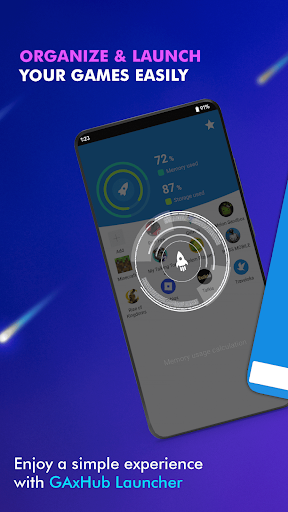
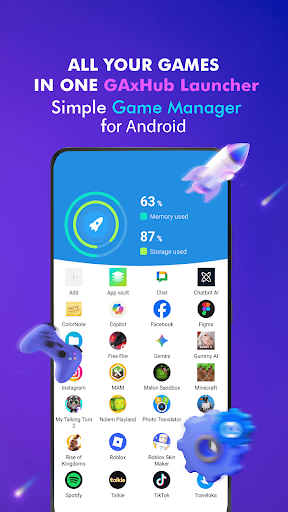
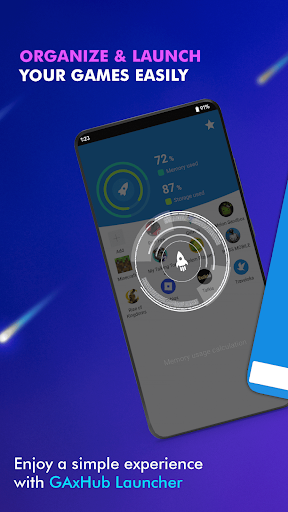
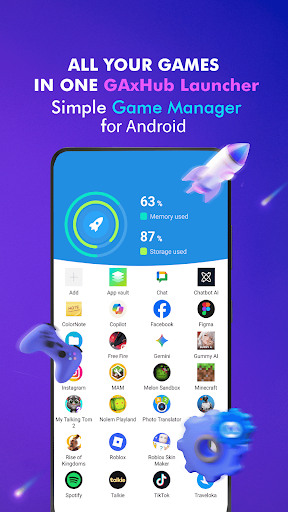
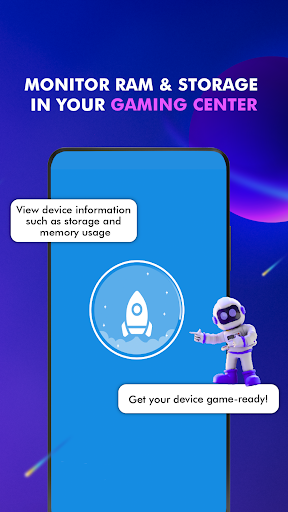
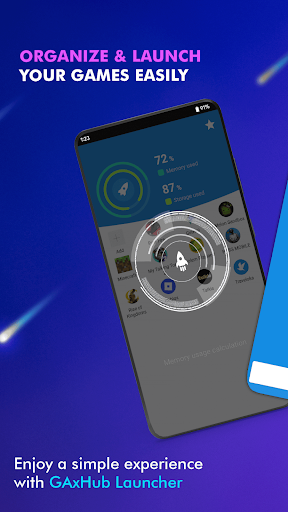
Managing a crowded app drawer can be frustrating when mobile titles are scattered across different publishers. Gax Gaming Hub: Game Launcher acts as a centralized management library by automatically detecting installed titles on your device and organizing them into a single, structured workspace. Aside from providing a custom launcher interface for launching titles instantly, the app features an integrated device monitor that displays your current RAM usage and storage status before you start playing.
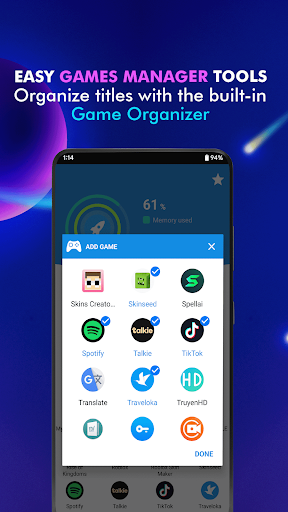
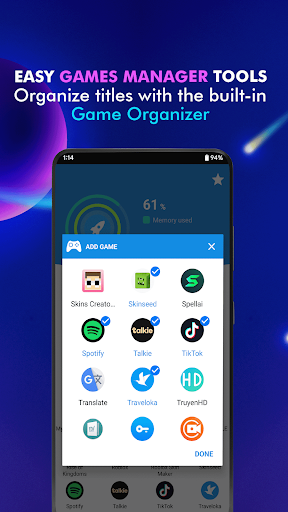
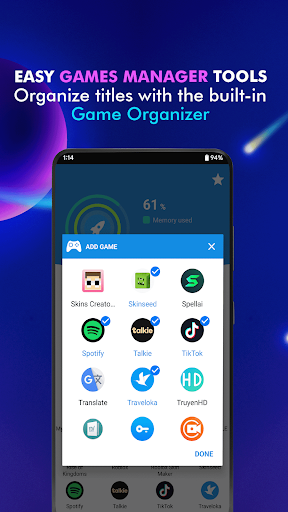
The app automatically scans your device to identify installed titles from various publishers, gathering them into a single dedicated folder. If a specific title or utility is not picked up by the automatic scan, you can manually add your favorite applications to the custom workspace. Launching any managed title is done directly from this centralized interface, eliminating the need to search through standard system app menus.
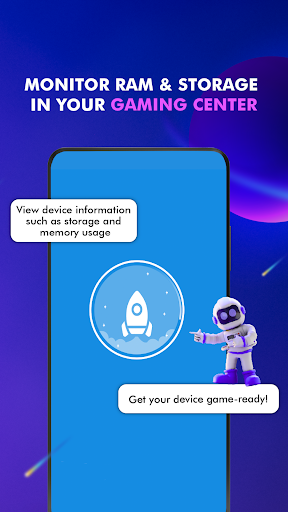
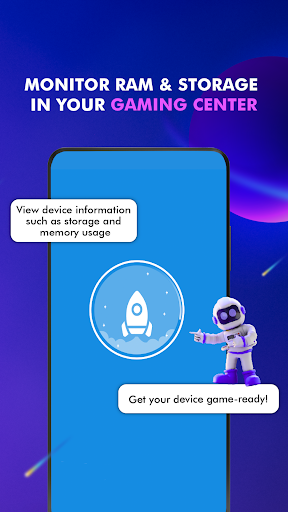
Before opening an app, the platform provides real-time visibility into system resources directly from the launcher dashboard. You can check your current RAM consumption and inspect available storage space to monitor device status without navigating to your system settings menu.
This utility functions strictly as an organizational manager and launcher alternative. It is not a factory-installed system utility from specific hardware manufacturers, nor does it function as a game booster. The app does not alter system settings, tweak hardware performance, or increase FPS during gameplay.
Your comment was submitted and is awaiting moderation.
Your comment was published.