App Screenshots








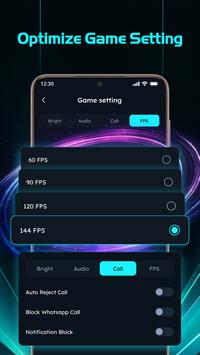




Smart game launcher and performance monitor
Game Turbo: Gaming mode update new version: Optimize performance.
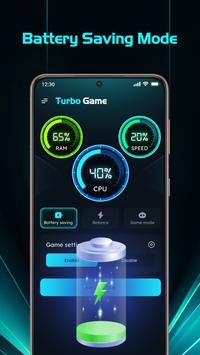
Managing system behavior and tracking device performance during mobile gaming sessions often requires adjusting several settings at once. Game Turbo serves as a centralized hub that combines a smart launcher with real-time performance monitoring and individual per-game profiles. Rather than relying on global system defaults, users can add their installed titles to a unified library, monitor live hardware metrics such as frame rates and memory usage, and configure independent display or notification preferences for every individual title.
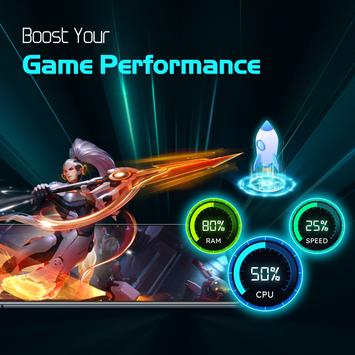
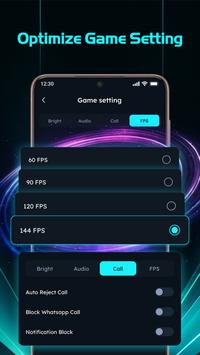
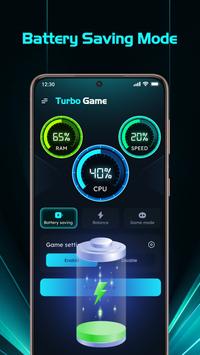
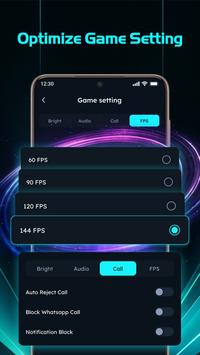
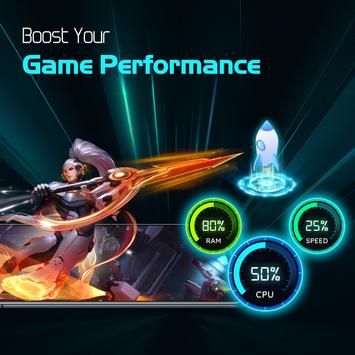
The app includes an on-screen dashboard that provides visual feedback on system resource allocation while playing. It tracks hardware metrics in real time, displaying current CPU utilization, RAM usage, battery levels, and overall device load. For users monitoring smooth playback, the system provides an FPS monitor to observe frame rate behavior and evaluate how different games perform on the device across compatible target options ranging from 60 FPS up to 144 FPS.
Instead of applying uniform system tweaks across all software, the app acts as a dedicated turbo launcher where users can build custom configurations for every title in their library. Individual profile settings automatically take priority over global device preferences when a game is launched through the interface. This setup allows users to assign dedicated behavior profiles to specific titles, ensuring that high-demand games run under distinct rules compared to casual applications.
To prevent accidental interruptions during active sessions, the utility includes tools to lock down system inputs and alerts. Users can disable auto-brightness, set fixed display illumination levels manually, or restrict screen changes entirely. It also incorporates notification controls designed to suppress incoming phone calls, messaging alerts, and app pop-ups while a game is active, alongside volume management tools that adjust media and ringtone levels without leaving the current session.
Your comment was submitted and is awaiting moderation.
Your comment was published.