App Screenshots

Virtual cloud phone environment for remote device management
Version update: Optimized parts of the UI
Running resource-intensive mobile games for extended periods can quickly drain local phone batteries and consume valuable storage space. UgPhone – Android Cloud Phone solves this problem by providing a virtual Android environment hosted entirely on remote servers. Users can launch apps and manage mobile games within this cloud-based platform without putting heavy processing loads on their physical hardware. It enables 24/7 online access, making it a practical option for continuous background tasks, idle grinding, and operating multiple accounts simultaneously across different virtual devices.
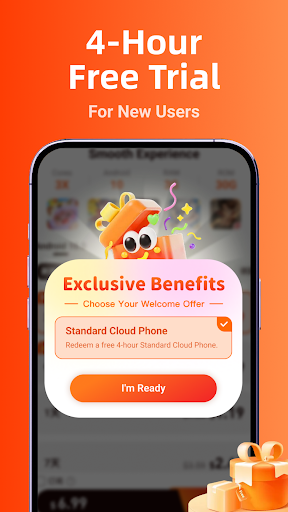
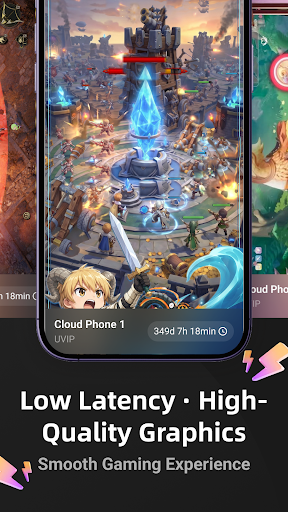
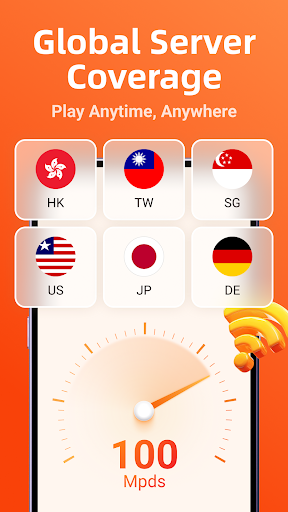
Accessing a virtual phone inside the app creates a completely separate Android interface where software runs independently of local hardware. Instead of filling your device’s memory with large gaming files or draining your local battery during long play sessions, installation and execution happen directly on the cloud server. From the primary interface, you can select purchased or trial virtual devices and instantly open their respective screens. Because the software streams the display from a remote location, real-time control relies on network stability, making it beneficial to choose a nearby server region—such as Japan, Singapore, Germany, or the USA—to minimize input delay.
The platform is designed to keep games active around the clock, even when the local phone is powered off or disconnected from the internet. This setup suits titles that feature auto-battling, resource farming, or idle reward mechanics that benefit from uninterrupted runtime. While the cloud phone handles the CPU load and continuous uptime in the background, users must still perform the initial setup for their games directly inside the virtual screen. For titles requiring occasional user intervention, returning periodically to verify that the remote session is executing correctly ensures uninterrupted progress.
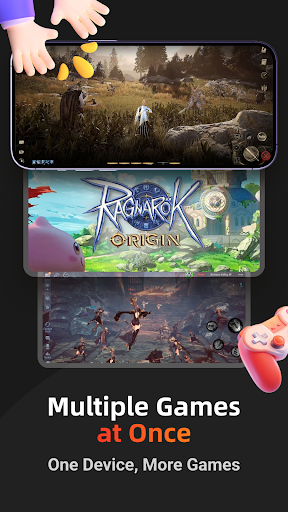
Managing several game profiles on a single physical device often requires constant logging in and out, but this system allows users to open and run multiple cloud phones at the same time. Each cloud device functions as an independent instance, meaning one virtual screen can farm materials on an alternate account while another handles daily quests on a primary profile. Setting up multiple instances requires installing the target applications and entering login credentials for each cloud device individually, but it provides a structured setup for players who manage guild support accounts or run parallel farming routines across different server instances.
Your comment was submitted and is awaiting moderation.
Your comment was published.