App Screenshots
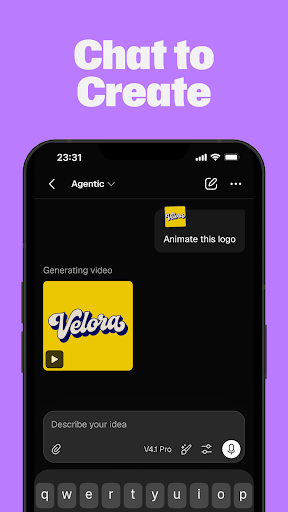
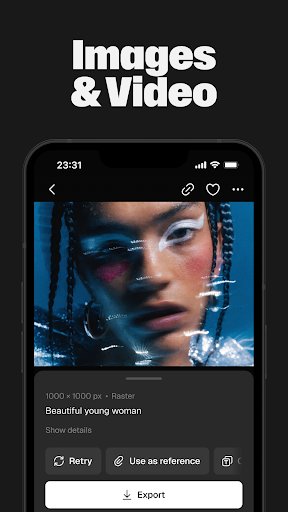

AI image and video generator
• Topaz upscaling: enlarge and sharpen your images with the Topaz model.
• Edit from the preview: open any image and go straight to the editing tools.
• Refreshed credit meters: credit usage has a new look.
• Faster and more stable: performance improvements and bug fixes.
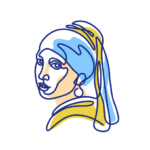
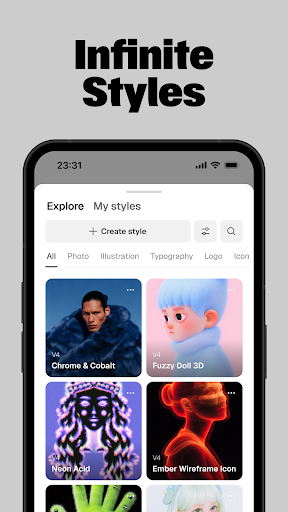
Transforming text prompts into multi-format design assets is the core function of Recraft: AI Images and Videos, an all-in-one visual generation and photo editing app. Designed to handle both creative ideation and final asset production, the app lets users generate photorealistic photos, illustrations, scalable vector graphics, and videos from conversational descriptions. By combining direct editing tools—such as background removal, image upscaling, and detail adjustments—with access to multiple specialized generative models, it provides a complete environment for creating custom art, social media visuals, logos, and marketing content.
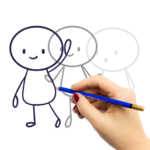
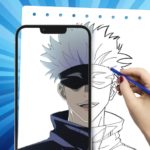
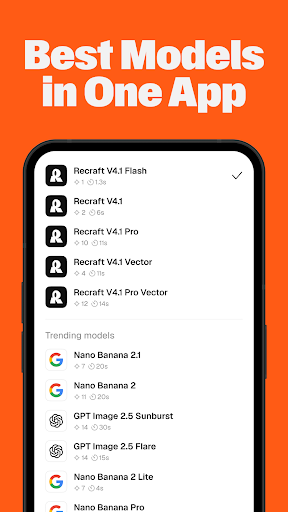
The app operates as a flexible creative workspace, giving users access to a variety of generative AI engines tailored to specific visual tasks. Designers can work with built-in models like Recraft V4.1, Recraft V4.1 Vector, and Recraft V4.1 Flash, or route their prompts through external models including Flux, Kling, Veo, Grok, Nano Banana, GPT Image, Seedream, Nvidia Cosmos, Krea, and Happy Horse. Beyond text-only prompts, the app supports reference-guided creation, allowing users to upload existing photos, rough sketches, or base visual assets to direct the style, structure, and consistency of the generated output.
Unlike standard image generators that produce only flat raster files, this workspace supports full vector generation and conversion. Using dedicated tools like the AI logo generator, icon generator, SVG generator, and integrated vectorizer, users can generate clean, scalable graphics suitable for high-resolution print and branding work. For raster projects, such as product photography or studio shots, the built-in image editor handles essential post-processing tasks directly in the workspace, enabling users to remove unwanted backgrounds, upscale resolution, and fine-tune image details without exporting to external editing software.
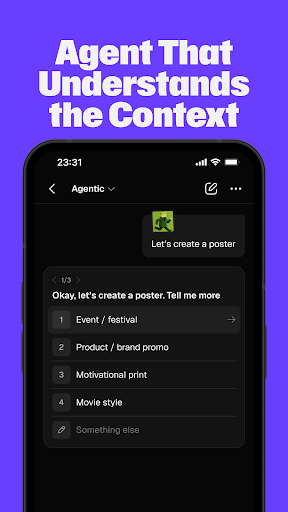
To accommodate different production workflows, the app offers two distinct modes of execution. In Agentic mode, the system analyzes the user’s creative context, interprets the prompt’s intent, and automatically configures parameter settings to optimize the output. Switch to Manual mode, and users gain direct, granular control over individual generation settings for precise execution. Work created within the app syncs across devices, enabling users to start projects on a mobile interface, review desktop-initiated files while mobile, and return to desktop environments for detailed finishing work. Creative inspiration and practical design examples can also be explored through an integrated community gallery displaying user-created art, videos, and generative design assets.
Your comment was submitted and is awaiting moderation.
Your comment was published.