App Screenshots


Mobile screen recorder and video editor
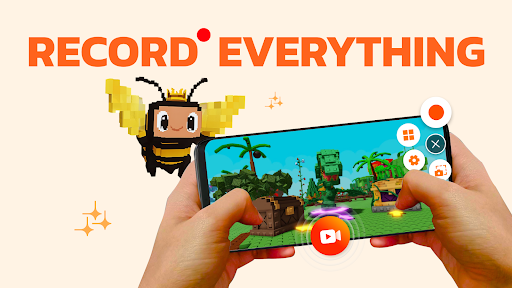
Capturing your device’s display for tutorials, gameplay, or video clips is straightforward with Screen Recorder – G1REC. The app lets you record high-definition video while capturing clear internal audio or microphone input. It includes integrated creation tools such as a floating action button for quick screen grabs, a brush tool for drawing directly on the screen during a recording, and a facecam overlay for reaction videos. After recording, you can edit the footage, apply a voice changer, extract audio tracks as MP3 files, or turn video clips into shareable GIFs without any watermarks on the final file.
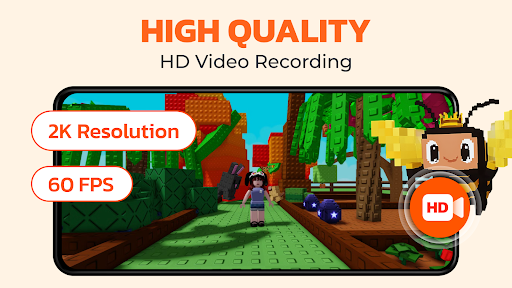
Recording screen activity can be managed directly on screen using a floating control button, which can also be hidden while capturing so it does not appear in the finished video. Footage can be captured at resolutions up to 1080p, at 60FPS, and with bitrates reaching 12Mbps. For audio, the system captures voice input and can record internal audio on supported system versions. If you are creating video commentary or tutorials, the Facecam feature places a movable and resizable camera window over your recording so your face and reactions remain visible. You can also use the Brush Tool to draw or mark specific areas on the screen while the recording is active.
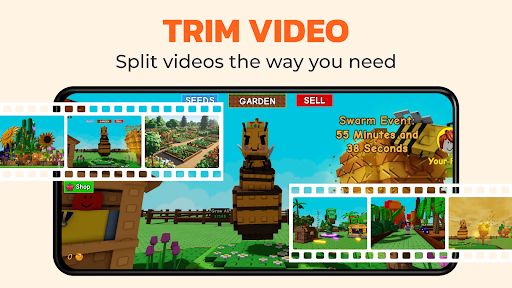
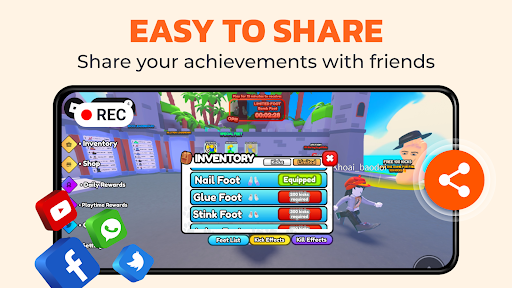
Once a recording is finished, built-in tools allow you to adjust and transform the content without needing extra software. You can edit the video directly within the interface, compress the file size, or apply a voice changer effect to alter the sound of the audio track. The built-in conversion utilities also allow you to isolate audio tracks from recordings to create MP3 sound files, or convert short video clips into looping GIF animations suitable for messaging and social media sharing.
Your comment was submitted and is awaiting moderation.
Your comment was published.