App Screenshots

Device sound and volume level manager
- Added Latvian language support.
- Improved translations for Spanish, Portuguese, and Thai.
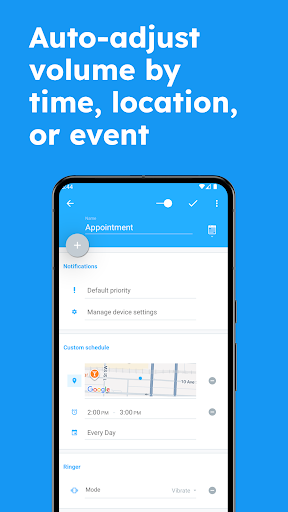
Volume Control is a sound management app that lets you automate and fine-tune your device’s audio settings through custom presets. You can configure individual volume levels for alarms, media, ringers, notifications, system sounds, calls, and Bluetooth connections, then switch between them manually or automatically. The app enables context-based automation triggered by specific times, calendar appointments, geographic locations, Wi-Fi networks, or attached accessories like headphones, helping you maintain appropriate audio levels throughout the day without constant manual adjustments.
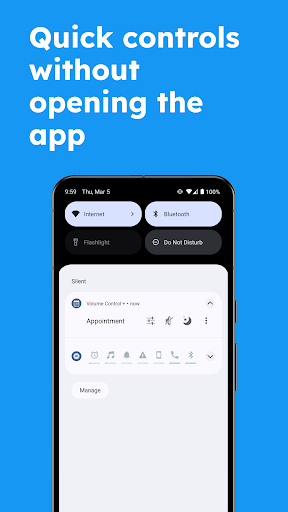
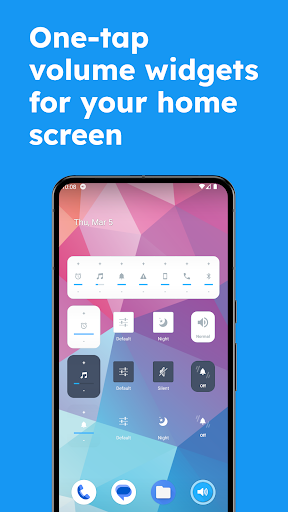
You can build tailored audio profiles for specific situations, such as silencing ringers while keeping media low during meetings, or boosting music and Bluetooth levels for workouts. These presets can be activated with a single tap inside the app, directly from your home screen using customizable widgets, or straight from the shade notification area without opening the main interface. Toggles are also available for switching ringer modes between silent, vibrate, and normal, or for modifying vibration settings independently.
Volume settings can adapt automatically based on your location, connected Wi-Fi networks, schedule, or calendar events. For temporary changes, a built-in timer applies a chosen preset for a set duration, such as 15 minutes or an hour, before automatically reverting to your previous audio levels. On supported hardware, you can also split ringer and notification volumes into separate controls or assign custom audio files for incoming calls, alarms, and notifications.
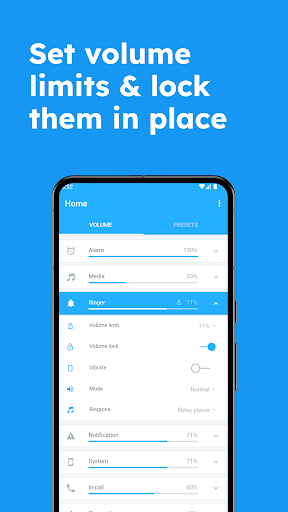
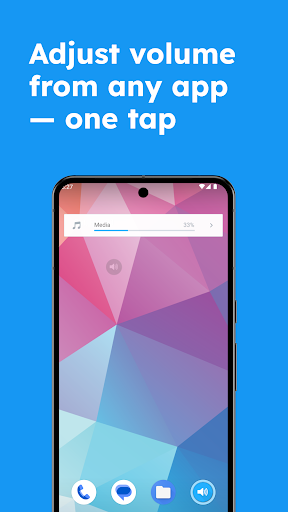
To prevent accidental audio spikes or unwanted adjustments while your device is in a pocket, you can set a hard maximum volume limit and lock your current sound levels. A movable floating button can be placed over other applications, allowing you to tweak volume sliders or swap presets on the fly without leaving your current task or exiting full-screen applications.
Your comment was submitted and is awaiting moderation.
Your comment was published.