App Screenshots

Intelligent video editing software for creators.
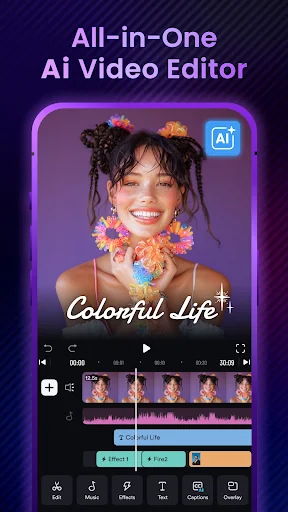
AI Video Editor: ShotCut AI is a mobile video creation and editing tool designed to handle both automated media enhancements and manual frame-by-frame adjustments. It combines specialized machine learning tools—such as automated voice-to-text captioning, context-aware background music generation, and platform-specific text drafts—with standard timeline editing functions. Editors can use it to build content for platforms like TikTok, Instagram, and YouTube, relying on built-in project presets, background removal, and stabilization tools without requiring desktop software.
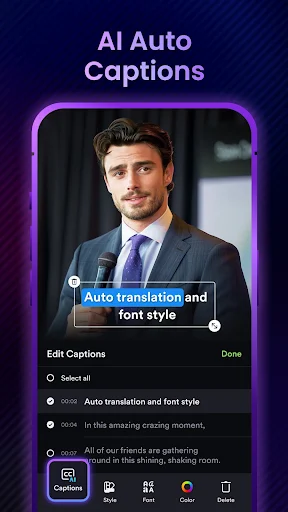
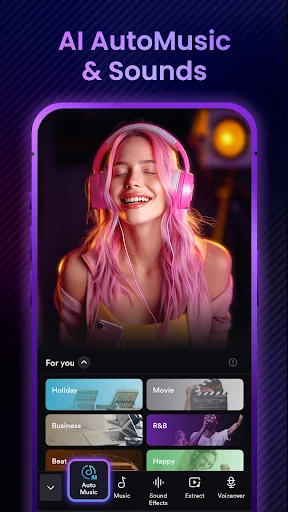
The app includes dedicated AI tools aimed at speeding up post-production workflows. Its automated captioning system transcribes video audio into text with localized sentence and word segmentation across multiple languages. For audio enhancement, the app analyzes clip content to generate and match a fitting background music track. It also provides a text generation feature where uploading a video and selecting a target publishing platform produces suggested video titles, descriptive copy, and hashtags tailored for online engagement.
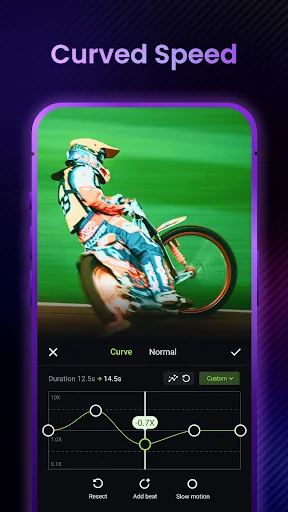
Basic cutting and arrangement tools allow creators to split larger source files, trim unwanted segments, merge multiple clips into a single video, or adjust the aspect ratio with a dedicated cropper. The app includes a video reverser for backward playback, tools to alter video speed for slow-motion effects, and a background blur or pixelation tool to obscure specific regions. Output options include exporting projects in HD video format or extracting the audio directly into an MP3 file. The app processes edits and exports completed video projects without applying a mandatory watermark.
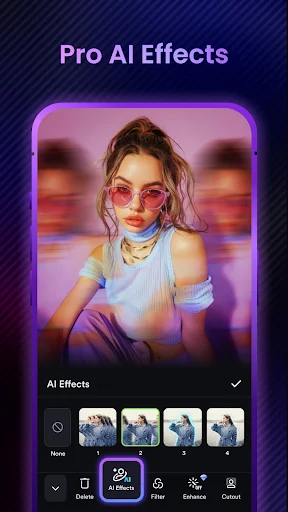
For more advanced visual composition, the editor supports Picture-in-Picture (PIP) layers for multi-video overlays, along with a stop-motion generator for frame-based animation. Footage affected by camera movement can be processed through a built-in video stabilizer to eliminate shake. Backgrounds can be altered or completely removed using two distinct methods: a standard chroma key tool that isolates and erases selected colors, and an automated background remover that cuts out subjects without requiring a green screen setup. Additionally, it offers pre-configured effect house and reel templates tailored for short-form social video formats.
Your comment was submitted and is awaiting moderation.
Your comment was published.