App Screenshots

Comprehensive software management and backup utility
- Added netstat (network statistics) for Security scanner.
- Fixed support for Android Q (Android 10).
- Fixed a crash in the Installer.
Changelogs at https://apkinstaller.com
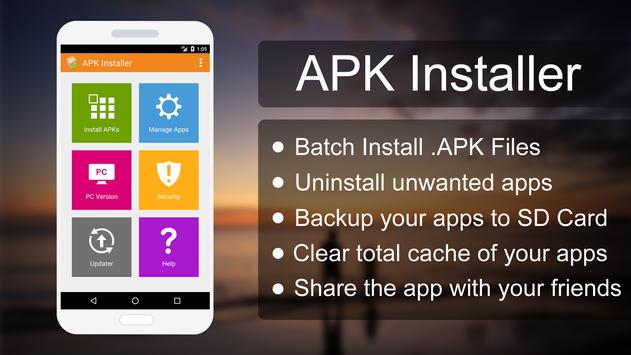
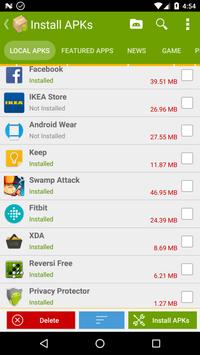
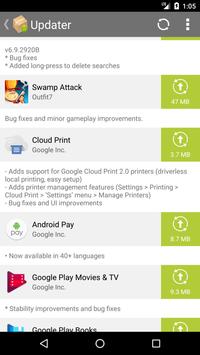
Managing mobile software often requires handling installation files directly rather than relying solely on official marketplaces. APK Installer serves as a centralized hub for handling these package files, allowing users to process multiple installations simultaneously from either internal device storage or a secondary SD card. Beyond basic file deployment, it provides direct tools for inspecting software packages, exporting installed items, monitoring system permissions, and performing basic system maintenance.
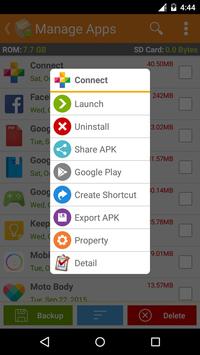
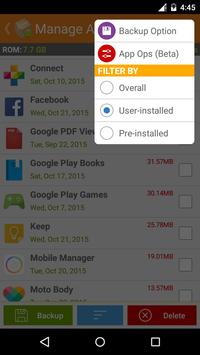
To save time when setting up a device or restoring software, the app handles bulk operations across multiple file formats. Users can select and install multiple setup files at once, or batch-uninstall unwanted applications from their device. For data preservation or offline storage, installed applications can be exported directly to an SD card as backup files. The app also enables straightforward sharing options, allowing users to send the underlying installation files or store listings directly to others.
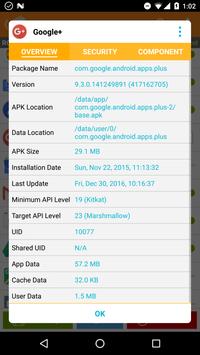
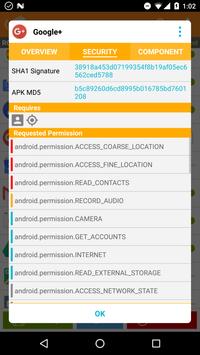
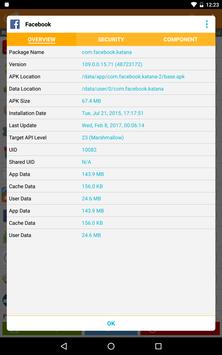
Before deploying software, users can review deep technical metadata for any setup file. The built-in inspector reveals critical structural details, including the package name, exact file location, installation date, and minimum or target API levels. It also displays security metrics such as MD5 and SHA-1 signatures, individual component data for activities and services, assigned UIDs, and requested system permissions. To mitigate potential risks, an integrated security scanner analyzes files for potential threats, verifies signatures, and detects embedded advertising or analytics add-ons.
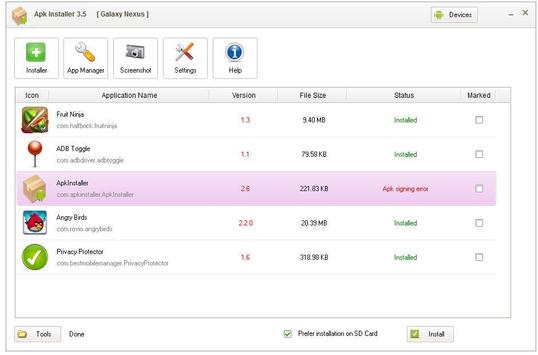
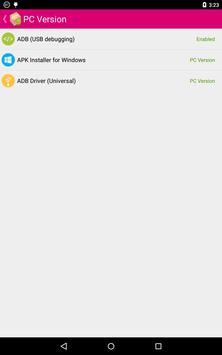
Beyond file installation, the app incorporates several daily utility tools. It features a one-tap cache cleaner to free up temporary storage, an option to move supported software to external storage, and a shortcut creation utility to place specific application launchers directly on the home screen. Advanced controls include a toggle switch for ADB debugging and direct access to permission management tools. Additionally, a companion PC version allows users to send and install software packages onto their mobile device directly from a Windows desktop environment.
Your comment was submitted and is awaiting moderation.
Your comment was published.