App Screenshots

External peripheral keymapper for mobile games
Crash Fix & Google login Fix;
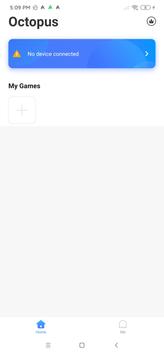
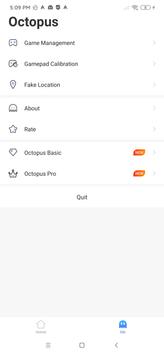
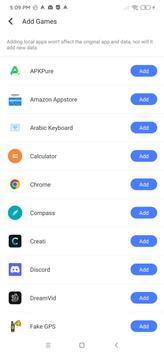
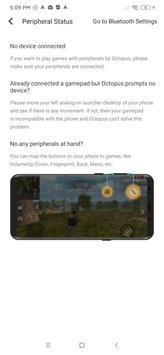
Mapping external gamepads, keyboards, and mice to touchscreens typically requires complex setup procedures, but Octopus provides a no-root mapping environment that lets you use hardware peripherals directly in mobile software. Operating through a built-in launcher hub, it routes inputs from controllers made by brands like Xbox, PlayStation, Razer, and Logitech into touch-based interface elements without needing system activators. With built-in presets for over 30 titles and specialized modes like Advanced Shooting for FPS titles and Smart Casting for MOBAs, it bridges the gap between physical control layouts and mobile software interfaces.
The app tailors its mapping logic around specific genre demands through dedicated control modes. Advanced Shooting mode locks mouse or analog stick movement to camera aiming while binding primary actions like firing and aiming down sights to dedicated physical buttons. For MOBA software, Smart Casting links skill targeting to physical controls for faster ability execution. Users can adjust mouse and stick sensitivity during live play or practice sessions to fine-tune aim tracking across different scope magnifications and movement speeds.
Beyond generic button assignment, the layout editor contains over 20 individual control components to match complex interface layouts. Players can configure separate control profiles for a single title, making it easy to swap between distinct button configurations for casual sessions and competitive ranked matches. Advanced tools allow precise adjustment of analog deadzones to eliminate stick drift, while shortcut tools provide access to a virtual mouse cursor during menu navigation.
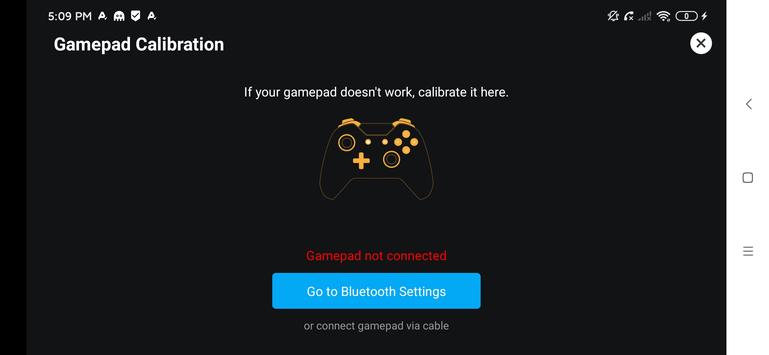
For specialized control schemes, extended features expand input options beyond simple key mapping. Pro capabilities support complex combinations, including multi-touch swipes, high-frequency repeated taps from a single button press, and multi-step input sequences. The app also integrates utility features directly into its overlay interface, including a gamepad calibration utility to test analog accuracy and a built-in screen recorder to capture footage without leaving the active title.
Your comment was submitted and is awaiting moderation.
Your comment was published.