App Screenshots

Batch software manager and uninstaller utility
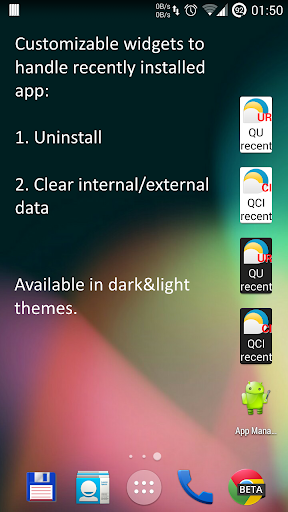
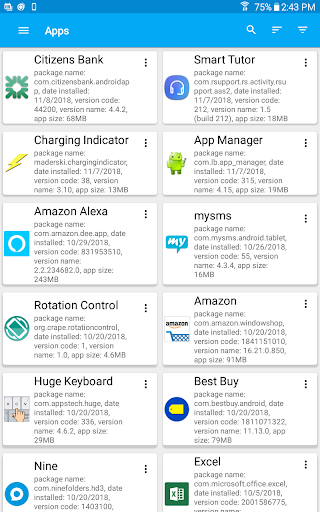
For anyone who installs multiple applications to find the right tool or frequently needs to reset their setup, App Manager provides a centralized system for batch operations and advanced software control. It streamlines device maintenance by allowing you to uninstall, share, disable, or reinstall several applications at once instead of navigating through individual system menus. The app also expands installation options by directly opening package formats like APK, APKS, APKM, and XAPK files, while providing custom home screen widgets to quickly remove recently added tools or wipe internal and external storage data.
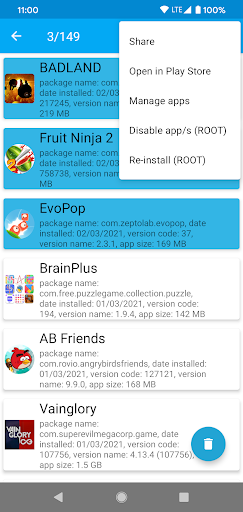
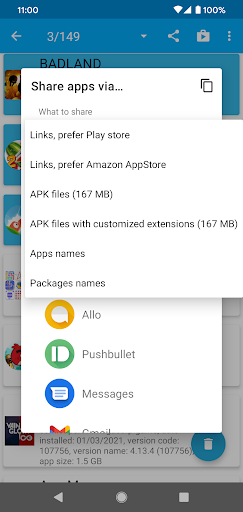
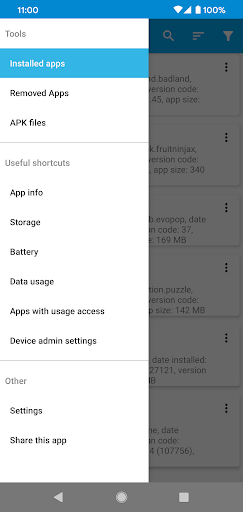
Managing a large collection of software is handled through unified actions rather than repetitive manual steps. You can select multiple items to execute bulk uninstallation, toggle apps between enabled and disabled states, or share software either as direct links or raw APK files. The app also functions as a specialized package manager, identifying and directly processing multi-part installation files like APKS, APKM, and XAPK directly from other source apps. To help track past adjustments, a built-in history viewer logs previously removed items.
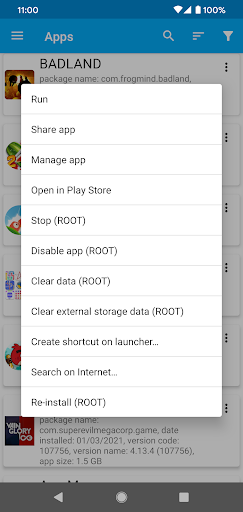
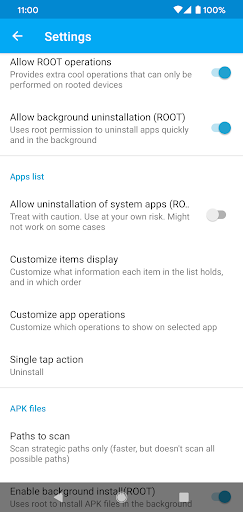
For rooted devices, the app unlocks direct system-level management tools. It enables faster background stopping, immediate clearing of internal storage, and the ability to enable or disable persistent processes. If you need to streamline bloatware, it can attempt system app removal, though success depends on specific system ROM permissions and restrictions. Rooted environments also allow one-click operations that bypass standard platform confirmation prompts, simplifying deep system maintenance.
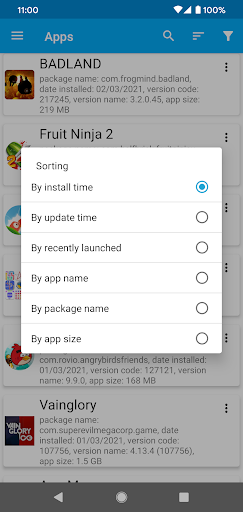
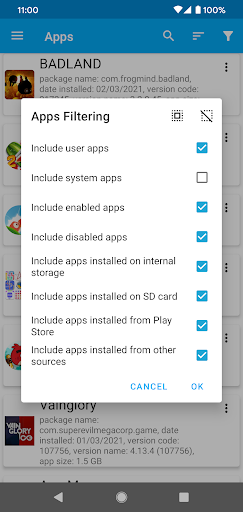
Standard launchers often hide background components, but this tool exposes every installed element. You can view, search, and manage non-launchable assets including active widgets, live wallpapers, custom keyboards, system launchers, and background plugins. To keep this data readable, you can filter lists by system versus user apps, enabled or disabled status, or installation path between internal storage and an SD card. Sorting options allow you to organize items by storage size, package name, installation date, last update, or launch frequency.
Security permissions and launcher integration are automated to prevent workflow interruptions. When dealing with apps that hold device administrator privileges, the app automatically guides you through revoking those permissions so uninstallation can proceed without manual system lockouts. For new installations, it can automatically place shortcuts on your home screen. It also features a shortcut generator capable of creating direct access icons for deep or hidden activities, alongside quick tools to search the web directly for an app’s package name or view technical build numbers and version details.
Your comment was submitted and is awaiting moderation.
Your comment was published.














 What is Shizuku and how to set it up without root
 Getting the APK out of an app you already have