App Screenshots
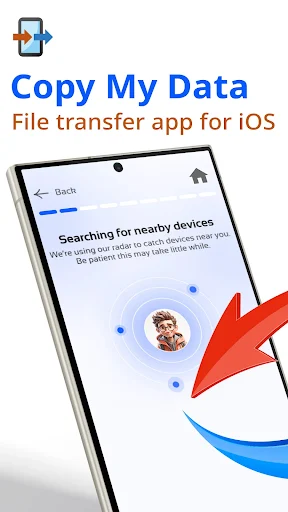
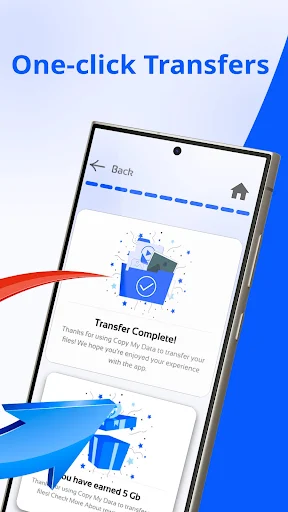
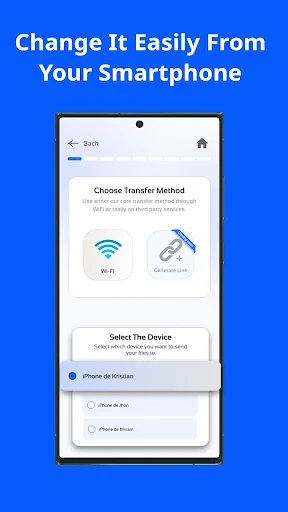
Wireless phone-to-phone data transfer tool
Massive speed boost! What's new:
• Lightning-fast setup.
• Premium features load instantly.
• Transfer engine fine-tuned for flawlessly smooth content moving.
If our stress-free data transfers helped you, a 5-star review means everything! Thanks!
When upgrading or switching to a new smartphone, Copy My Data: Transfer Content provides a direct way to move personal data from your old device without relying on a desktop computer. The app facilitates phone-to-phone transfers for essential data types, including contacts, calendar events, photos, videos, audio tracks, and general documents. By establishing a direct wireless connection between both smartphones, it eliminates the need to manually re-enter address book entries or transfer files individually through external storage.
The app handles several distinct categories of personal content during a device migration. It copies your address book to populate contacts on the target phone, transfers photo and video files to preserve media libraries, and moves supported audio files and music tracks. Beyond media, it supports the transfer of calendar events and scheduled dates, alongside standalone files and stored documents, ensuring that key personal records remain accessible on the new hardware.
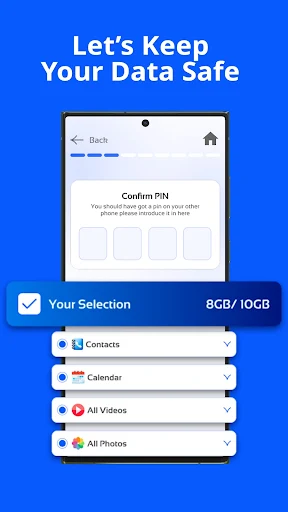
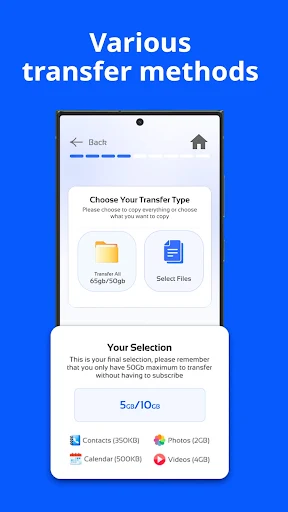
To initiate a transfer, both smartphones must have the app installed and open simultaneously. Devices pair using one of two wireless methods: scanning a generated QR code between the phones or connecting both devices to the same local WiFi network. Once paired, the interface guides you through selecting specific file categories to move. During the transfer process, the app displays real-time progress indicators and estimated completion times when available, allowing you to monitor the migration until all selected data is copied.
Your comment was submitted and is awaiting moderation.
Your comment was published.