App Screenshots


Parental control and device monitoring utility
1. Optimized interface display and interactions to enhance the user experience.
2. Improved permission guidance for Browser Safety features.
3. Fixed issues reported by users.
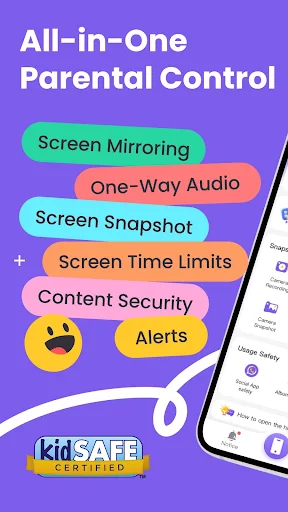
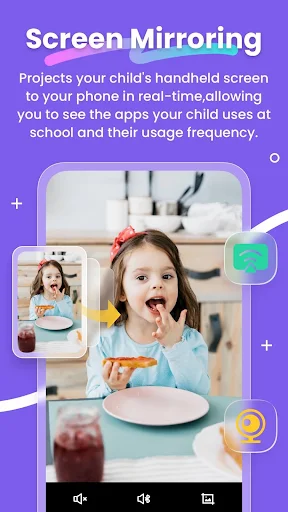
Managing a child’s digital habits and safety often requires balancing multiple tools, but FlashGet Kids:parental control brings live location tracking, remote hardware controls, and app monitoring together into a single dashboard. Parents can monitor active device usage in real time, set specific app and device time limits, and receive alerts when sensitive content or new app installs are detected. The app also offers live screen mirroring and remote camera access, allowing guardians to quickly verify their child’s surroundings or online activity without juggling separate security applications.
The app provides continuous location tracking alongside detailed route history, allowing parents to see where a device is throughout the day and confirm daily commutes or after-school travel. Users can set up customizable geofences around frequently visited locations like home, school, or sports practice, triggering automatic notifications whenever the child enters or exits these defined zones. Tracking precision relies on active GPS and network connectivity, so a manual refresh or ensuring the target phone remains online helps stabilize real-time map updates.
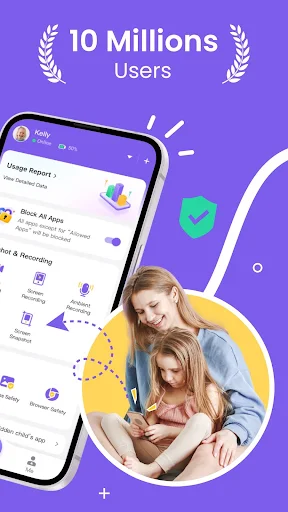
To keep an eye on active app usage and prevent late-night scrolling, guardians can view the target device’s screen live or set up automated snapshots and screen recordings at routine intervals. This helps flag inappropriate imagery or unexpected activity during homework hours without requiring constant, manual supervision. The app organizes these captured views within the dashboard to highlight broader usage trends. Some users may encounter pop-up notifications during mirroring sessions unless a premium subscription is active.
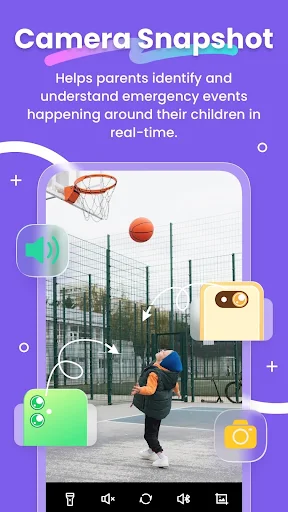
Beyond software monitoring, the service provides remote access to the device’s hardware features. Parents can switch between the front and rear cameras, capture photos, turn on the device’s flashlight remotely, or stream one-way ambient audio from the child’s immediate surroundings. Audio streams can also be recorded and saved locally to the parent’s device for later review, which helps verify pickup locations in crowded areas or ensure safety in unfamiliar environments. Audio and camera stream performance depends directly on the child’s current network signal strength.
To maintain healthy screen habits, parents can enforce device-level daily time limits, block specific software, and receive immediate alerts whenever new applications are installed or deleted. The app also syncs notifications from major social platforms and uses keyword-based detection to scan for sensitive content. When routine schedules change or new platforms are downloaded, these automated alerts allow parents to adjust restriction settings directly from the central interface.
Your comment was submitted and is awaiting moderation.
Your comment was published.