App Screenshots
Task management and habit tracking tool
Bug fixes and minor improvements
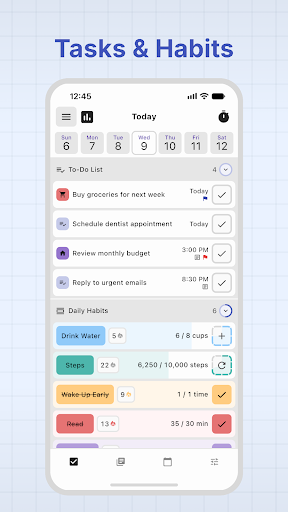
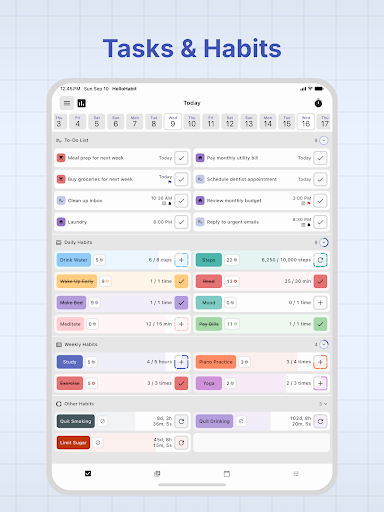
Building consistent routines and managing daily responsibilities often requires using multiple separate tools. HelloHabit – Habit Tracker brings these workflows into one system by integrating custom habit logging, task lists, and a rich text journal. It allows users to set tailored targets for wellness or productivity, structure upcoming errands, and keep detailed notes on their ongoing progress. With automatic data synchronization across devices, built-in timing functions, and flexible scheduling options, the app helps structure daily routines while tracking overall performance over time.
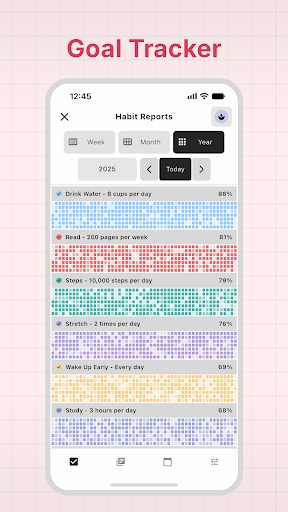
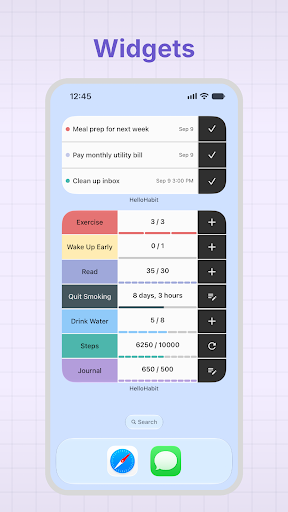
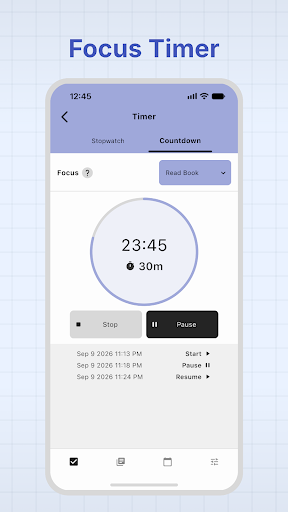
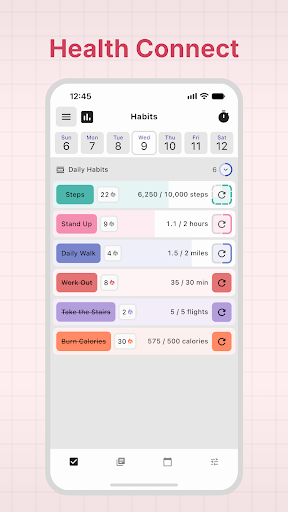
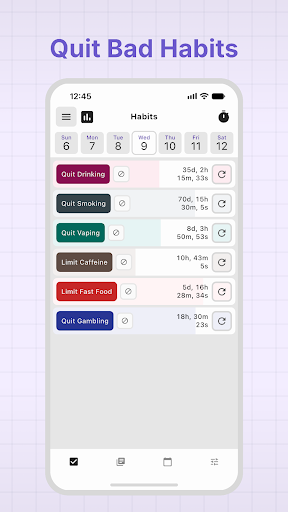
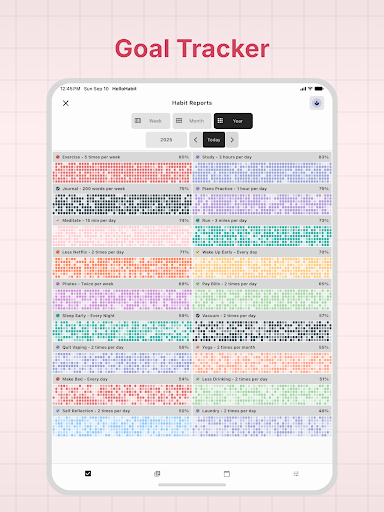
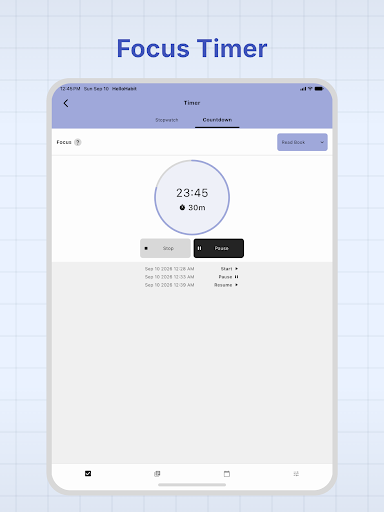
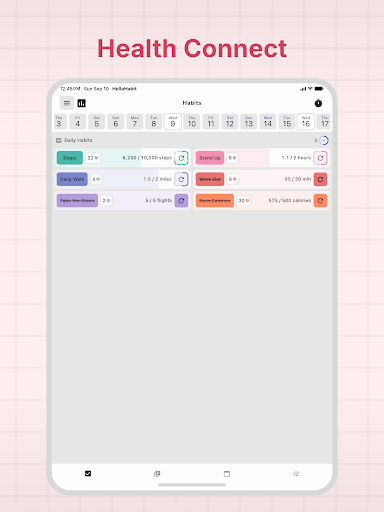
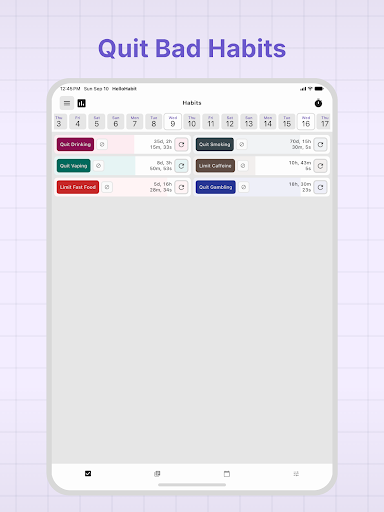
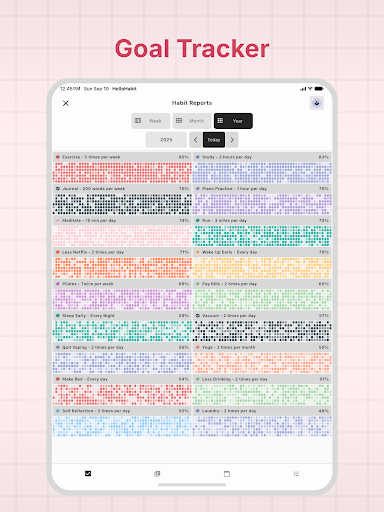
The app supports custom tracking for a wide variety of daily activities, ranging from fitness metrics like running and drinking water to personal routine changes such as quitting social media or smoking. Users can choose from hundreds of suggested habit ideas or construct their own, setting specific daily, weekly, monthly, or yearly targets. Progress can be monitored through detailed streaks, historical statistics, and record logs. For time-bounded routines like reading or meditating, integrated stopwatch and countdown timers allow precise tracking, while quit trackers measure the exact duration elapsed since ending a specific habit. Additionally, health-related activities can automatically sync with Health Connect to consolidate wellness data without manual input.
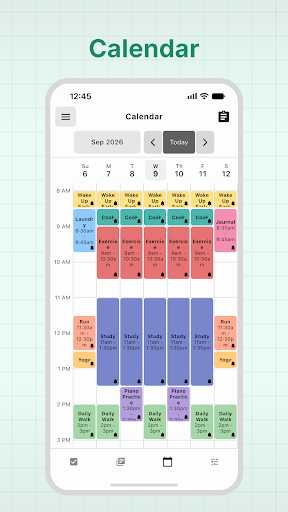
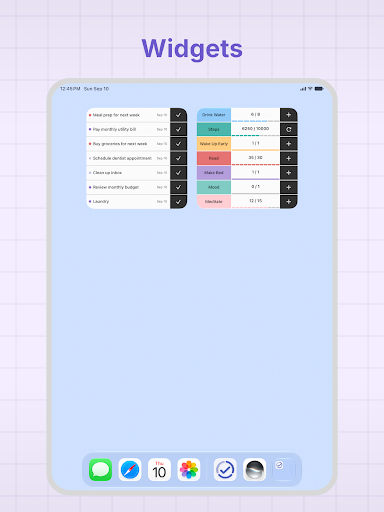
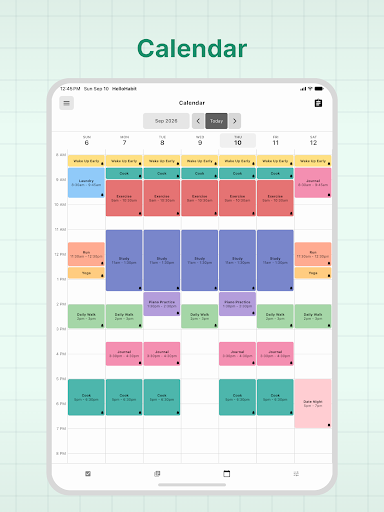
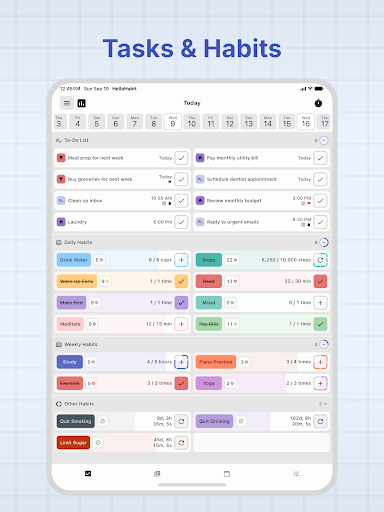
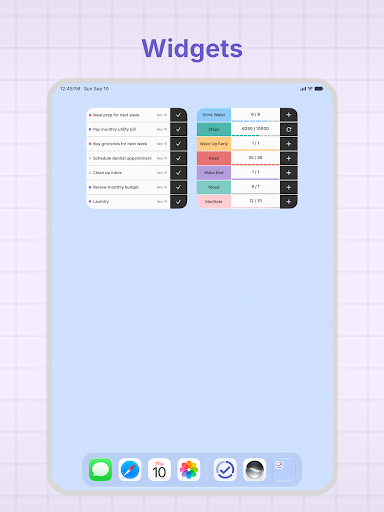
Beyond tracking repeated habits, the app functions as a flexible task manager for one-off errands, organized projects, and daily routines. Tasks can be grouped into custom lists defined by priority, schedule, or personal categories. To help maintain consistency, users can attach unlimited reminders to individual habits or tasks, configuring them as one-time, daily, weekly, or monthly alerts. An integrated calendar view displays upcoming commitments in daily, weekly, or monthly formats, allowing users to review their balance of tasks and habits at a glance.
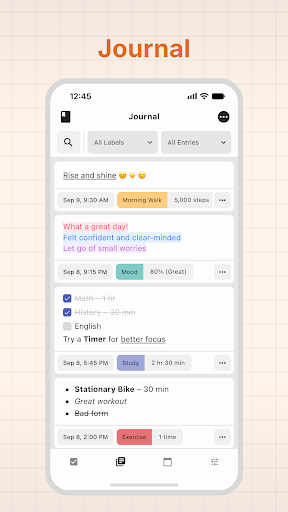
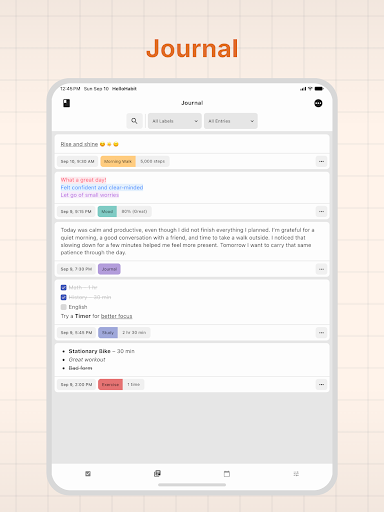
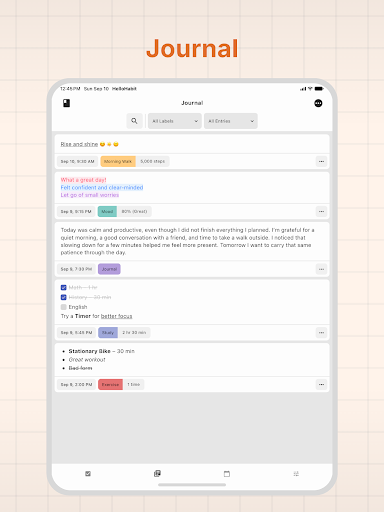
To contextualize progress, the platform includes a centralized journal equipped with a rich text editor. Users can format notes to reflect on daily insights, log specific habit updates, or highlight achievements. Journal entries can be filtered by specific habits for targeted reviews, and critical notes can be bookmarked for fast access later. For late-hour adjustments, a dark mode offers a comfortable visual alternative. All logged activities, lists, and journal entries sync seamlessly across supported devices, and user assistance is accessible directly through an in-app support chat.
Your comment was submitted and is awaiting moderation.
Your comment was published.