App Screenshots


Document reader, editor, and PDF converter
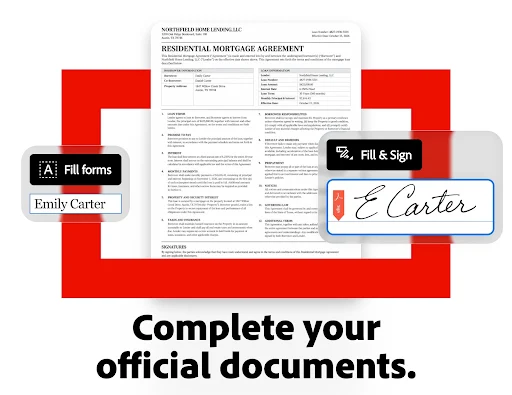
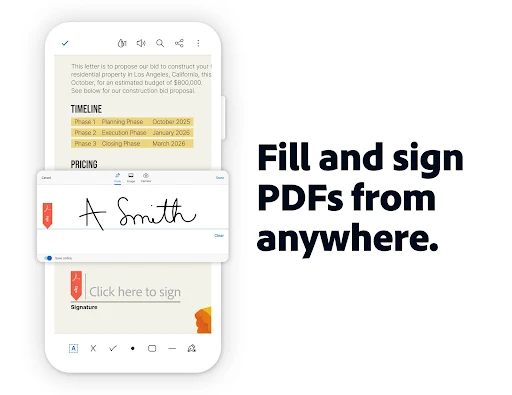
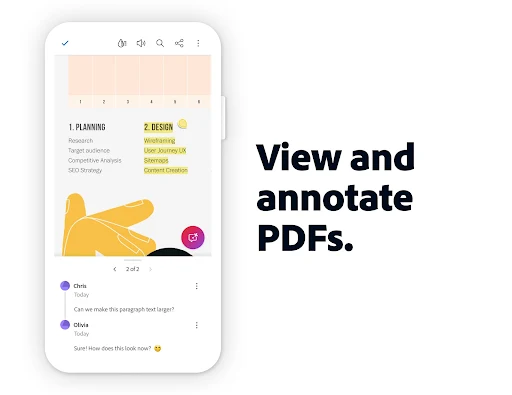
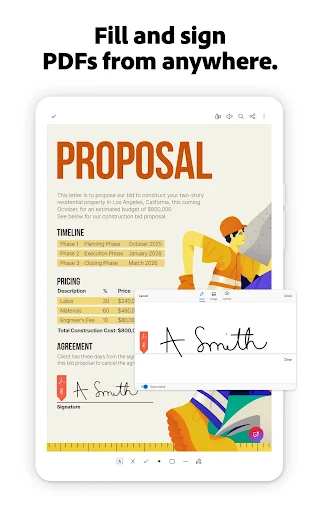
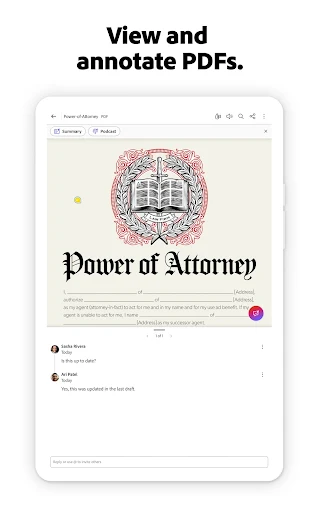
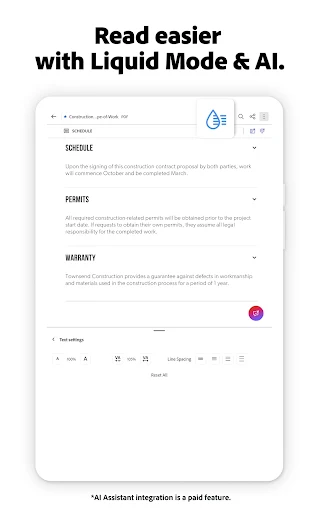
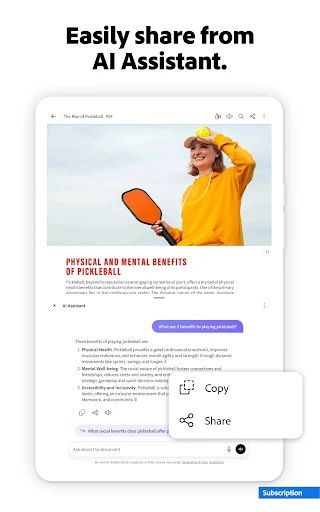
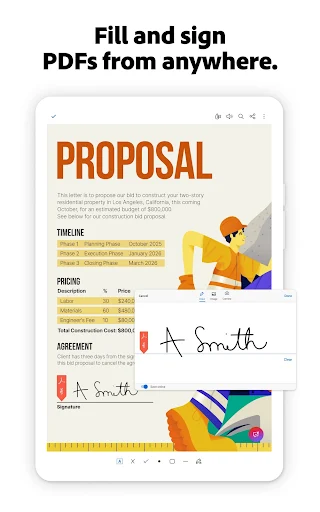
Managing documents often requires more than simple file viewing, and Acrobat Reader: PDF Converter handles everything from basic signatures to advanced document editing and conversion. Users can open files stored online, fill out and sign forms using built-in signature tools, or convert external file types into PDFs. It also offers direct editing capabilities for modifying text and images within a document, converting scans into searchable text, and generating automated document summaries using an integrated AI Assistant.
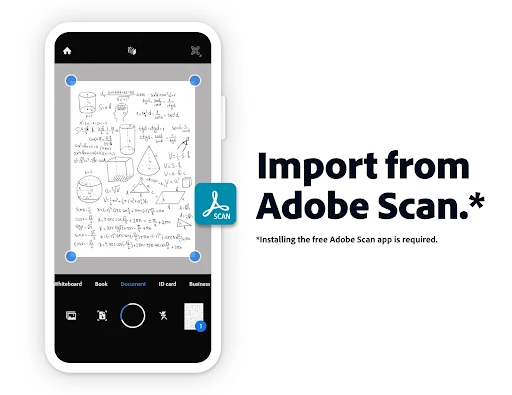
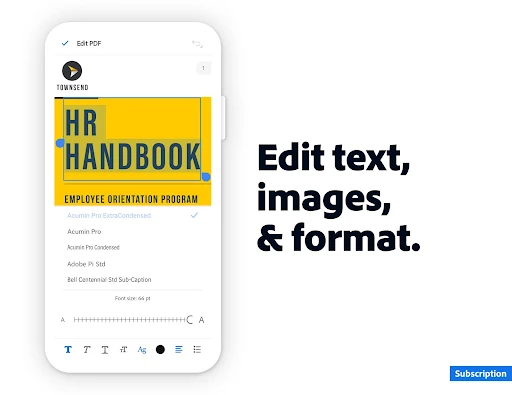
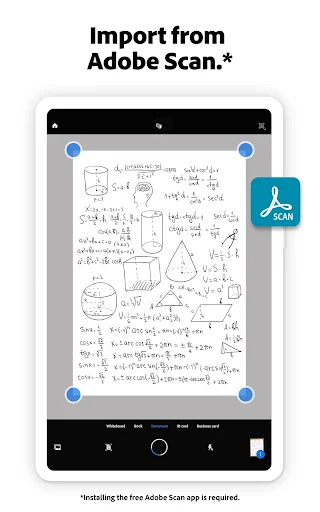
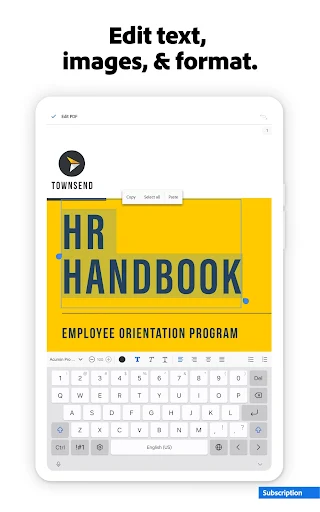
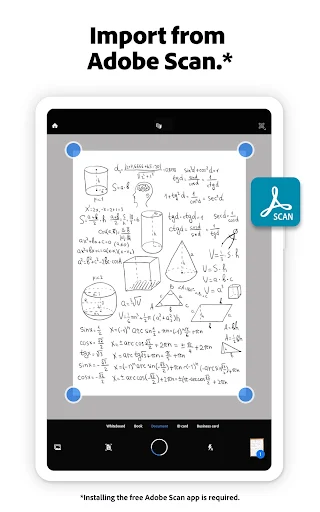
Mobile users can edit existing PDFs directly by adding new paragraphs, fixing typographical errors, or inserting, deleting, and rotating images inside the file. When working with physical paperwork or images of text, the app uses Optical Character Recognition (OCR) to process scanned documents. This process converts static scans into searchable, editable text that can be copied or exported for use in other applications.
The app functions as a full-featured file converter that generates PDFs from Microsoft Office formats, Google Docs, web pages, and image files. Conversely, existing PDFs can be exported back into editable Microsoft Word, Excel, PowerPoint, or various image formats. Users can also manage structural changes to their documents by splitting larger files, combining multiple documents into a single PDF, or cropping, reordering, and deleting individual pages.
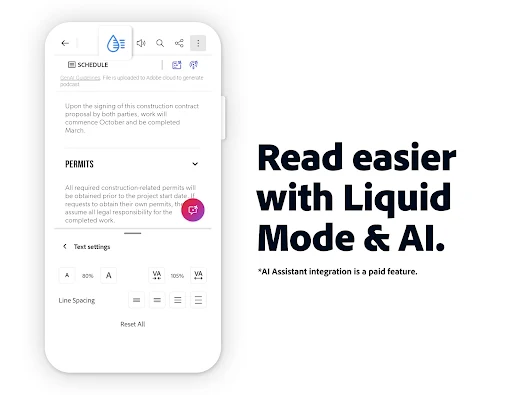
To manage file size and security, the app includes tools to compress large PDFs for easier sharing and add password protection to safeguard sensitive information and digital signatures. For hands-free interaction, it offers a read-aloud feature with multiple voice options to listen to document text, which also integrates with Android Auto for listening while driving.
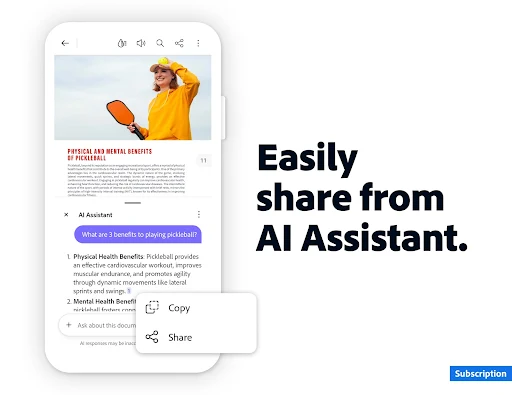
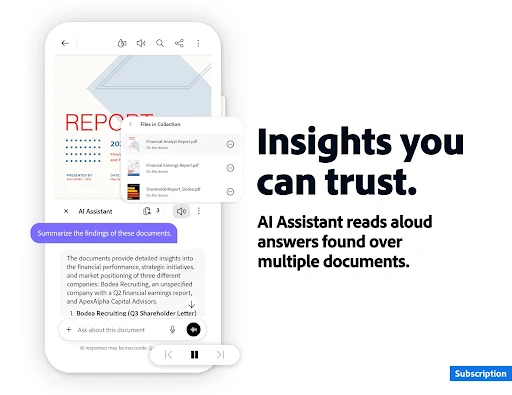
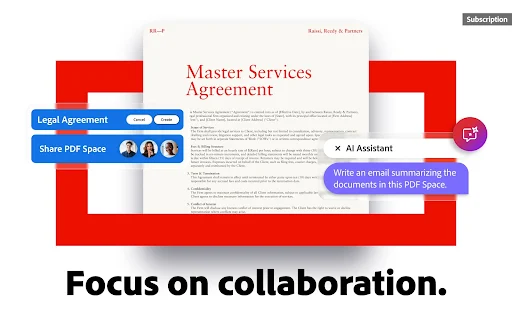
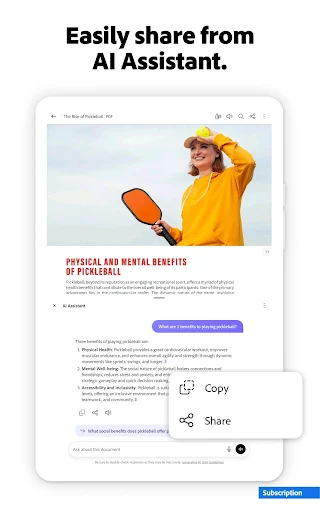
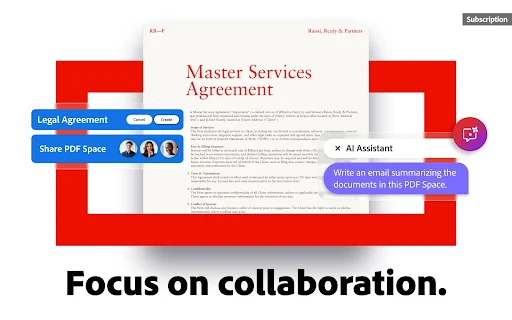
Through the paid Adobe Acrobat AI Assistant features, users can manage multiple files simultaneously within dedicated spaces called PDF Spaces. The AI Assistant responds to text or voice prompts to answer queries regarding document contents, including data embedded in charts, graphs, and tables via Figures Q&A. It can also generate instant summaries of complex PDFs to quickly create shareable content, text notes, or blog drafts.
Your comment was submitted and is awaiting moderation.
Your comment was published.