App Screenshots



Professional photo and video editor
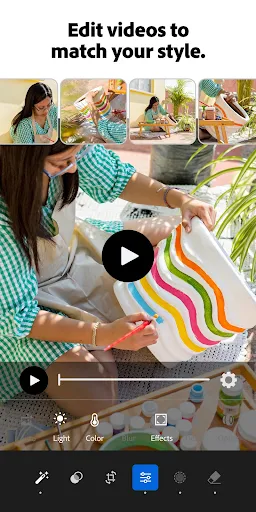
Editing images and videos directly on a mobile device often requires a balance between speed and precision. Lightroom Photo Editor & Video provides a structured digital workspace where you can adjust fundamental image attributes, apply specialized visual styles, and clean up unwanted elements. Designed for both quick enhancements and detailed visual adjustments, the app combines manual slider controls with automated toolsets. It allows users to process single snapshots or apply unified styling across entire batches of photos taken during the same event.
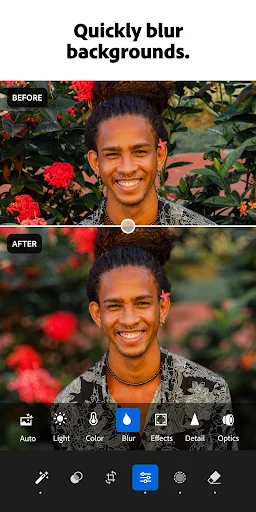
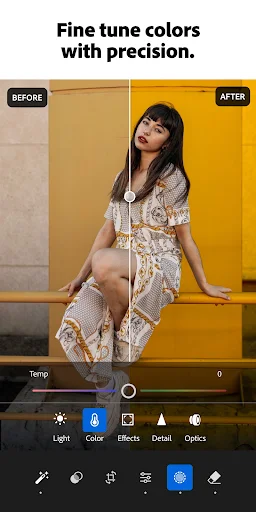
Fine-tuning an image begins with basic control over light and color. The app enables direct manipulation of exposure, highlights, and shadows to recover detail in overly bright or dark areas. For precise visual styling, you can adjust color grading parameters, including hue and saturation. To isolate the main subject of a picture, the built-in background tools allow you to apply a blurry bokeh effect, adding depth and focusing attention on specific elements within the frame.
For quick styling, the app includes one-tap Adaptive Presets and specialized film filter options that replicate vintage aesthetics. Intelligent analysis tools within the editor suggest specific adjustments based on the contents of the photo. Users looking for visual ideas can explore and apply custom presets created by other members of the global user community, or save their own custom adjustments to apply consistent visual signatures across future edits.
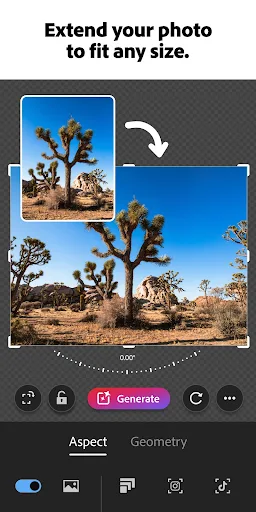
Correcting unwanted distractions is handled through dedicated editing tools. Using Generative Remove, you can select and erase objects directly from an image to clean up the final composition. For standard formatting needs, Quick Actions provide fast options for cropping, resizing, and general image enhancement without requiring manual layer adjustments.
Maintaining a consistent look across multiple images captured during travel, events, or photoshoots can be time-consuming. The app includes batch editing capabilities that let you take the specific adjustments, color grading, and filter choices applied to one photo and roll them out across an entire collection simultaneously, ensuring visual consistency across your project.
Your comment was submitted and is awaiting moderation.
Your comment was published.