App Screenshots
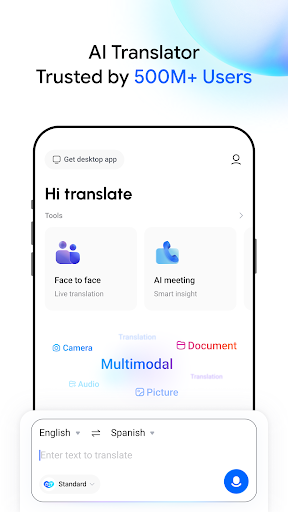
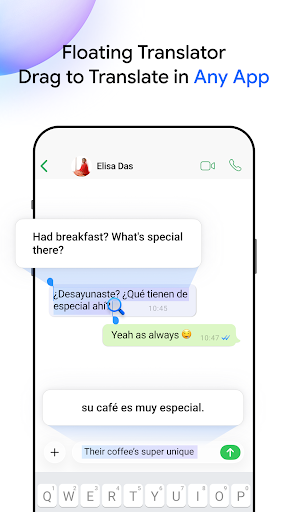
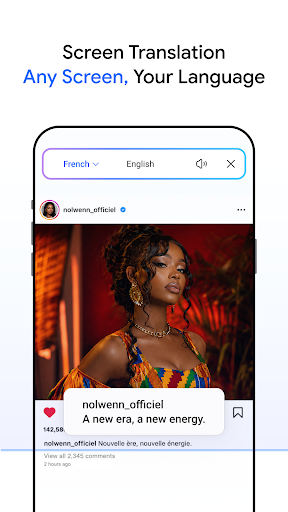

On-screen chat and call translator
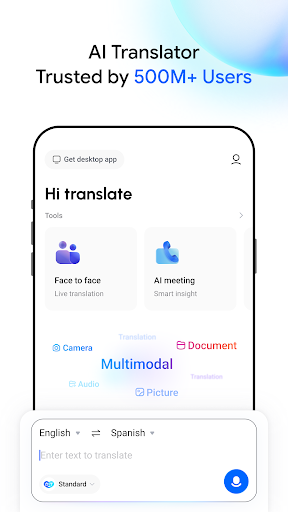
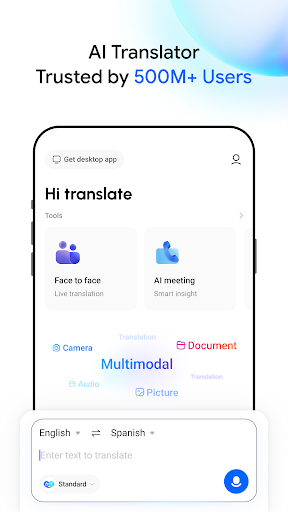
Communicating across language barriers often requires moving beyond simple text entry, especially when handling live conversations or full documents. Hi Translate – Chat translator solves this by providing direct translation tools across various interfaces, supporting more than 137 languages including widely spoken global tongues as well as frequently underrepresented South Asian and African languages like Hausa, Yoruba, Igbo, Urdu, and Bengali. The app contextually adapts its translations to fit specific scenarios such as work, study, travel, and social messaging.
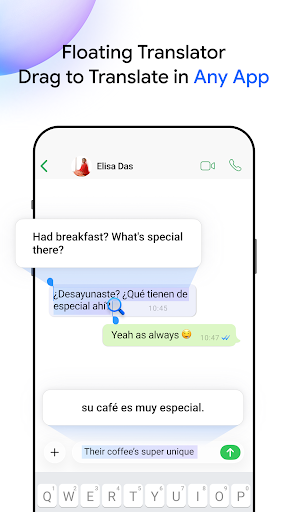
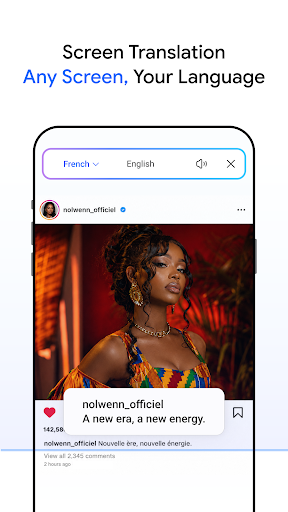
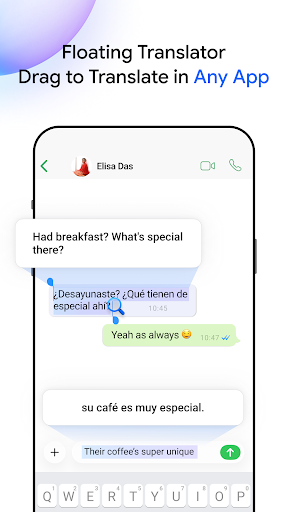
Instead of copying and pasting text between different applications, users can activate a floating icon that sits on top of the display. Dragging this icon over on-screen text instantly translates content within social media and messaging platforms like WhatsApp, Instagram, and Messenger. This workflow allows for continuous reading and messaging in foreign languages without leaving the active chat or browsing session.
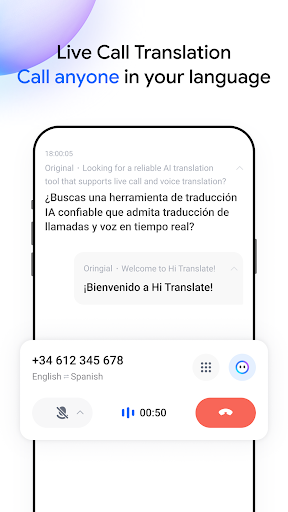
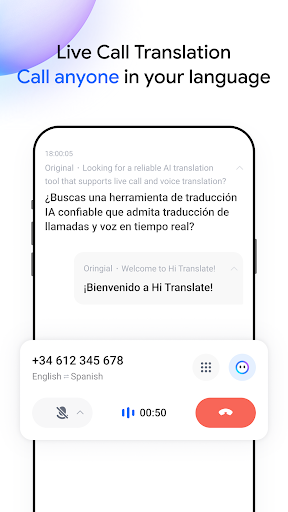
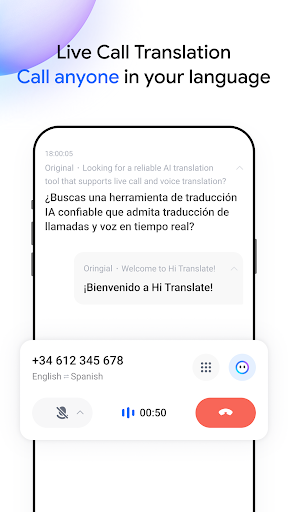
For spoken communication, the app offers real-time voice translation designed for face-to-face interactions while traveling or socializing. It also includes an AI-powered call translation feature that processes phone calls in real time. This capability caters to international business operations, remote teams, and cross-border calls where conversational spoken translation is required immediately.
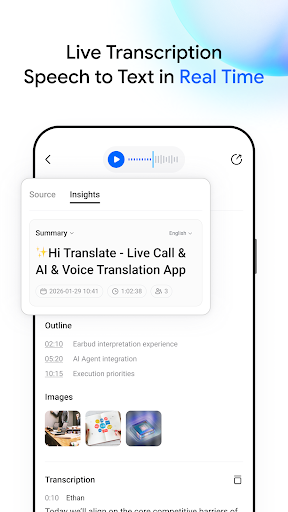
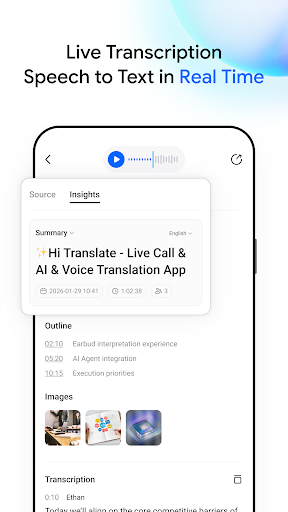
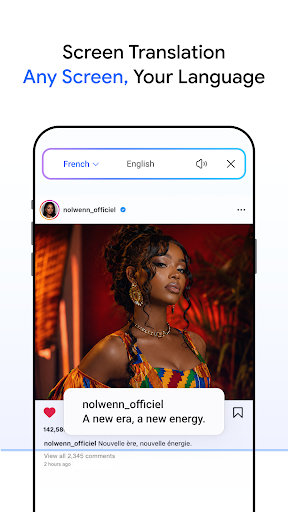
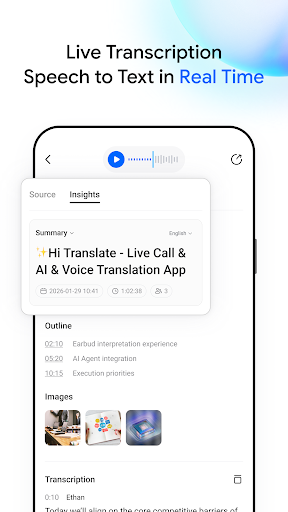
During virtual business meetings, the app acts as an automated assistant. In addition to delivering real-time voice translation as participants speak, it generates automatic AI notes and summaries of the discussion. Users can capture text directly from the screen during a session and retroactively search through stored meeting records to locate specific decisions or discussions.
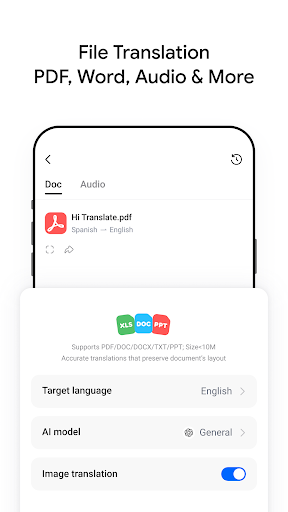
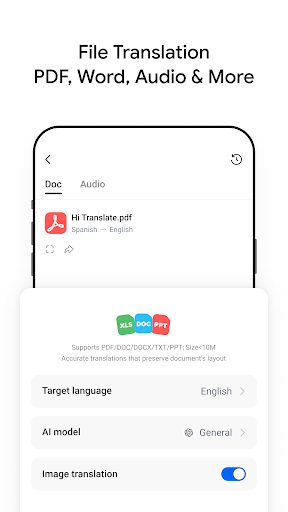
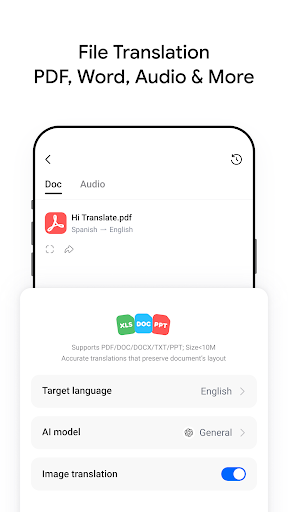
To handle static content, the tool integrates document and image translation features. Users can upload structured files such as PDF, Word, or Excel documents, and the engine translates the text while preserving the original layout and formatting. For physical text—such as street signs, physical menus, or printed manuals—the camera feature captures and translates the visual text instantly.
To extract text directly from third-party apps for the floating translator to work, the system utilizes Accessibility Services APIs. The app uses these API permissions solely for the purpose of retrieving on-screen text to translate, without storing or misusing the retrieved data.
Your comment was submitted and is awaiting moderation.
Your comment was published.