App Screenshots
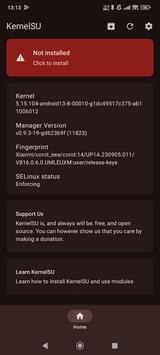
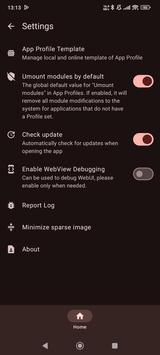
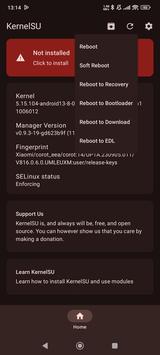

Kernel-level superuser and permission manager
Managing root privileges at the kernel level provides a distinct approach to device customization. KernelSU allows you to grant or deny superuser access on a per-app basis directly from its manager interface, ensuring that only trusted tools receive elevated privileges while other applications remain entirely unaware of root access. Beyond basic access control, the app supports systemless modules that overlay system paths at boot, allowing you to modify system behavior—such as updating fonts or configuration files—without altering system partitions directly.
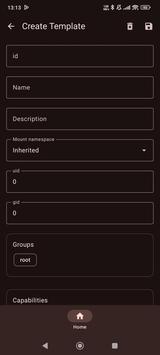
Instead of granting global root access, the app lets you manage superuser requests for individual applications. You can adjust specific privileges assigned to each app, including user IDs, groups, capabilities, and custom SELinux rules. This targeted control helps restrict each application strictly to the permissions it requires. Additionally, the system includes features to keep root access hidden from unauthorized apps, though detection outcomes can still vary depending on the target application.
The manager handles system modifications without rewriting underlying system partitions by using systemless modules. Powered by meta overlayfs, these modules replace targeted files under system paths during the boot process. This mechanism is ideal for applying localized system changes, such as tweaking configuration files or swapping system fonts. Because custom modules carry the risk of causing boot issues, modules must be applied carefully, followed by a check to ensure the device starts up normally.
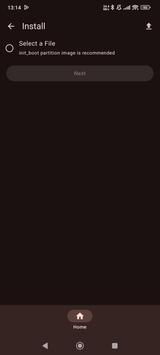
Deploying kernel-level superuser control requires a compatible device along with a suitable boot image. Before installing or upgrading, checking device compatibility and creating a full backup of important data is essential. Once configured, the manager app provides ongoing monitoring through integrated permission reviews and system logs, helping you track privileged requests and maintain system stability.
Your comment was submitted and is awaiting moderation.
Your comment was published.