App Screenshots
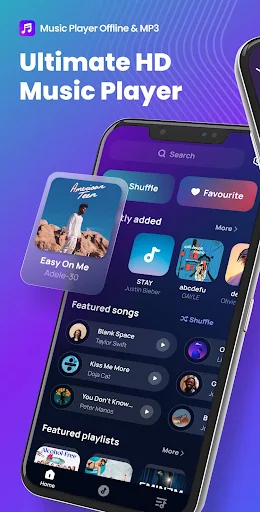
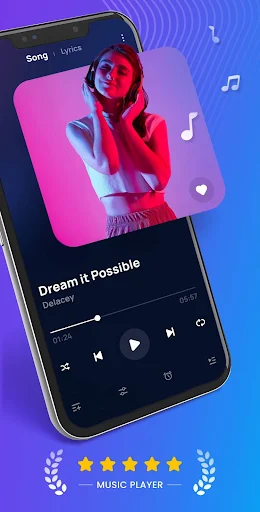
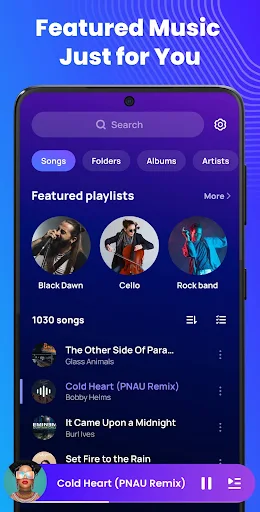
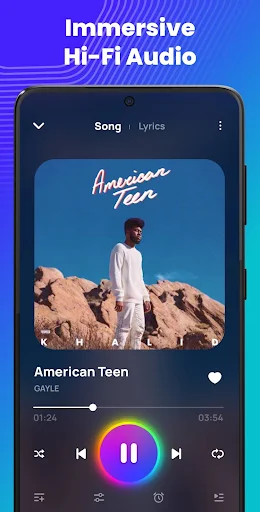

Offline music player with equalizer
- Autoplay on launch: Open the app and your music picks up right where you left off—no waiting!
- Fixed known issues and improved overall performance
We'd love to hear about your experience in the reviews!
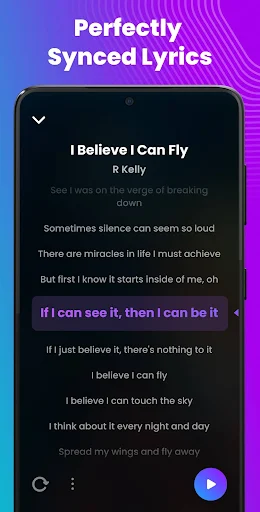
Managing a personal audio collection locally requires a tool that handles diverse file types and helps organize tracks efficiently. Music Player Offline & MP3 provides a dedicated solution for playing stored audio files directly on your device without relying on an active internet connection. Beyond standard playback, it automatically scans your local storage to categorize songs, integrates lyrics for both online and offline viewing, and includes a built-in equalizer with customizable sound effects to tailor your audio output.
The app plays a wide variety of digital audio formats, including MP3, WAV, FLAC, AAC, 3GP, and OGC. To give you full control over your listening session, it supports standard playback modes such as shuffle, loop, and sequential order. Audio continues playing seamlessly in the background or while your screen is locked, and the app fully supports controls from both wired and Bluetooth headphones.
For listeners who want to adjust their sound profile, the app features an integrated equalizer equipped with genre presets like classical, dance, hip hop, and jazz. Users can further fine-tune their audio using manual controls for bass boosting, reverb effects, and a music virtualizer, allowing for specific acoustic adjustments based on the connected speakers or headphones.
Organizing local files is handled through automatic library scanning that detects new tracks automatically. You can sort and search your collection by song name, artist, album, genre, or specific device folders. The app also generates smart automated playlists based on your listening activity, tracking your habits to curate lists such as My Favorite, Most Played, and Featured Songs.
To keep a music collection accurate, the app includes built-in editing tools to modify song information, update album cover art, and rearrange the track order within albums or custom playlists. Additionally, users can back up and restore their created playlists, protecting custom arrangements from being lost during device changes or storage cleanups.
Your comment was submitted and is awaiting moderation.
Your comment was published.