App Screenshots
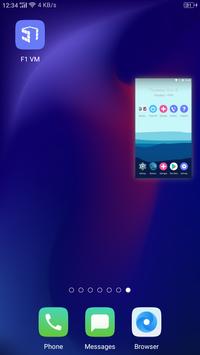
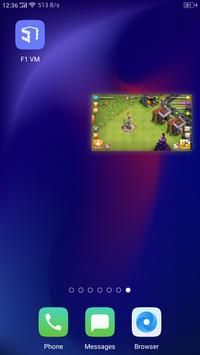
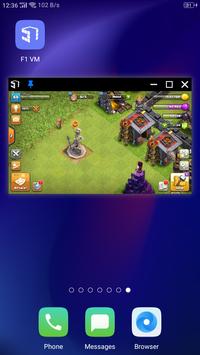
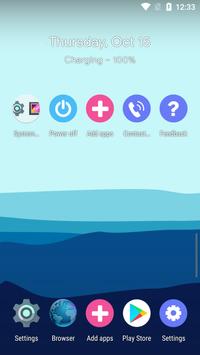
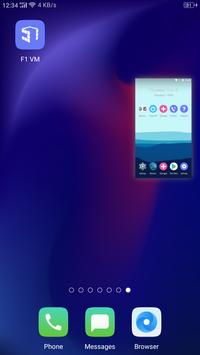
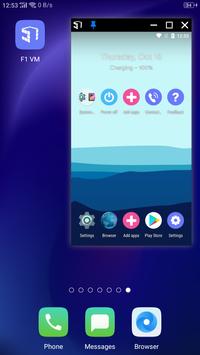
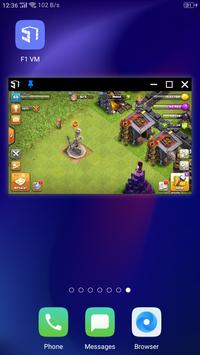
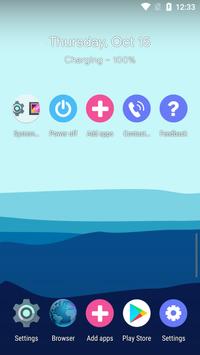
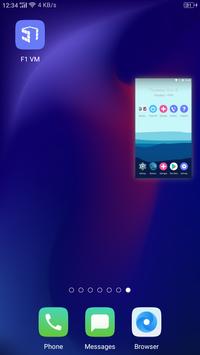
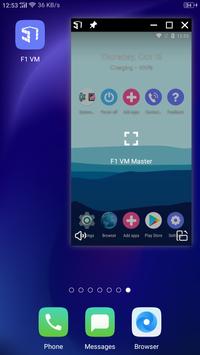
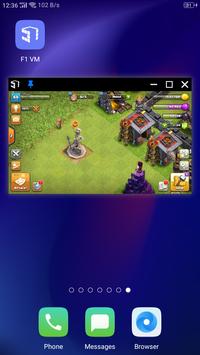

Virtual system for parallel floating window multitasking.
F1 VM picture-in-picture android virtual machine is an app that runs a secondary, isolated virtual system in parallel with your primary phone interface for dual-tasking. It allows you to operate secondary applications inside a floating window or keep them processing continuously while your device display is turned off. Because the virtual environment functions independently, you can run automated tasks, track processes, or handle background routines without interrupting your main phone activity or risking main-system data exposure.
The primary interface feature is a resizable picture-in-picture floating window that sits on top of your main screen. Applications launched within the virtual machine remain fully interactive inside this window, responding to standard touch inputs and swipes. This enables you to monitor live tools, manage auto-battles, or keep item-crafting queues moving forward while simultaneously browsing the web, watching videos, or communicating in other apps. Split view options and quick single-tap window controls allow you to switch between a minimized view and full screen as your focus shifts.
If an application limits display overlays or background execution, adjusting its internal system permissions or expanding the floating window size typically maintains continuous operation.
The app includes a screen-off execution mode designed for long-running operations like AFK grinding, data downloads, or timer queues. When activated, the virtual machine continues processing its internal tasks even after you manually turn off the physical screen. Running software with the display powered down reduces screen battery draw and eliminates visual distractions during extended sessions.
Because active processing still utilizes your device’s CPU and RAM while the screen is off, power consumption will continue. For resource-intensive workloads, lowering the graphics settings inside the virtual application or clearing unnecessary background tasks helps preserve system stability and hardware performance.
Operating as a virtual system based on Android 7.1 (with 7.1 and 10 options available), the app provides a sandboxed environment that isolates virtualized applications from your primary device data. Files, software permissions, and network connections established within the virtual machine remain contained, preventing them from accessing or modifying your host system files. Additionally, this isolated structure does not require host-root access on your primary device to function, providing a secure space to separate specific workloads or secondary accounts.
Your comment was submitted and is awaiting moderation.
Your comment was published.