App Screenshots


IPTV and video streaming media player
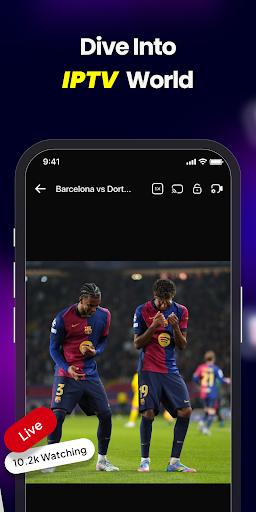
Providing both online stream playback and local file handling, Exo Player- IPTV & M3U Xtream serves as a dual-utility media player. It allows users to import custom M3U playlists, M3U8 URLs, or log in via Xtream Codes API to watch live sports, news, and movies. Alongside live TV capabilities, it plays locally stored video files across major formats using hardware-accelerated decoding. Its integrated casting tools enable users to send online streams or offline videos directly to Smart TVs and media servers.
Configuring live TV content within the app requires importing personal stream sources, as no channels or media files are pre-loaded. Users can input custom M3U playlists and M3U8 URLs directly, or authenticate through a provider’s Xtream Codes API. The internal channel management system lets users organize multiple provider playlists, switch quickly between live channels, and create favorite lists to access frequent broadcasts with low latency.
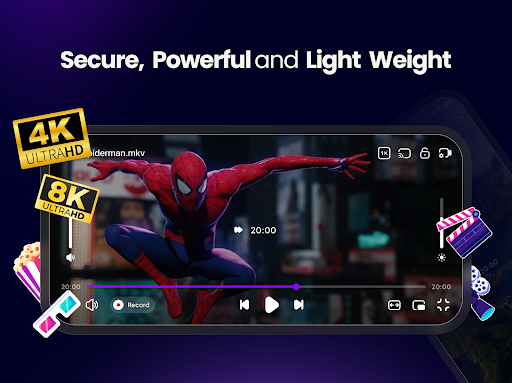
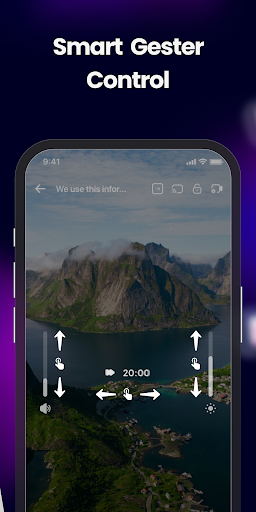
Beyond streaming, the app functions as a media player for files stored on the device or network storage. It supports formats such as MP4, MKV, AVI, MOV, WMV, FLV, and 3GP. Playback features hardware acceleration to handle video resolutions up to 4K and 8K Ultra HD. Users can adjust playback speed, switch between multi-language audio tracks, load external subtitles, or continue listening via background playback and floating pop-up window modes.
For external playback, the app handles direct network links, including HLS, DASH, RTMP, and HTTP protocols. Built-in Chromecast support allows users to cast live IPTV channels or HD video files from a phone or tablet to a Smart TV. It also supports DLNA and UPnP protocols, making it possible to discover, browse, and stream videos stored on local network-attached storage (NAS) devices.
Your comment was submitted and is awaiting moderation.
Your comment was published.