App Screenshots

Screen and video recorder
🌟 New
Perfected UI for large screens: enjoy XRecorder on tablets and foldables!
✅ Improvements
- Better recording experience.
- Other bug fixes and performance improvements.
Update XRecorder to start a better recording experience!
Join us at: https://www.reddit.com/r/XRecorder/
Email us at: [email protected]
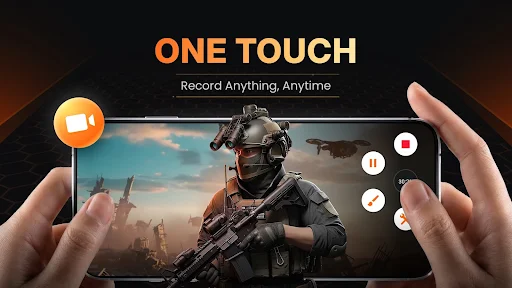
Screen Recorder – XRecorder provides tools for recording mobile displays, taking screenshots, and broadcasting live feeds without requiring root access or putting watermarks on saved files. Designed for creating video tutorials, saving video calls, and capturing on-screen content, the app operates through an overlay floating ball that gives immediate access to controls. Users can record audio internally on compatible systems running Android 10 or higher, feature their own reactions using a camera overlay, and adjust resolution settings up to 1080p at 60FPS or 120FPS.
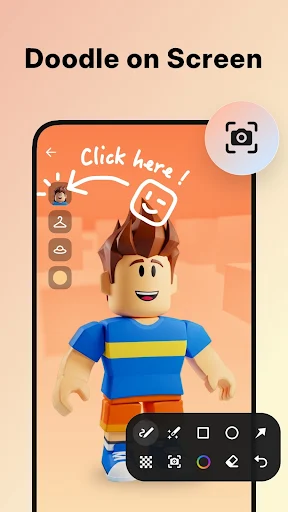
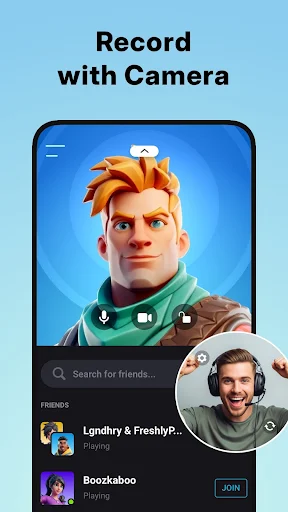
Recording and screenshot functions are accessible directly through a floating window overlay on the display. This interface can be customized in appearance and opacity, minimized to show recording duration, or hidden entirely to keep the capture screen clear. Users can enable a countdown timer before recording begins, pause and resume sessions as needed, or draw directly on the screen using built-in brush tools. For live broadcasting, the app supports streaming to YouTube and RTMP destinations. The facecam feature displays a adjustable window on the screen, allowing users to record video from the device’s front camera alongside screen activity.
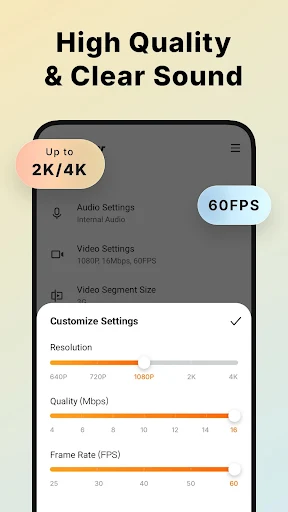
Screen capture configurations range from 240p to 1080p resolution, with frame rates customizable between 15FPS and 60FPS, alongside support for up to 120FPS output. Bitrates can be set up to 12Mbps to manage visual output quality. Internal sound recording is supported without background noise, provided the device runs Android 10 or above. Saved files can be written either to internal storage or directed to an external SD card, and there are no imposed time limits on recording sessions.
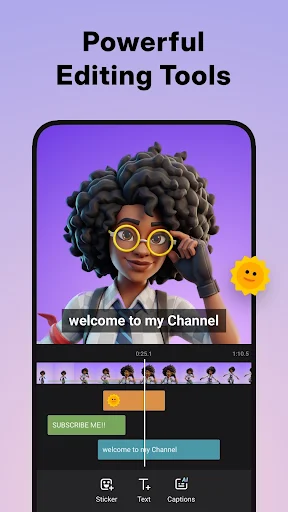
The app includes built-in editing features for modifying captured footage. Users can trim, split, cut videos, remove middle sections, crop frames, and adjust aspect ratios for different platforms. The editor allows speed adjustments to accelerate or slow down footage, as well as the addition of background music, text overlays, stickers, and visual filters. Edits can be saved as drafts for later completion. Deleted recordings and photos are held in a built-in trash bin, where files remain recoverable for up to three days before permanent deletion.
Your comment was submitted and is awaiting moderation.
Your comment was published.