App Screenshots

Video editor and maker
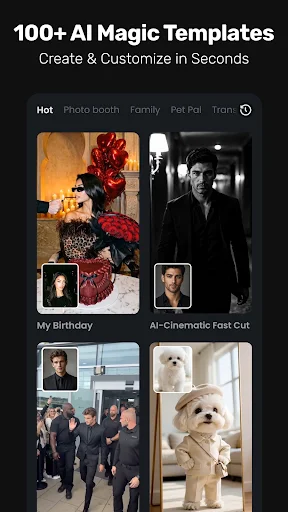
Creating and polishing video content directly on a mobile device requires a balance between standard clip editing and advanced visual manipulation. VivaVideo – Video Cut & Editor functions as an all-in-one editing app that allows users to assemble, trim, and adjust footage for publishing across platforms like TikTok, Instagram, and YouTube. Beyond fundamental clip splicing, the app distinguishes itself by incorporating a wide range of automated AI utilities alongside multi-layer editing tools, enabling complex adjustments such as motion tracking, voice cloning, and automated background removal within a single mobile environment.
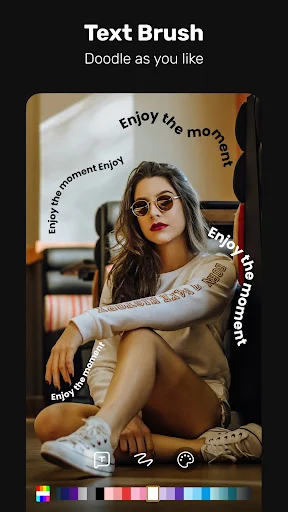
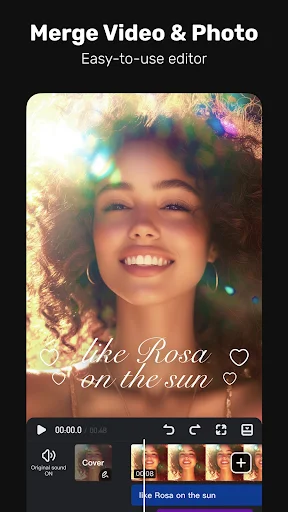
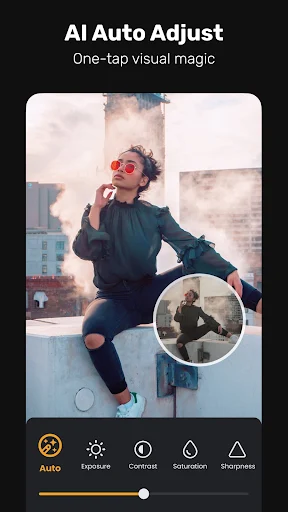
At its core, the app provides tools designed for foundational timeline management. Users can trim, split, cut, and merge individual video clips without suffering quality degradation during assembly. Standard visual enhancements include color adjustments—allowing fine-tuning of brightness, contrast, and saturation—as well as customizable speed control using preset or manual speed curves. To add stylistic flair, editors can apply visual transitions between clips, insert custom text titles with variable fonts, and apply decorative elements such as stickers and emojis.
For more intricate visual arrangements, the platform supports multi-layer video compositing through a picture-in-picture mode. Users can stack video clips, still images, stickers, special effects, and text on top of the base track. Precision editing is facilitated through keyframe animation, which lets editors plot dynamic movements and targeted visual effects over time. Advanced compositing techniques include chromakey effects for stripping out specific colors to replace backgrounds, masking controls to mix or hide sections of footage, and mosaic tools designed to blur or pixelate sensitive information.
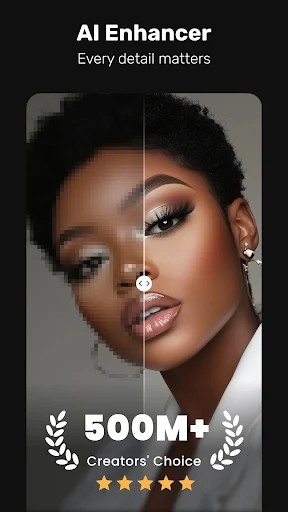
The software integrates several specialized artificial intelligence tools to handle complex production tasks automatically. Smart tracking locked onto moving objects allows effects or edits to follow subjects smoothly across the frame. For speech and audio, the app includes auto-captioning with instant translation capabilities, dynamic animated text styling, and AI voice cloning to generate speech from custom voices. Editors can also automatically isolate subjects using AI background cutouts, generate customized music based on text prompts or lyrics, synchronize clip highlights to rhythmic beats, and utilize AI frame enhancement to scale footage toward HD clarity.
Your comment was submitted and is awaiting moderation.
Your comment was published.