App Screenshots

Smart media playback and library tool
Fixed the issues in the previous version.
Medix-Superior Player is a video playback app that streams high-resolution media and plays local files while automatically retaining your exact watch position. Designed for viewing everything from long movies to multi-episode series and lectures, it allows you to pause or switch tasks without losing your place. On-the-fly gestures let you adjust screen brightness and audio levels directly over the video, keeping playback smooth in changing light or noise environments without interrupting the stream.
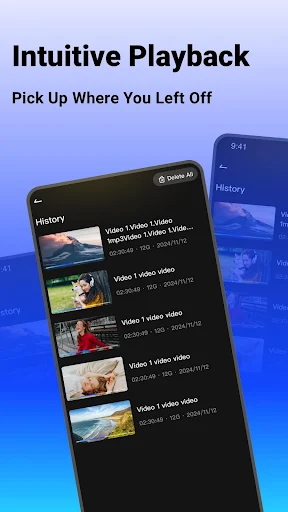
The app maintains a detailed watch history to automatically save your exact point of interruption. When you pause a video to answer a message, take a phone call, or step away for an extended period, returning to the file immediately restores your exact frame. This eliminates the need to manual scrub through the timeline or guess where a scene left off, preserving continuity across multi-part series or long-form video content.
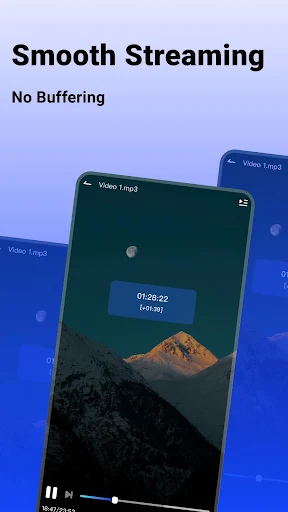
Media content streams in sharp resolution, engineered to maintain visual clarity during both dark scenes and rapid action sequences. Visual performance scales based on your device’s capabilities and network stability. If playback performance drops during a stream, pausing active background downloads or reducing local network congestion helps restore steady motion and sharp image quality without requiring manual resolution adjustments in the menu.
Playback includes on-the-fly controls that allow you to modify lighting and audio levels without leaving the viewing window. You can quickly dim the display for night watching or turn up the volume during a noisy commute. By adjusting these settings over the active video, you can adapt to environmental changes instantly without stopping the video or navigating out to external system menus.
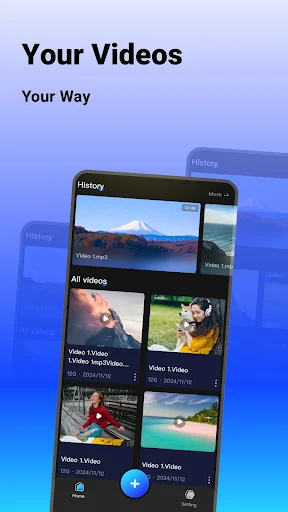
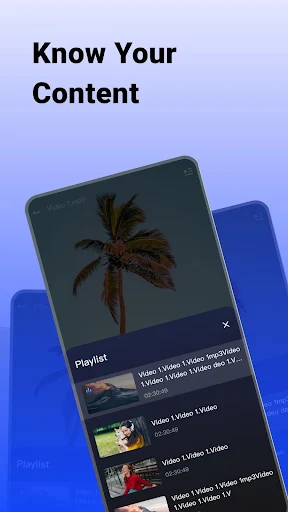
Organizing your video library is simplified through a dedicated import shortcut located on the Home screen. Tapping the + icon lets you quickly add local media files to the player. For every stored or incoming file, the app displays clear metadata, including the video format, screen resolution, total duration, and memory space consumed, making it easier to manage storage usage across a growing media collection.
Your comment was submitted and is awaiting moderation.
Your comment was published.