App Screenshots
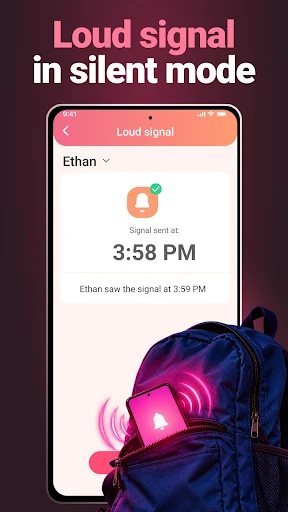

Screen time and digital activity management tool
The Kid Security team improves the quality of work for you in the new version of the app. With this update, we have fixed the errors found and improved the stability of the application.
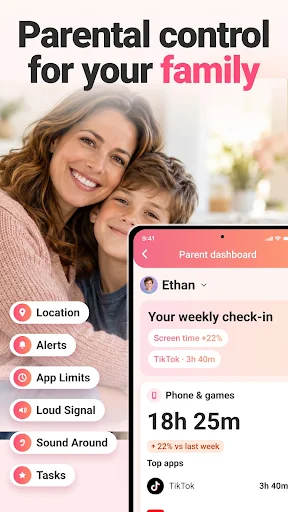
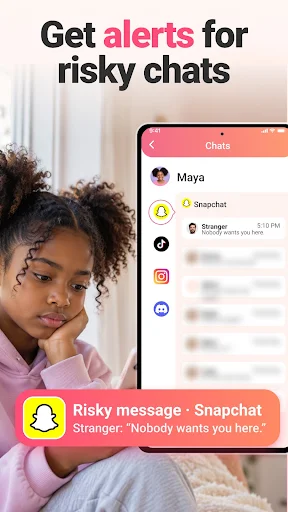
Managing your child’s phone activity and real-world safety requires clear monitoring tools. Parental Control App Blocker combines digital restriction features with live physical tracking to help parents oversee their children’s daily device usage and location. The app allows you to restrict access to specific applications and websites, set up geographic safe zones, and even activate the child’s device microphone to listen to surrounding ambient audio when safety concerns arise.
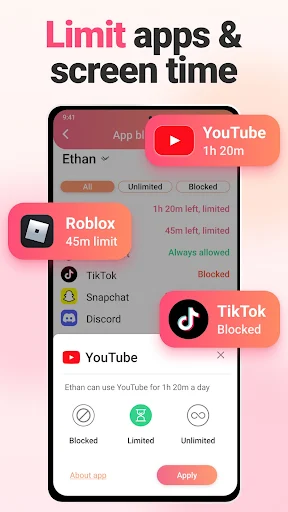
Parents can manage their child’s digital habits by setting specific restrictions on installed applications and web browsing. The app enables blocking by specific applications or broad categories, ensuring children only access content approved by their parents. It also tracks app usage statistics, providing detailed information about which applications the child uses most frequently and how much time they spend on their device.
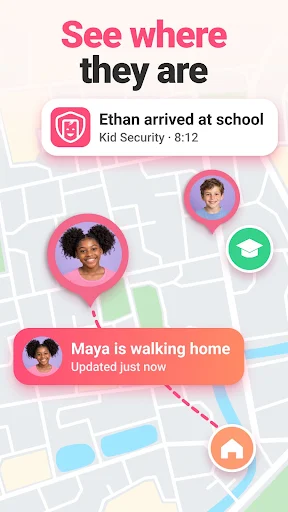
The app includes built-in GPS and geolocation tools to monitor your child’s physical movements. You can view their real-time location on a map and define custom geofences, such as home or school. Whenever the child enters or exits these designated safe zones, the system sends instant alerts to your phone, allowing you to confirm their whereabouts throughout the day without needing constant manual check-ins.
To help assess a child’s immediate physical environment, the app includes an ambient audio monitoring function. If you have concerns about your child’s current environment or safety, you can remotely activate the phone’s built-in microphone. This tool streams real-world surrounding sounds from the child’s immediate location, offering additional context alongside the live GPS data.
To link the parental oversight features with your child’s device, you must install a separate companion software called the Tigrow app on the child’s phone. This secondary app acts as the sender for location updates, usage stats, ambient audio, and device restrictions managed from the primary parent interface.
Your comment was submitted and is awaiting moderation.
Your comment was published.