App Screenshots
Portable PDF document and text scanner
We’ve made a few improvements for you in this update:
• Enjoy a smoother page reordering experience.
• Add text to your documents more easily. Find Add Text under Edit > More.
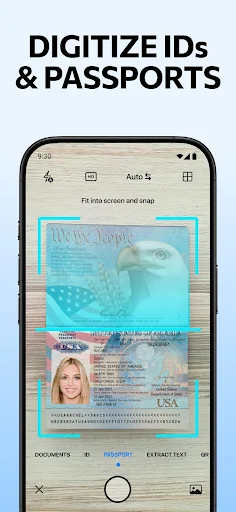
• Get improved results when scanning passports and ID cards.
• Enjoy a smoother experience throughout the app.
Thanks for using Scanner App! If you’re enjoying the app, we’d love for you to leave a review.
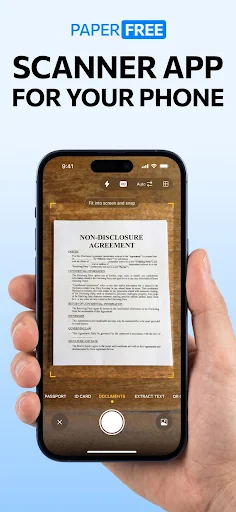
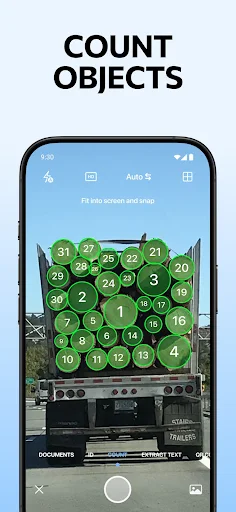
Digitizing physical documents into clean, manageable digital formats is simple with Scanner App – Scan PDF & Docs, a camera-based scanning tool designed to convert paper files into editable and shareable media. Users can capture everything from basic receipts and whiteboards to multi-page contracts and official identity documents using dedicated scanning modes. A built-in object counter uses image recognition to count items automatically, offering practical utility beyond traditional document scanning.
The app includes tailored capture settings to handle different types of physical media. Standard document scanning relies on automatic edge detection to trace paper boundaries and eliminate background clutter. For multi-page projects, batch scanning processes several pages sequentially, saving time during long capture sessions. A dedicated ID Card & Passport Scanner mode formats two-sided identity cards and official credentials efficiently. Users can also leverage real-time camera scanning to digitize paper files on the fly.
Raw camera photos often suffer from poor lighting or distorted angles. To compensate, built-in AI curve correction automatically flattens bowed or warped pages commonly found when photographing thick books or bound documents. Additional optimization tools include smart cropping alongside contrast and brightness adjustments. These controls clean up background shadows and sharpen text across photo scans before final file creation.
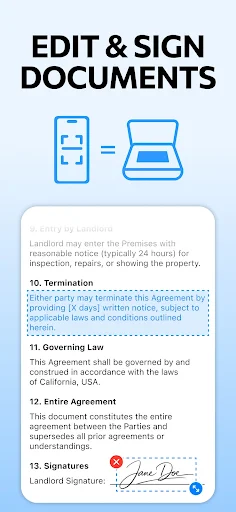
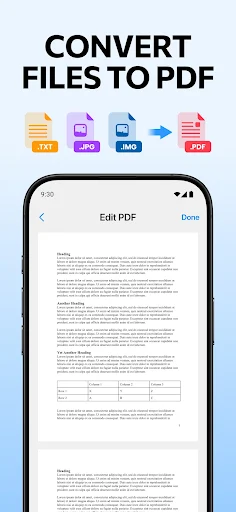
After capturing a image, users can extract and edit text directly within the app using integrated optical character recognition (OCR). The built-in PDF editor handles minor adjustments, while document authorization tools allow users to draw, scan, or import custom signatures and stamps to sign files electronically. The software converts captured images into a wide variety of formats, supporting exports in PDF, JPG, DOC, DOCX, TXT, XLS, XLSM, XLSX, CSV, PPT, PPTM, and PPTX. Processed files can be shared individually via email and social platforms or compressed into ZIP archives.
Your comment was submitted and is awaiting moderation.
Your comment was published.