App Screenshots
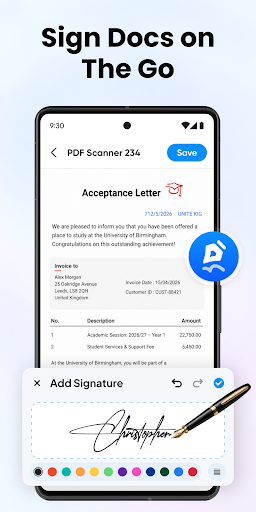
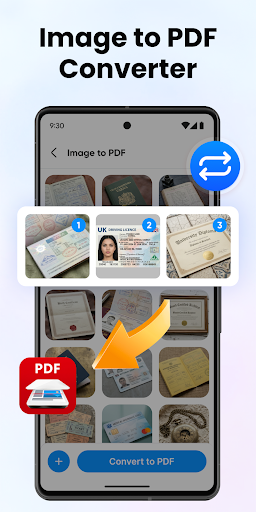
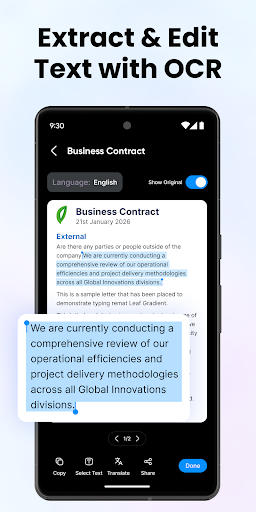
Mobile document and PDF scanner
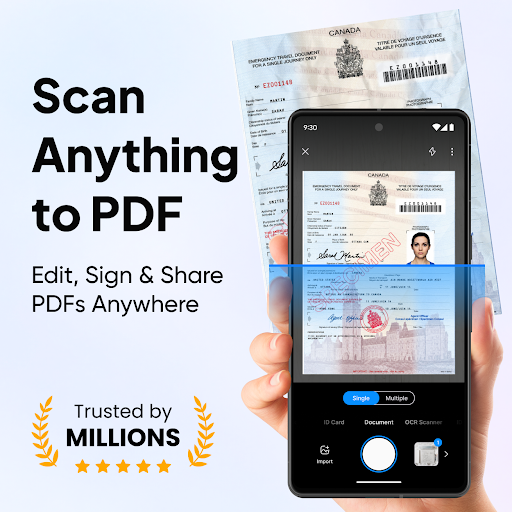
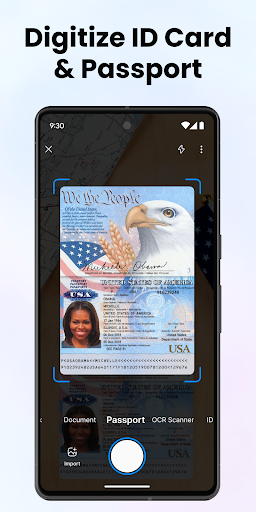
PDF Scanner – Document Scanner turns a smartphone camera into a digital capture tool for turning physical paper into portable digital files. It allows users to capture images of documents, receipts, handwritten notes, IDs, and photos, converting them directly into single or multi-page PDF files or JPG images. With built-in edge detection, document enhancement options, and text extraction capabilities, the app simplifies the process of archiving, editing, and sharing paperwork directly from a mobile device.
Scanning physical papers relies on automatic edge detection and cropping to isolate the document from its background. Once a page is framed, the app applies high-definition enhancements to clarify text and contrast. Users can choose between full-color, grayscale, or black-and-white scanning modes depending on whether they are archiving vibrant photos, color certificates, or plain text pages. The batch scanning function enables sequential capture of several pages, consolidating them into a single multi-page PDF document.
Beyond basic image processing, integrated Optical Character Recognition (OCR) scans documents and images to identify printed or written words. This system extracts readable text directly from scanned files, allowing users to copy the information without retyping it manually. The feature supports converting scanned images into editable text files, making it easier to extract information from business cards, forms, and printed reference sheets.
Captured scans can be exported immediately as either PDF or JPG files. The app includes basic file organization tools to manage, categorize, and store documents in one central space. Users can export high-resolution files or share completed scans directly to other applications, making it straightforward to send digital receipts, student notes, or official paperwork via standard sharing channels.
Your comment was submitted and is awaiting moderation.
Your comment was published.